
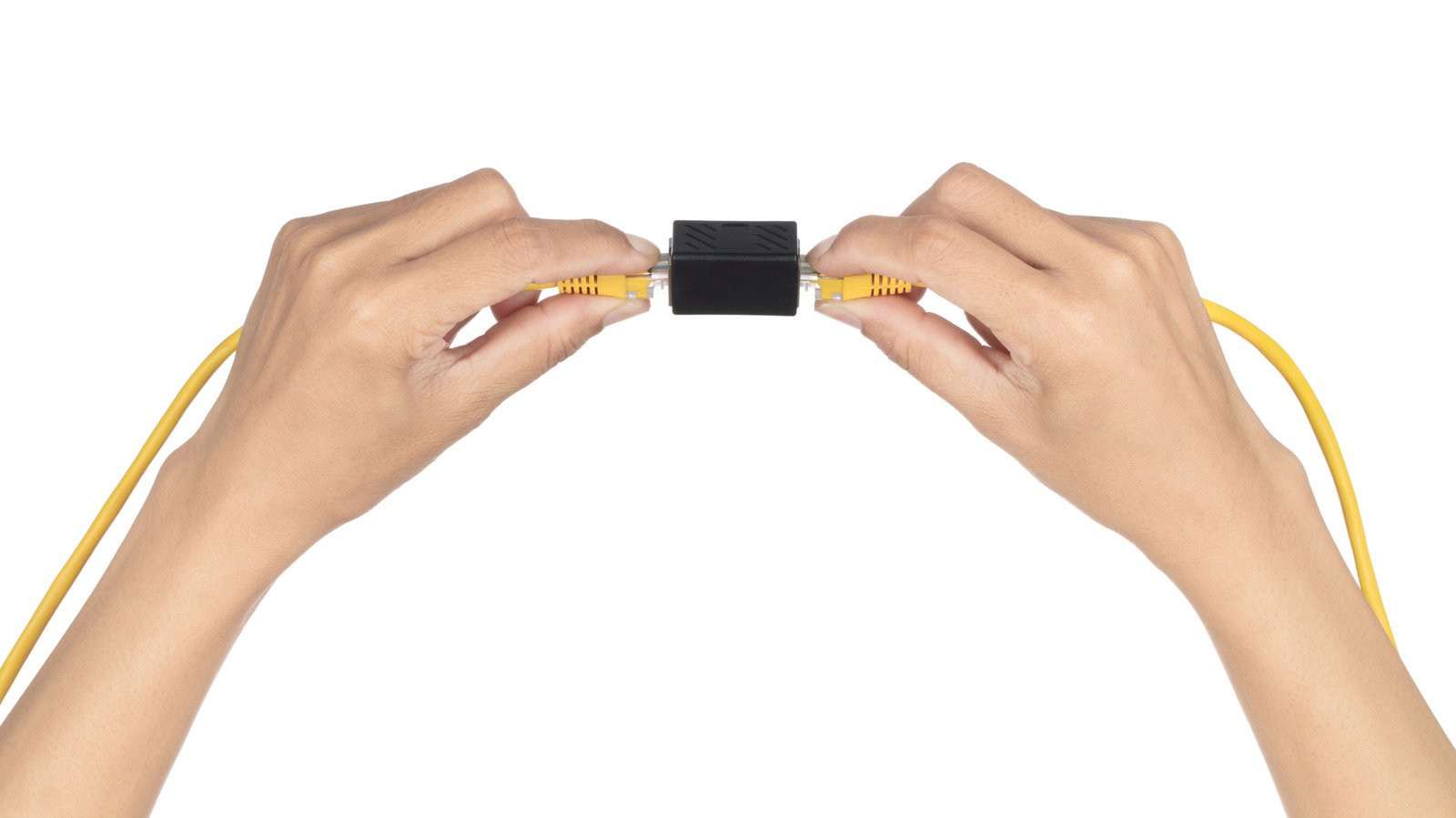
Joining two Ethernet cables together with a coupler is rare, but when your cords are suddenly too short, there are better options to extend your network. A small RJ45 coupler can connect two cables with little effort. There's no need to find an outlet for power, read a setup guide or become a certified network professional, and a quality coupler shouldn't noticeably slow your internet connection. However, the adapter adds another connection you'd need to check if the network starts acting up. For a permanent setup, a single longer cable is usually simpler.
An Ethernet coupler does not increase signal strength or create a separate Ethernet link. The additional connection is a potential failure point, especially if the adapter is poorly made. A bad join could cause occasional dropouts, transmission errors or a link falling back to 100 Mbps instead of 1 Gbps. The standard copper Ethernet channel limit is 328 feet (100 meters), including patch cords, so joining two 200-foot cables would exceed that limit. In tests by True CABLE using a Fluke DSX-8000 tester, configurations with three couplers generally passed, while those with four failed. Adding more joins than necessary is a bad idea.
If you're using a single PC or console, begin with one Ethernet cable long enough to reach. Leave some slack when routing it around furniture. A Gigabit connection can typically be achieved with good Cat5e or Cat6 cable, and an expensive Cat8 cable won't fix poor routing.
If you need more ports at the other end, a small unmanaged network switch makes sense. A five-port model costs around $15, requires no configuration and leaves four ports free after one connects to the router. Note that a standard non-PoE switch will not supply Power over Ethernet, so devices such as security cameras or wireless access points may need a PoE-capable switch or injector.
Source: Engadget · Summarized by HeadlinesBriefing