
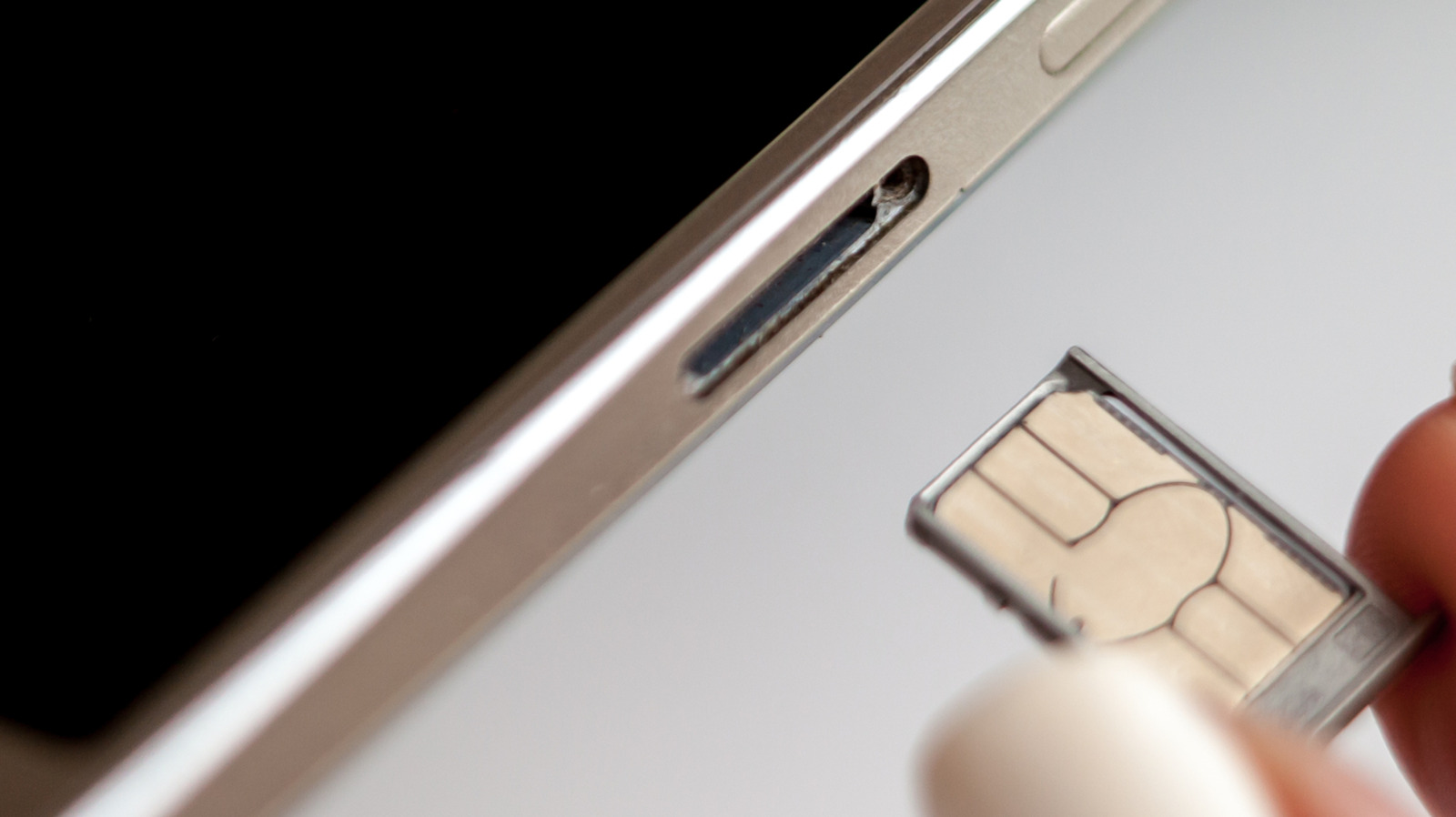
Most modern smartphones allow you to switch SIM cards while the device remains powered on, eliminating the need to power down for the process. However, experts recommend optionally turning off your phone or enabling airplane mode before swapping to minimize the small risk of software or connection issues. Physical SIM replacement involves ejecting the tray using a paperclip or SIM tool, ensuring correct card size and orientation, then reinserting the tray and entering your PIN if prompted.
While eSIM technology offers a contactless alternative via QR codes or carrier apps, many users still prefer physical SIMs for their simplicity, privacy, and ease of use with pay-as-you-go plans, especially when traveling or switching to MVNOs. Potential risks of improper SIM handling include inserting debris, moisture, or incorrectly sized cards, which could damage the tray or SIM, leading to connection failures, battery drain, or overheating. Powering off the phone before swapping helps the device reread carrier settings upon reboot, reducing the chance of network registration errors.
This practice stems from older designs where SIM slots were under removable batteries, but even today’s hot-swappable trays benefit from a clean state. For dual-SIM phones, users should verify which slot they’re modifying. Some Android devices share the SIM and microSD tray, requiring extra caution to avoid confusion.
Ultimately, while not strictly necessary, taking a few extra seconds to power down or use airplane mode adds a layer of safety with minimal effort.
Source: Engadget · Summarized by HeadlinesBriefing