
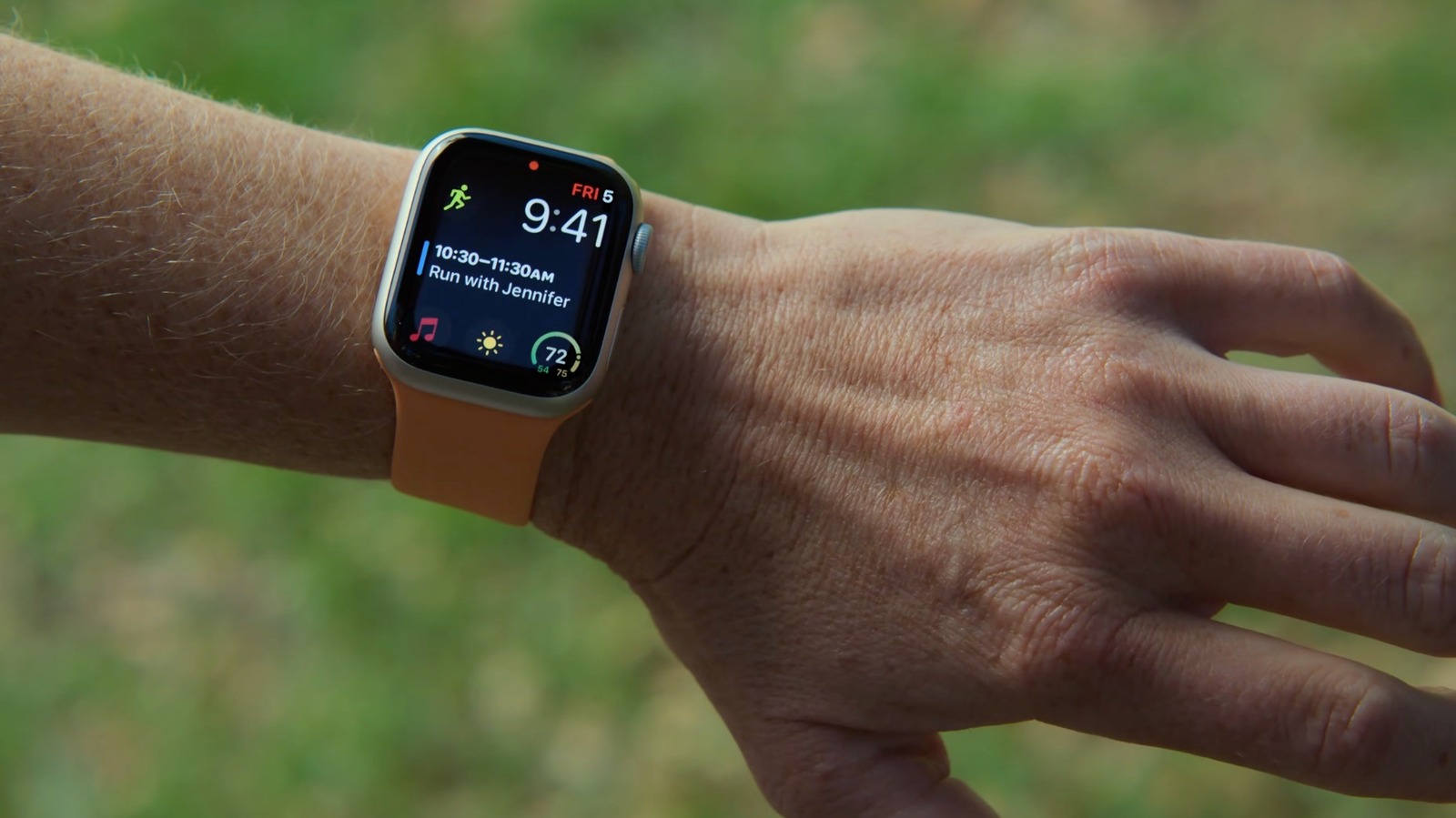
Assistive Touch is an accessibility feature designed to help people with motor disabilities navigate the Apple Watch interface, but it unlocks cool features for everyone. The Apple Watch interface typically involves tapping the screen and rotating the Digital Crown, but Assistive Touch allows control without touching the screen. It uses data from built-in sensors like the gyroscope, accelerometer, and optical heart rate sensor to detect subtle movements of the arm, hand, and fingers.
Users can control the system just by moving their fingers and hand, with no special hardware required. If you have an Apple Watch running the latest version of watchOS, Assistive Touch is built-in. Beyond accessibility, the feature is useful when hands are full or wearing gloves.
It enables actions like tapping buttons, scrolling, and using Apple Pay without direct screen contact. However, enabling Assistive Touch turns off Apple's universal double tap gesture used for answering calls or scrolling widgets. To enable, go to Settings > Accessibility > Assistive Touch and flip the toggle on, then turn on Hand Gestures.
Users can customize gestures, such as single tap to touch screen and double tap to open Notification Center. The feature also includes Motion Pointer, placing a cursor controlled by arm movement. Even if not used, other accessibility settings like Auto-Answer Calls, Show Audio Transcriptions, Reduce Transparency, and Text Size adjustments are recommended.
For Apple Watch Ultra, learning to set different actions for the Action Button is also worthwhile.
Source: Engadget · Summarized by HeadlinesBriefing