
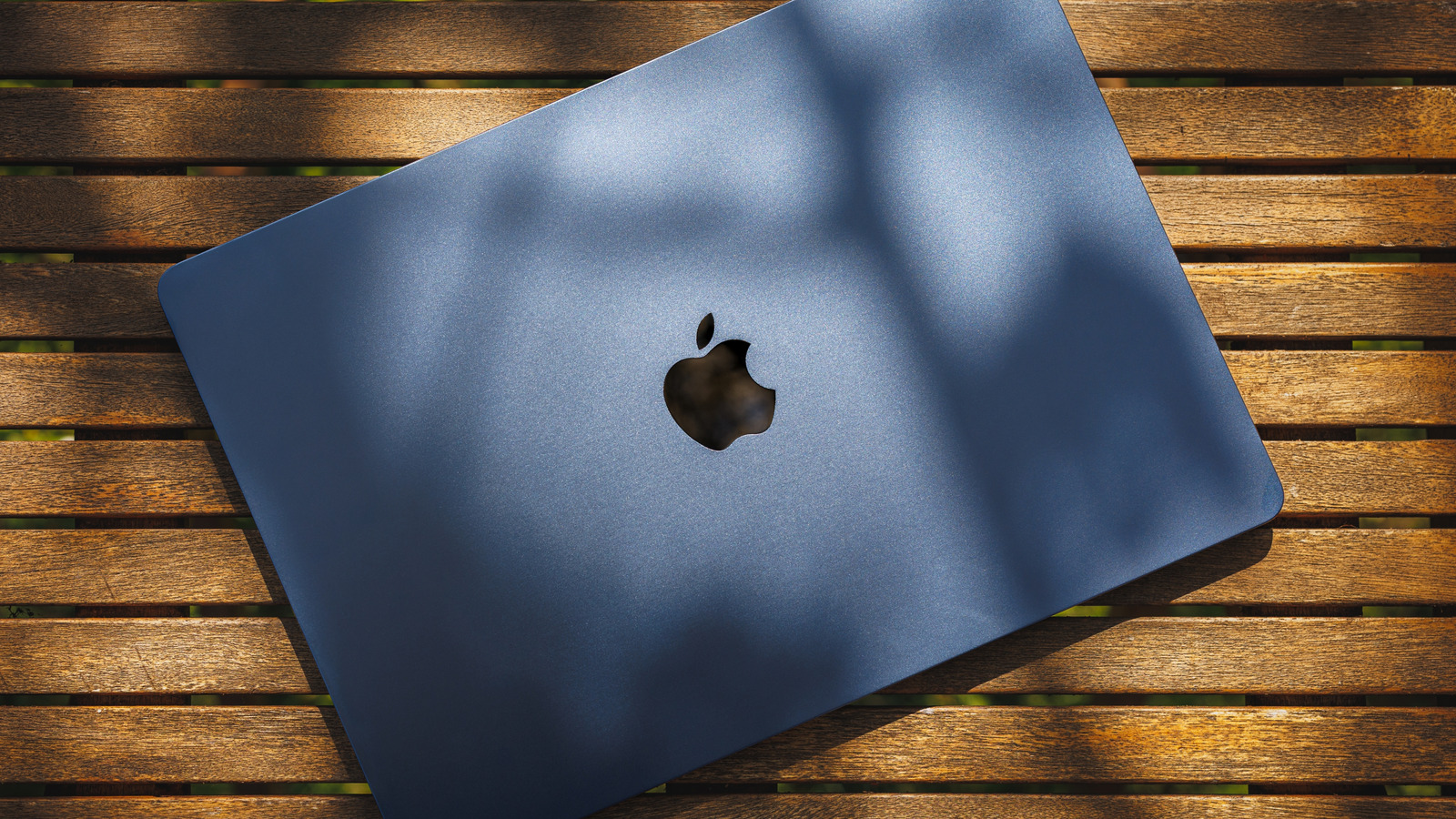
Taking a MacBook outside requires attention to temperature and sunlight. Apple recommends using Mac laptops when ambient temperature is between 50 and 95 degrees Fahrenheit (10 to 35 degrees Celsius). Avoid leaving a MacBook in a parked car, where heat can exceed safe limits.
The 95-degree limit refers to surrounding air, not surface temperature in direct sunlight. Prolonged exposure above 95°F can permanently reduce battery capacity. All Apple Silicon MacBook Air models use passive cooling; MacBook Pro models use active cooling.
Provide shade and ventilation to aid heat dissipation. Direct sunlight reduces screen visibility—current MacBook Air displays are rated for 500 nits, MacBook Pros up to 1,000 nits of SDR brightness. Increase brightness only if needed, as it drains battery faster.
Try repositioning to reduce glare instead. Use a hard, stable surface like a table or tray—avoid pillows, blankets, or cushions that block airflow. Keep the laptop, power adapter, and charging cable dry; avoid rain, snow, fog, and humidity.
Shade solves both overheating and glare issues simultaneously.
Source: Engadget · Summarized by HeadlinesBriefing