
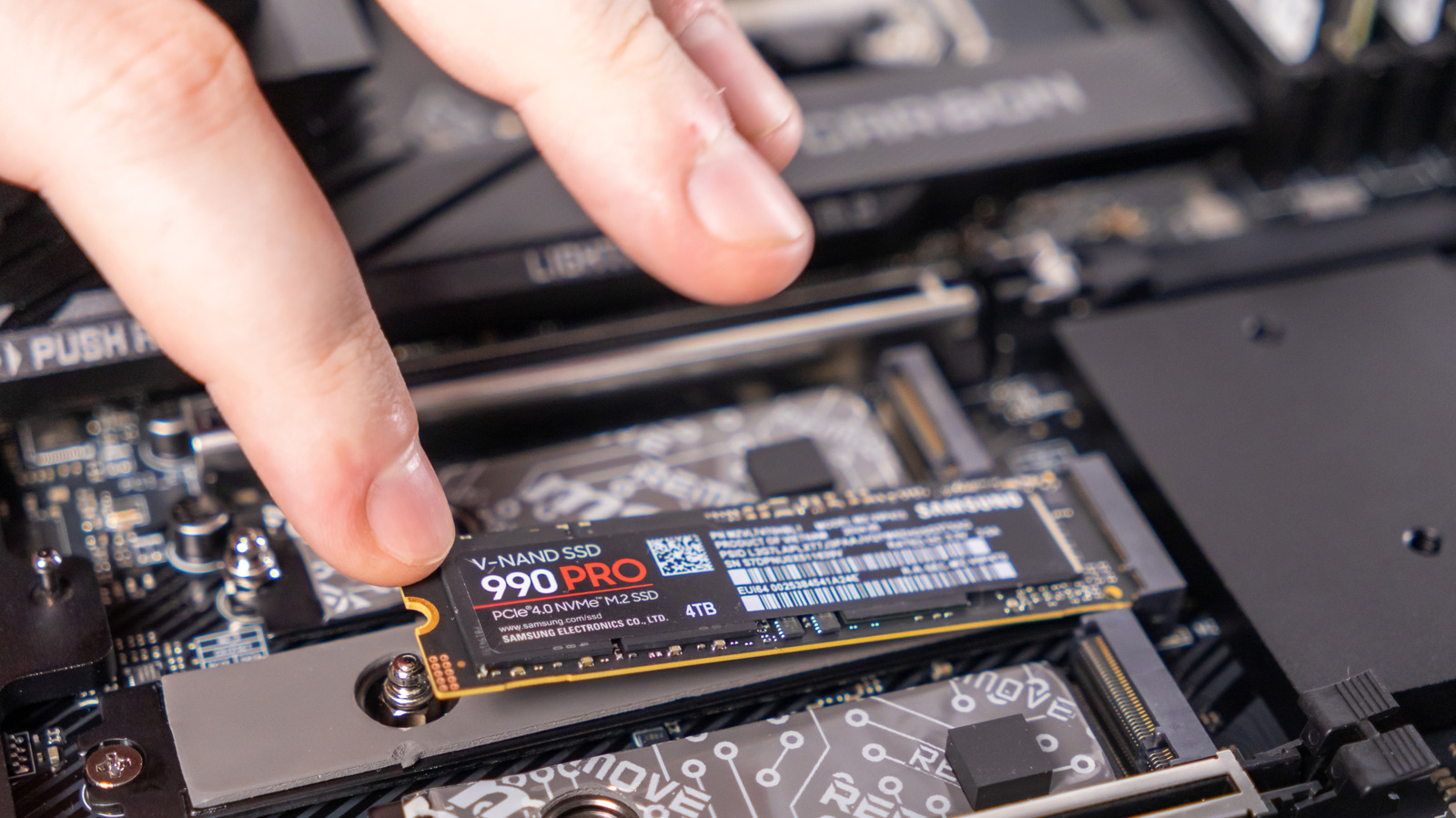
Got an old laptop SSD lying around? Instead of discarding it, turn it into an external storage solution. While it may be larger than a typical USB drive, it provides much faster read and write speeds, helping to combat electronic waste.
Before you begin, verify if the SSD can be removed. Note that some ultra-thin laptops, such as Apple's Mac Books, have storage soldered to the logic board. If your SSD is removable, pair it with an appropriate external shell. Affordable enclosures are available on Amazon, but ensure you get the right type for your SSD's form factor, whether it's the larger 2.5-inch SATA or the compact M.2 NVMe.
It's crucial to back up any important files from the SSD before repurposing it. Also, check the drive's health using built-in tools like Disk Utility on macOS or Drive Management on Windows. If the SSD is nearing the end of its life, reserve it for non-critical data, such as AAA games or large files. Afterward, format the SSD to erase all data and install it into the enclosure.
Most enclosures connect via USB-C, allowing you to plug it into any device and use it as a standard external drive. This method gives your old SSD a new life and ensures you never run out of storage space.
Source: Engadget · Summarized by HeadlinesBriefing