
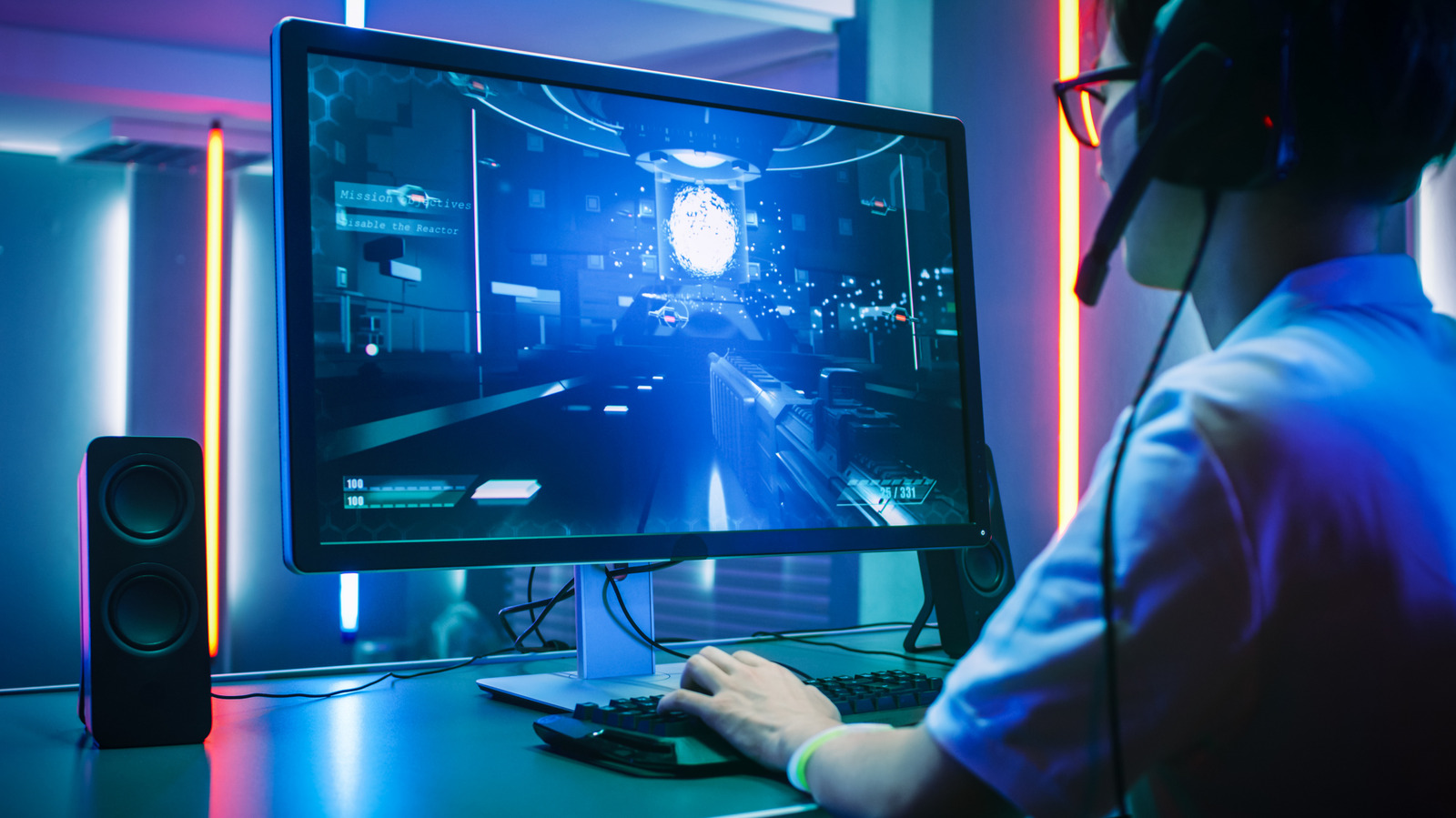
Choosing a gaming monitor is like picking an outfit — it must match your hardware and playstyle. Competitive shooters demand high refresh rates over resolution, while visually rich single-player games benefit from 4K detail. Start by evaluating your GPU: an RTX 5090 or 5080 justifies a 4K, ultra-high-refresh panel, but older cards won't push frames fast enough to use a 240Hz display.
For the average gamer running an RTX 5070, 5060, 4060 or 3060 (per Steam's September 2026 survey), the sweet spot is 144–240Hz at 1080p or 1440p. Resolution and refresh rate pull opposite ways; esports players often choose 1080p/240Hz, while narrative gamers may prefer 1440p/144Hz or 4K/120Hz.
Size and aspect ratio are personal. Esports pros favor 24-inch screens to see the whole field; immersion seekers lean toward 27 inches or larger. Standard 16:9 remains the gaming norm, though ultrawides expand peripheral vision — at the cost of HUD visibility in some titles.
Beyond refresh rate, consider panel type (IPS, VA, OLED), HDR brightness, port selection, and VRR support like G-Sync. Match these to your primary use — gaming, editing, multitasking — and you'll land on a monitor you'll enjoy for years.
Source: Engadget · Summarized by HeadlinesBriefing