
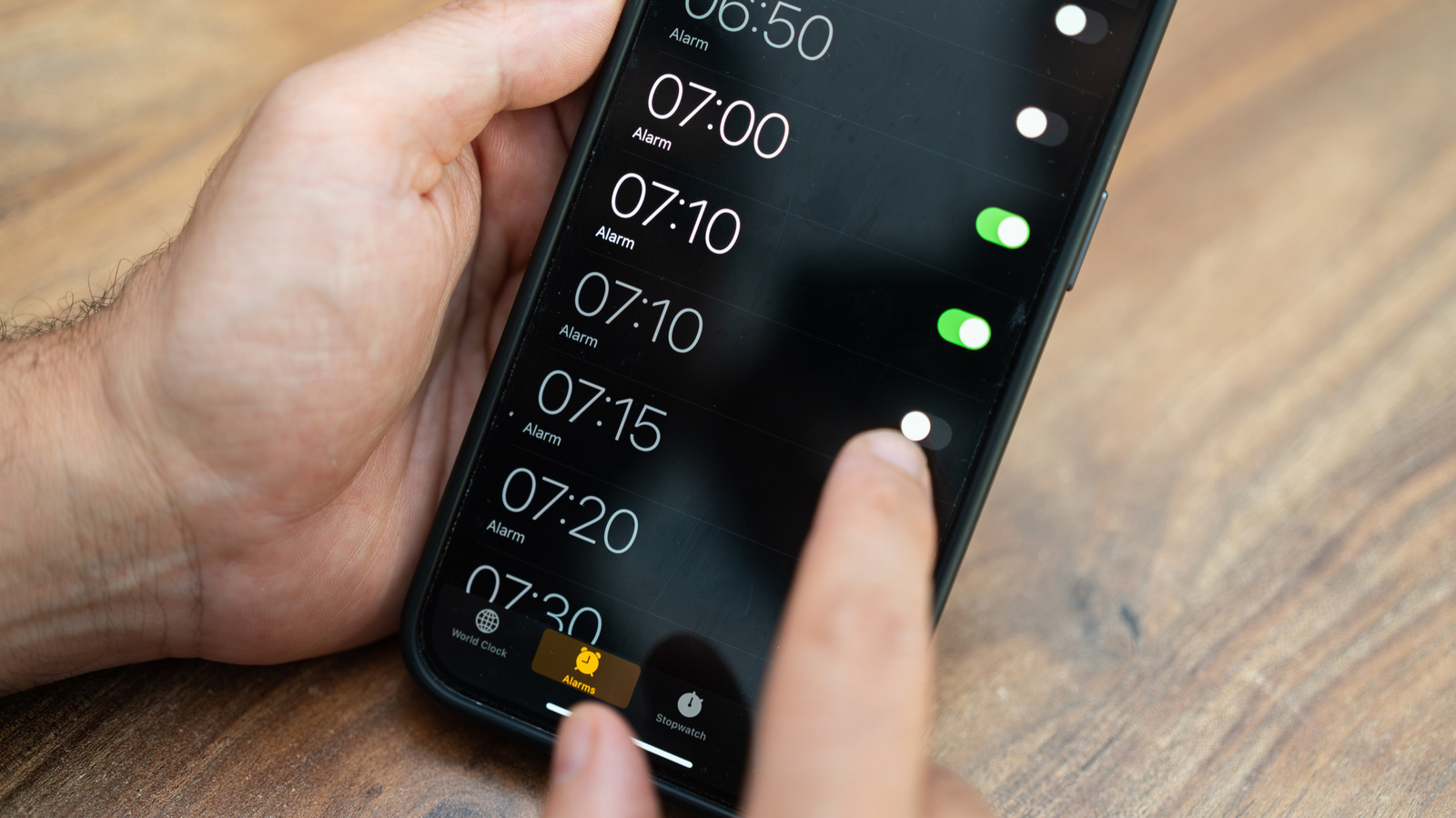
There’s a limit to how far your alarm settings will scroll in the iPhone Clock app, and most people never reach it. The iPhone Clock app has been around since the original iPhone launched 19 years ago, and for most, it's always been a fairly straightforward default app. However, there's a small curiosity hiding within the alarm settings that went viral in mid-2025.
To put it simply, the alarm hour and minute scrolls seem infinite at first glance, but rapidly scrolling through the hours and minutes will eventually reach a dead end at 4:39. For those with a preference for military time, it ends at 16:39. Go ahead, give it a try and see for yourself.
Open the Clock app, select Alarms, tap the + button and start scrolling through the hours and minutes until you reach the end. It will take several swipes, but not too many if you scroll through as fast as you can, which is the reason why most people never noticed it in the first place. However, this little endpoint doesn't mean you're limited in setting alarms.
So why does the iPhone alarm stop at 4:39? The specific hour and minute seem a little strange and random, right? Well, Apple hasn't weighed in on this, but reports and online discussions offer differing explanations, like something called Tableview that an X user thinks is involved. For the most part, just treat it as an interesting idiosyncrasy. The numbers don't add up to 23 or anything, so there's no need to delve into conspiracy theories.
The Clock app icon isn't static. It tells you the current time, including a moving second hand. Apple introduced this feature in iOS 7, back when we were still grunting and finger painting on cave walls.
If you've always opened the app to look at the time, you never really had to. Also, there's an even subtler feature alluded to in the opening paragraph. Normally, the second hand moves in a continuous "sweeping" motion all the way around.
On iOS 26.1 devices and later, however, Low Power Mode changes the motion to a once-per-second tick, like a traditional quartz clock. It still tells the time, of course, only with a less fluid animation. This is only a visual change, and there's no audible ticking involved.
If you're looking for one more option that's hidden in plain sight, open Stopwatch inside the iPhone Clock app and swipe across the display. You can switch between digital and analog stopwatch faces without installing another app. Unlike the alarm's endpoint, this is a documented feature that's included in the iPhone user guide.
Source: Engadget · Summarized by HeadlinesBriefing