
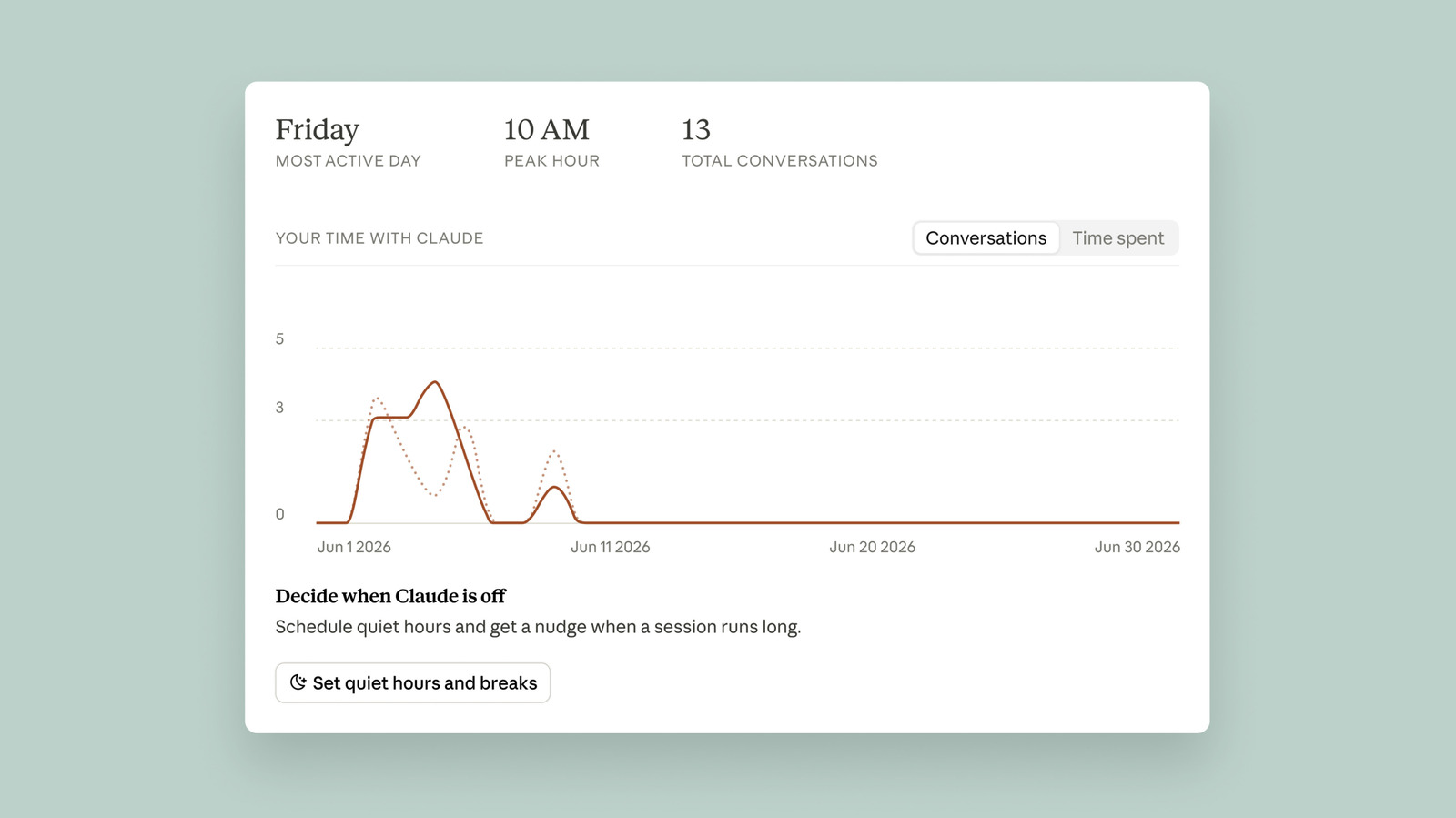
Anthropic's Claude chatbot now includes Reflect, a dashboard that mixes Spotify Wrapped‑style insights with Apple’s Screen Time tools to help users gauge their usage and build a healthier relationship with the AI. Located in the settings menu, Reflect generates a report of your conversations, defaulting to the last month but offering three‑, six‑ or twelve‑month views.
Although the exact time spent is still listed as “coming soon,” the dashboard provides two primary ways to manage usage. You can set break reminders that nudges you after intervals you choose—15, 30 or 45 minutes, or every few hours—or define quiet hours that block Claude during specific times of day, configurable per weekday.
Because the nudges can be dismissed, honoring the limits relies on personal discipline. Adjustments are made in the Time and focus section of settings. Additionally, the AI fluency section at the bottom suggests ways to streamline interactions, such as using Claude’s Projects feature to avoid repeating context, a tip many users find useful for smarter usage.
Ryn Linthicum, Anthropic’s head of wellbeing policy, explained that the missing time‑spent metric stems from a lack of internal tracking when Reflect was first developed. Despite that, the combination of reminders, quiet hours, and fluency tips aims to foster a more thoughtful, balanced engagement with Claude.
Source: Engadget · Summarized by HeadlinesBriefing