
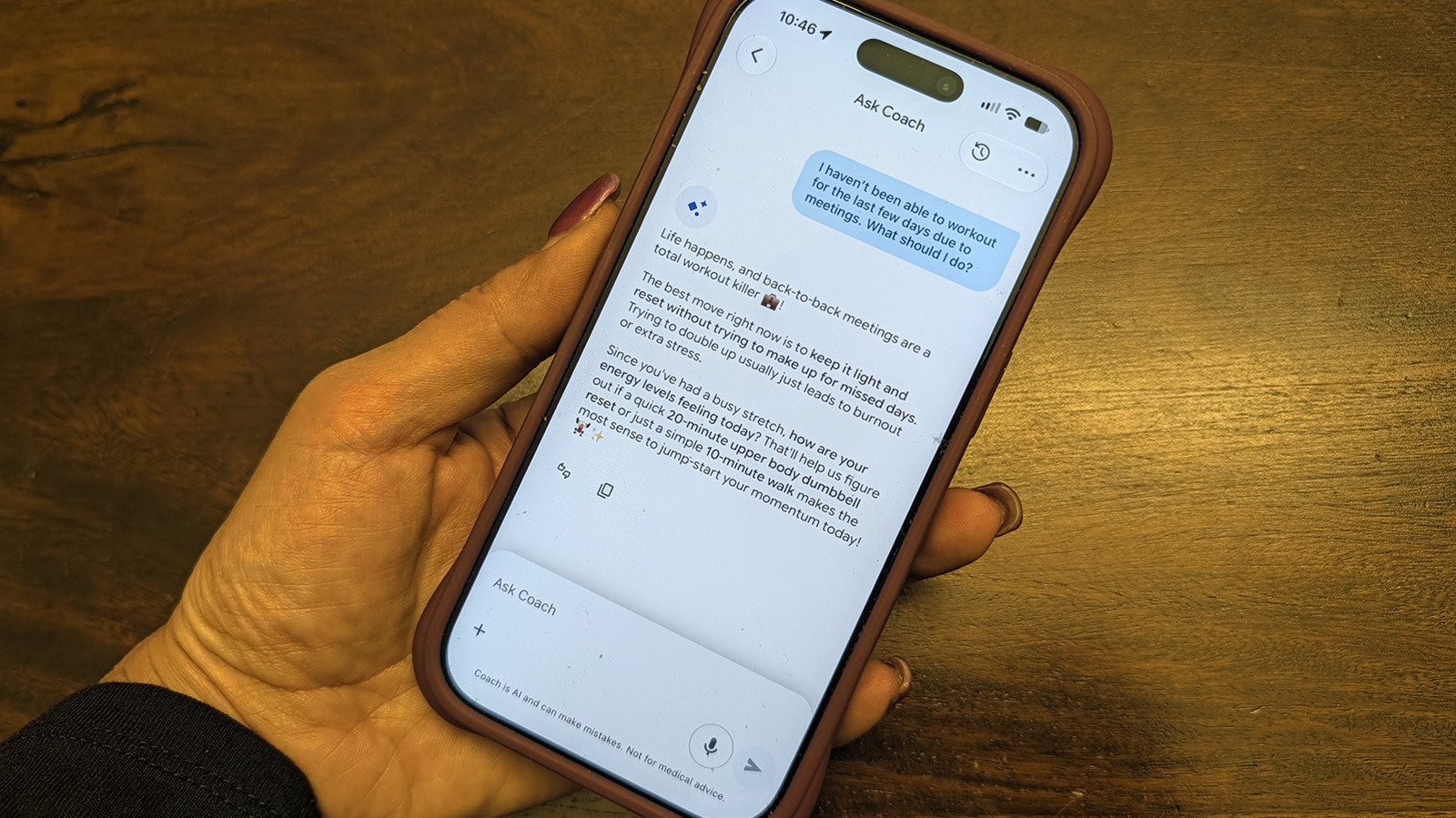
If you find Google Health's AI Coach intrusive, you can temporarily or permanently disable it while keeping your Premium subscription. Navigate to Your data > Feature privacy controls > Manage feature privacy controls, then toggle off Google Health Coach. Alternatively, go to Coaching settings and select No Coach insights.
This hides personalized guidance, recommendations, and meal logging via the coach, though manual logging remains available. Your data is preserved, and reactivation is possible via the Ask Coach button. For notification control, disable Coaching under Push notifications.
AI Coach is a key Premium feature, useful for workout adjustments and nutrition tracking, but may become repetitive. If turning it off long-term, consider canceling Premium instead.
Source: Engadget · Summarized by HeadlinesBriefing