
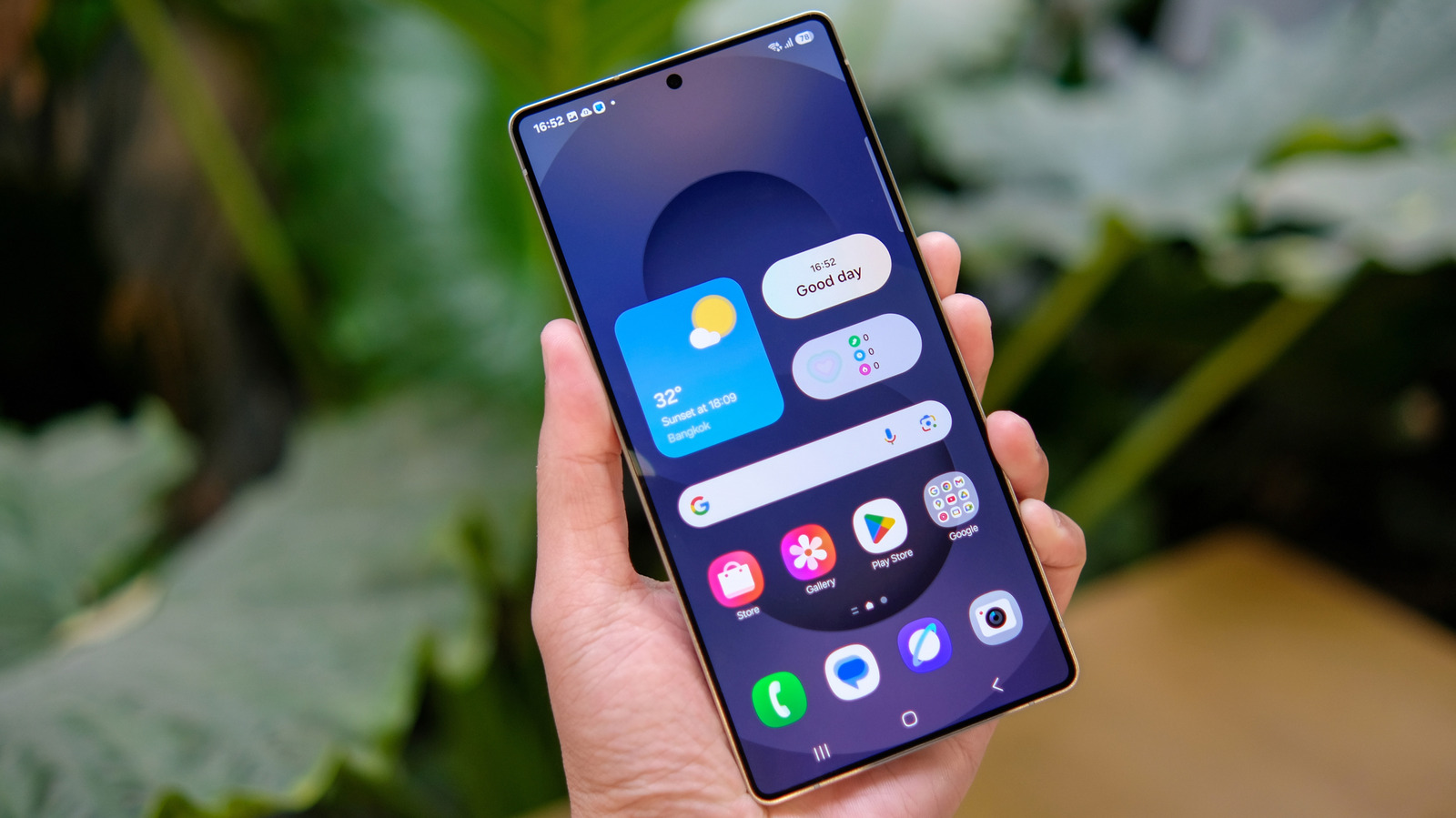
If you really don't like swiping to bring up the app drawer, don't worry. Samsung's got your back. One of Android's biggest learning curves is the way Google's operating system organizes apps.
Unlike the iPhone, which puts all your apps on the home screen by default, Android tucks them into a dedicated window called an app drawer. This lets you customize your home screen without hundreds of app icons cluttering it up. On modern versions of Android, including Samsung's feature-packed One UI skin, you slide up on the home screen to bring up the app drawer, but that wasn't always the case.
For years, many Android versions had an "all apps" button on the home screen. That button is essentially now redundant, replaced by the aforementioned swiping motion, and Samsung has stopped showing it on the home screen by default in recent One UI updates. The only problem is that some users rely on the Apps button, either because they aren't aware of the new swipe-up gesture or because they're simply too used to having it around and don't want to adapt.
Thankfully, Samsung left the "all apps" button as an option for users who want it back. You'll just need to dive into a settings menu to enable it. To add the "all apps" button back to your Samsung Galaxy's home screen in One UI 9, you'll need to access the contextual options menu.
Find a space on your home screen and long-press it or pinch as if zooming out on a photo. Either input will bring up several options. Tap the Settings button (the gear icon) in the bottom right of the screen, then scroll down to find and toggle on the option labeled Show Apps screen button on Home screen.
Return to your phone's home screen, and you should now see the "all apps" button on the right side of the favorite apps dock at the bottom of the page. Note that the button takes up space you could use for an extra app in your favorites dock, so it's only worth turning back on if you really don't want to start swiping up to access the app drawer instead.
Source: Engadget · Summarized by HeadlinesBriefing