
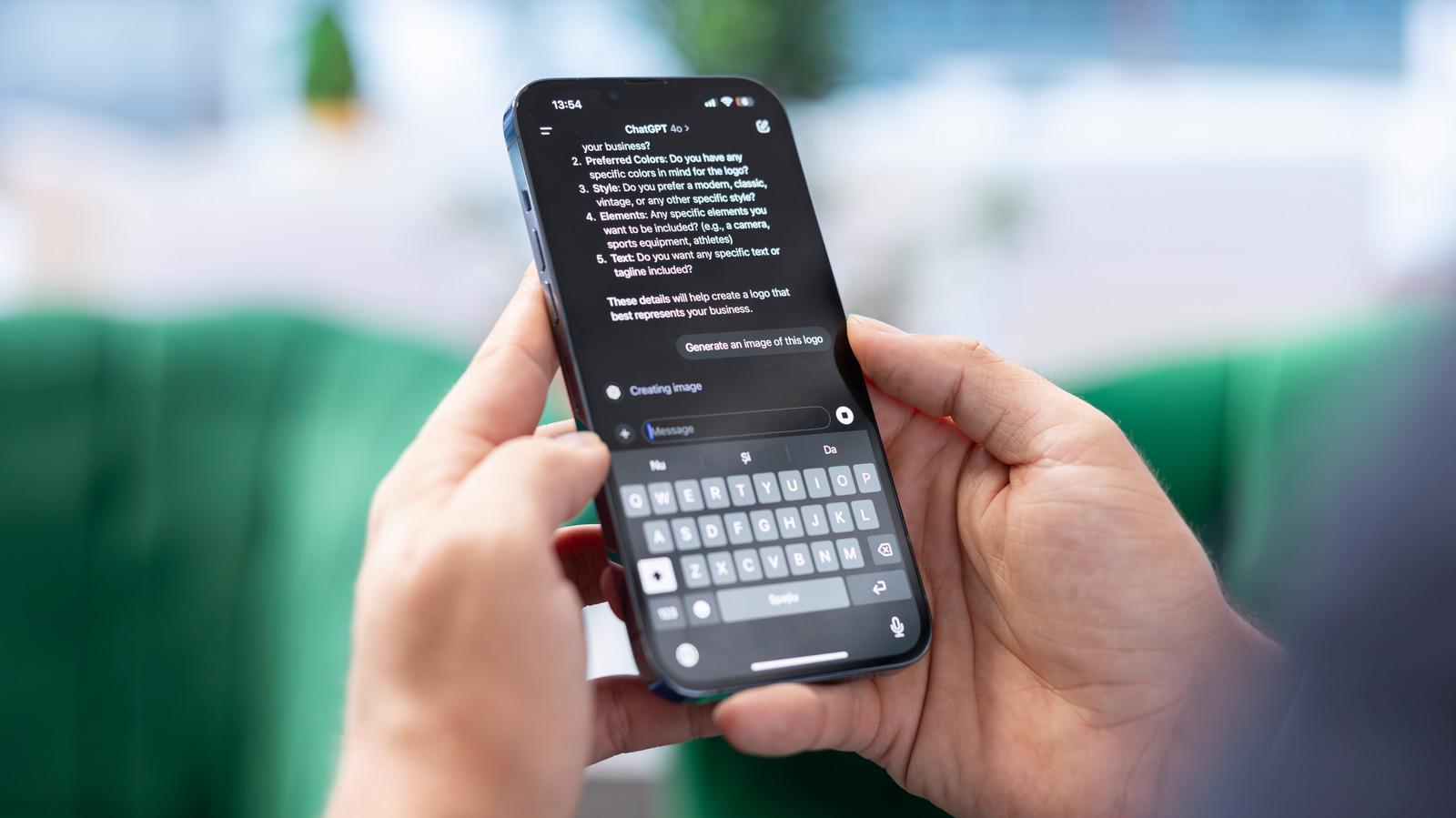
If you want to cancel your ChatGPT subscription, you'll need to go through the same payment system you used to sign up. Canceling a Chat GPT subscription only takes a few clicks. But if your goal is to quit Chat GPT entirely, stopping the recurring charge may be only one part of it.
You might also want to delete your account, keep new chats out of model training or simply stop paying for features you no longer use. Canceling the subscription handles only the billing, so the right next step depends on what you actually want to stop. Reasons to reconsider a paid Chat GPT plan include regularly hitting Free tier limits or relying on higher-tier tools.
If that's no longer true, paying every month gets harder to justify. One option is Chat GPT Go, a lower-cost paid tier that Open AI now offers in every country where Chat GPT is supported. Spending less doesn't necessarily require giving up a paid plan altogether.
AI subscriptions have another unusual wrinkle: the product can change while you are paying for it. Open AI retired GPT-4o from Chat GPT on February 13, 2026, after previously restoring it when some Plus and Pro users said they preferred its conversational style. For someone who subscribed partly for access to a particular model, that's a reminder that a paid AI service can change substantially from one month to the next.
Features and price aren't the only reasons someone might reconsider a paid Chat GPT plan. After Open AI's February 2026 agreement with the US Department of Defense to deploy its models on the department's classified network, Sensor Tower data reported by Tech Crunch showed US Chat GPT app uninstalls jumping 295 percent day over day. Open AI later amended the agreement to explicitly prohibit domestic surveillance of US persons and said its services would not be used by Defense Department intelligence agencies such as the NSA without a new agreement.
The Sensor Tower figure measures app uninstalls, though, not paid subscription cancellations. How to cancel your Chat GPT subscription: For a personal subscription purchased on chatgpt.com, log in, select your profile icon, open Settings, choose Billing and select Cancel under Cancel plan. Open AI recommends canceling at least 24 hours before the next billing date to avoid another charge.
If you subscribed through Apple, open the i Phone Settings app, tap your name, tap Subscriptions, select Chat GPT and tap Cancel Subscription. On Android, open Google Play, make sure you're signed in with the Google account used for the purchase, then go to Subscriptions > Chat GPT and tap Cancel subscription. Uninstalling the app does not cancel an App Store or Google Play subscription.
If you can't find the cancel option, first check where you originally subscribed. Web, Apple and Google subscriptions are managed separately, and Open AI warns that it's possible to end up with more than one active subscription across those platforms. If you have lost access to the Chat GPT account or its email address, Open AI support can also cancel the subscription after locating the account using the email address, the last four digits of the payment card and the date of the most recent payment.
What canceling a Chat GPT subscription does and doesn't change: Canceling the subscription stops future renewals, but it doesn't delete your Open AI account or erase existing chats. Standard chats remain saved to your account until you delete them, so canceling a paid plan is not the same thing as removing your data. Whether your chats are used for model training is controlled separately.
Under Settings > Data Controls, turning off Improve the model for everyone prevents new conversations from being used to improve Open AI's models while leaving those conversations in your history. Temporary Chats are another option for individual conversations: they don't appear in history or get used for model training.
Source: Engadget · Summarized by HeadlinesBriefing