
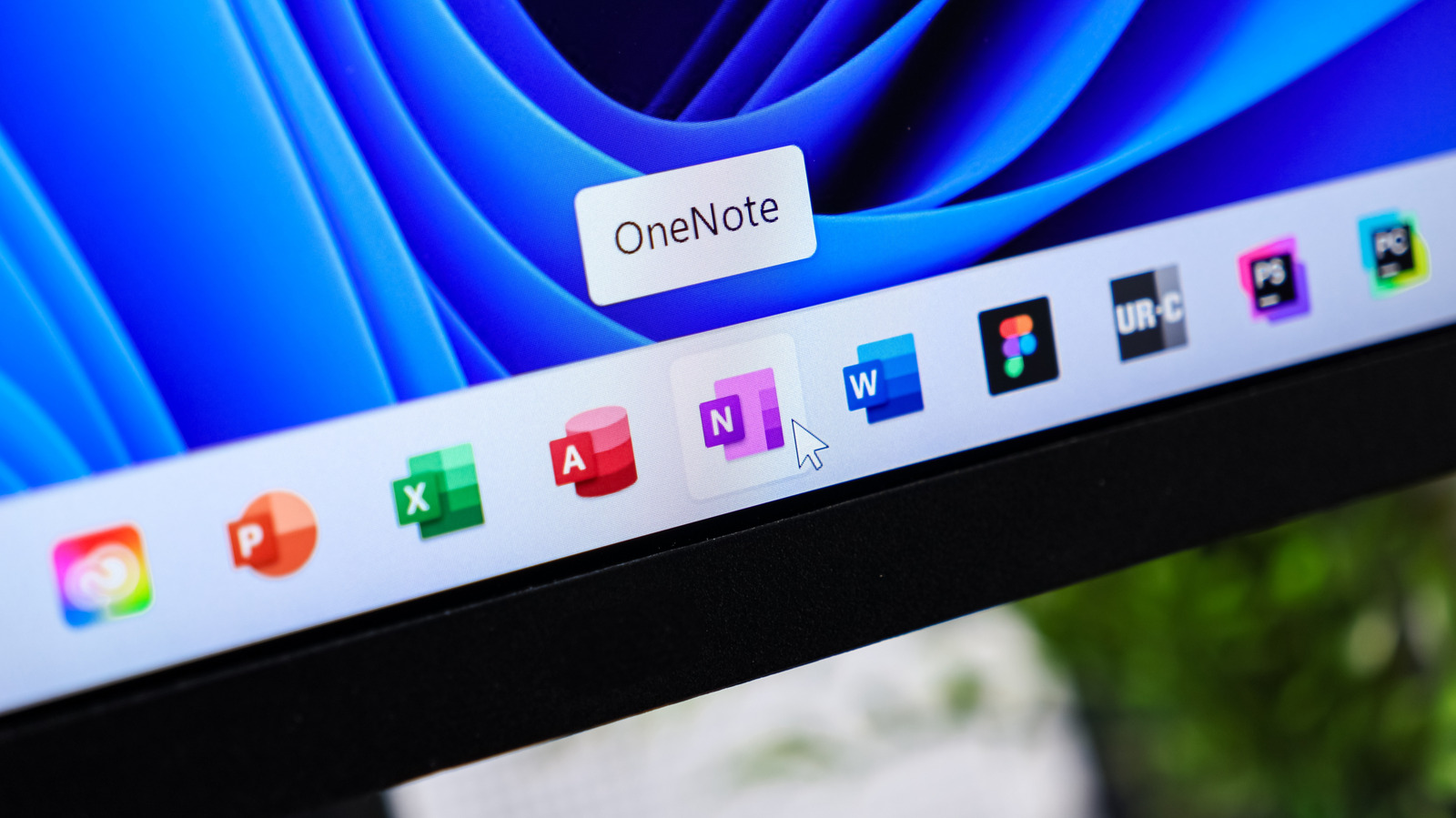
Microsoft Office used to be simple: you paid once for a license and could use that version as long as you wanted. But like a lot of software, a one-time purchase has turned into an endless subscription, as is the case with Microsoft 365. Since Office 2013, Microsoft has pushed the subscription (originally called Office 365) as the main way to buy Office. You can still buy a standalone version (like Office Home 2024 for $180) for access to Word, Excel and Power Point, but it only works on one computer and is pricey.
The simple option: Office Online. If you don't want to use a third-party alternative, Office Online is a Google Docs-like suite that's a suitable replacement for many people. By signing into your Microsoft account, you gain access to free web versions of Word, Excel, Power Point and One Note, plus other tools like Forms, Teams and To Do. These are stripped-down offerings that lack advanced features like macros and watermarks, but still offer core features like headings in Word, pivot tables in Excel and transitions in Power Point.
Only Office offers a full Office experience. While there are several free Office suites to choose from, I've been happy with Only Office for a while, and it's the one I would recommend. It supports four types of files: documents, spreadsheets, presentations and PDFs. These all open as tabs in the same app window, letting you quickly switch between multiple docs of different types. It saves in standard Office formats like DOCX and XLSX, so there are no worries about compatibility with the main Office apps. The interface is a lot like Microsoft Office, so you won't have to deal with a huge learning curve.
Source: Engadget · Summarized by HeadlinesBriefing