
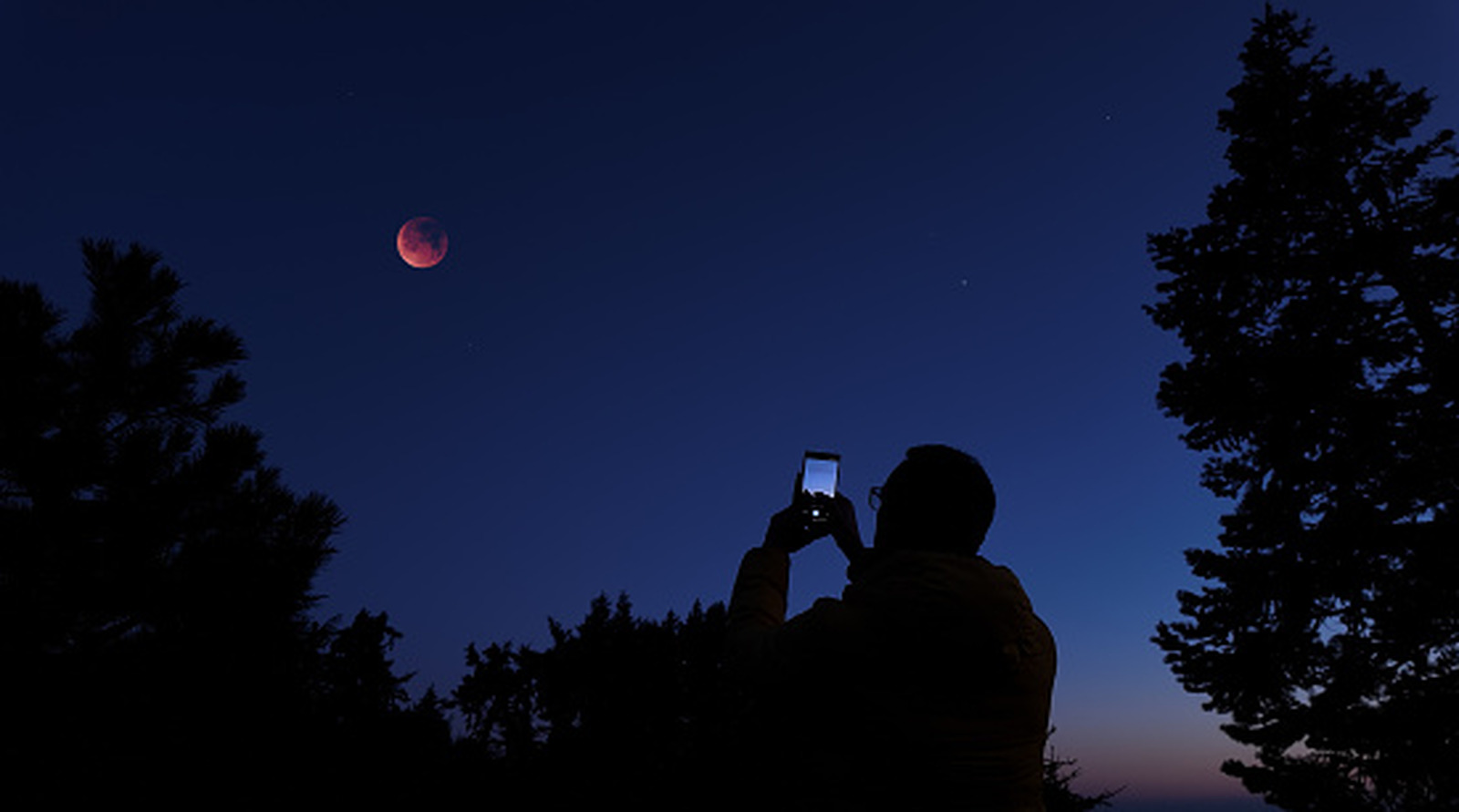
Blurry iPhone photos often stem from dirty lenses or low light, not just camera flaws. Start by cleaning your lens with a microfiber cloth and distilled water if needed. Low light causes focus issues and slower shutter speeds, leading to blur.
Adjust settings in the Camera app: enable Night Mode on iPhone 11 or newer for better low-light shots, and lock focus by tapping and holding your subject until 'AE/AF LOCK' appears. Increase resolution above 720p for sharper images. For manual control over shutter speed and ISO, use third-party apps like Camera+.
Reduce motion blur by using a tripod during longer exposures. These simple fixes can dramatically improve photo clarity without needing iOS 27's AI tools.
Source: Engadget · Summarized by HeadlinesBriefing