
Apple continues to layer battery‑health tools into its laptops, most recently with macOS 26.4. The System Settings → Battery pane now shows a plain‑text health status and, tapping the “i” icon, reveals maximum capacity and condition. A three‑year‑old MacBook Pro, for example, reports 83 % capacity and a “Normal” rating, confirming that even aging cells can remain usable and can be monitored over time.
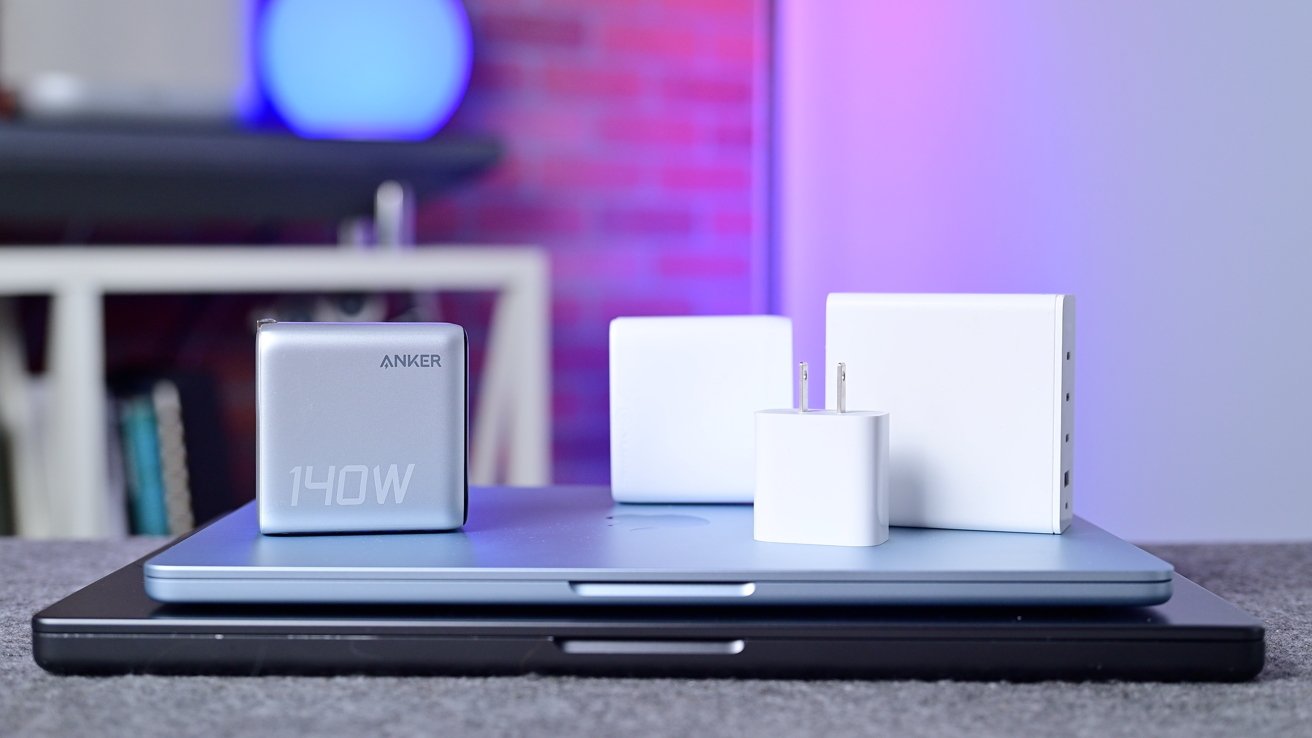
Optimized Battery Charging holds charge near 80 % until you need a full top‑off, then finishes before your start. macOS 26.4 adds a Charge Limit toggle, capping charge at 95 %, 90 % or 80 % via Settings or Shortcuts. A 140 W adapter can push a 16‑inch Pro to 50 % in 30 minutes, and Apple says the laptop draws what it can safely handle, so heat—not wattage—is the real risk.
Leaving a Mac tethered to power isn’t harmful; the system switches to a “battery‑float” mode that draws directly from the outlet, minimizing wear. Inevitably the cell will degrade and require service—Apple charges $249 for a replacement on its top‑tier laptops, less on older models, and covers the cost under AppleCare or AppleCare+ once capacity drops below 80 %.
Source: AppleInsider · Summarized by HeadlinesBriefing