
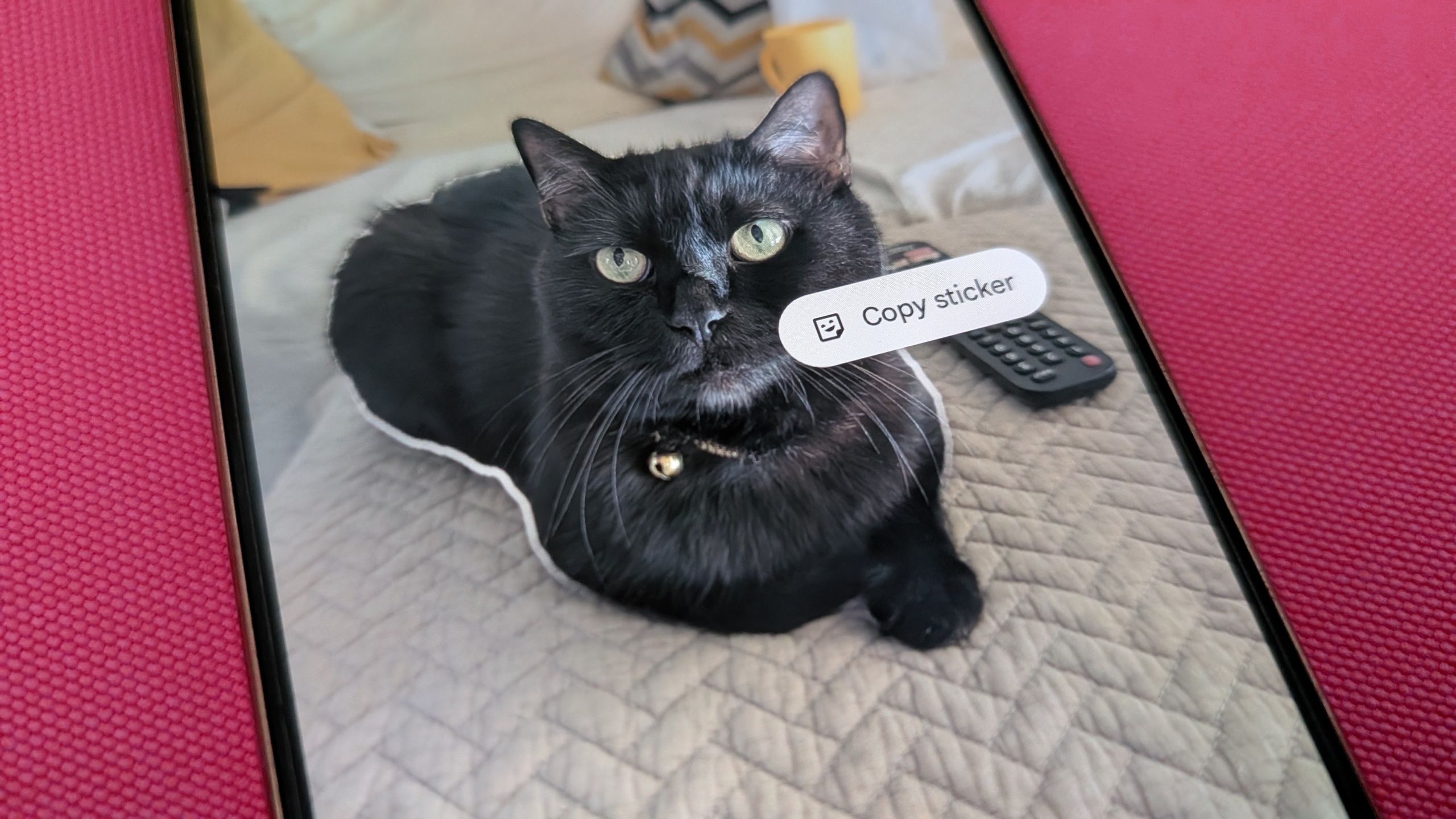
Google has discontinued Pixel Studio, its AI image generation feature for creating stickers on Pixel phones. However, users can still make custom stickers using several built-in tools and apps available on Pixel devices running Android 16 or later. These methods offer alternatives for personalizing messages and reactions.
The easiest method involves using Google Photos. Users can simply long-press the subject of any image in their gallery to extract it as a sticker, which can then be pasted into other applications or found in the Photos app's Collections tab. For a more integrated messaging experience, Google Messages offers a "Photomoji" feature. Within a chat, users can tap the smiley face icon, select "Photomoji," and then choose or capture an image to instantly create and send a sticker.
Other options include using Gemini, though this method produces images with opaque backgrounds. WhatsApp also provides a straightforward sticker creation tool within the app itself, allowing users to convert gallery images into stickers without AI assistance. While Pixel Studio is gone, these accessible features ensure Pixel users can still easily generate custom stickers.
These accessible alternatives mean that the discontinuation of Pixel Studio does not eliminate sticker creation capabilities for Pixel users. Instead, it shifts the process to more integrated and commonly used applications, potentially increasing the frequency of custom sticker use across various messaging platforms.
Source: Android Central · Summarized by HeadlinesBriefing