
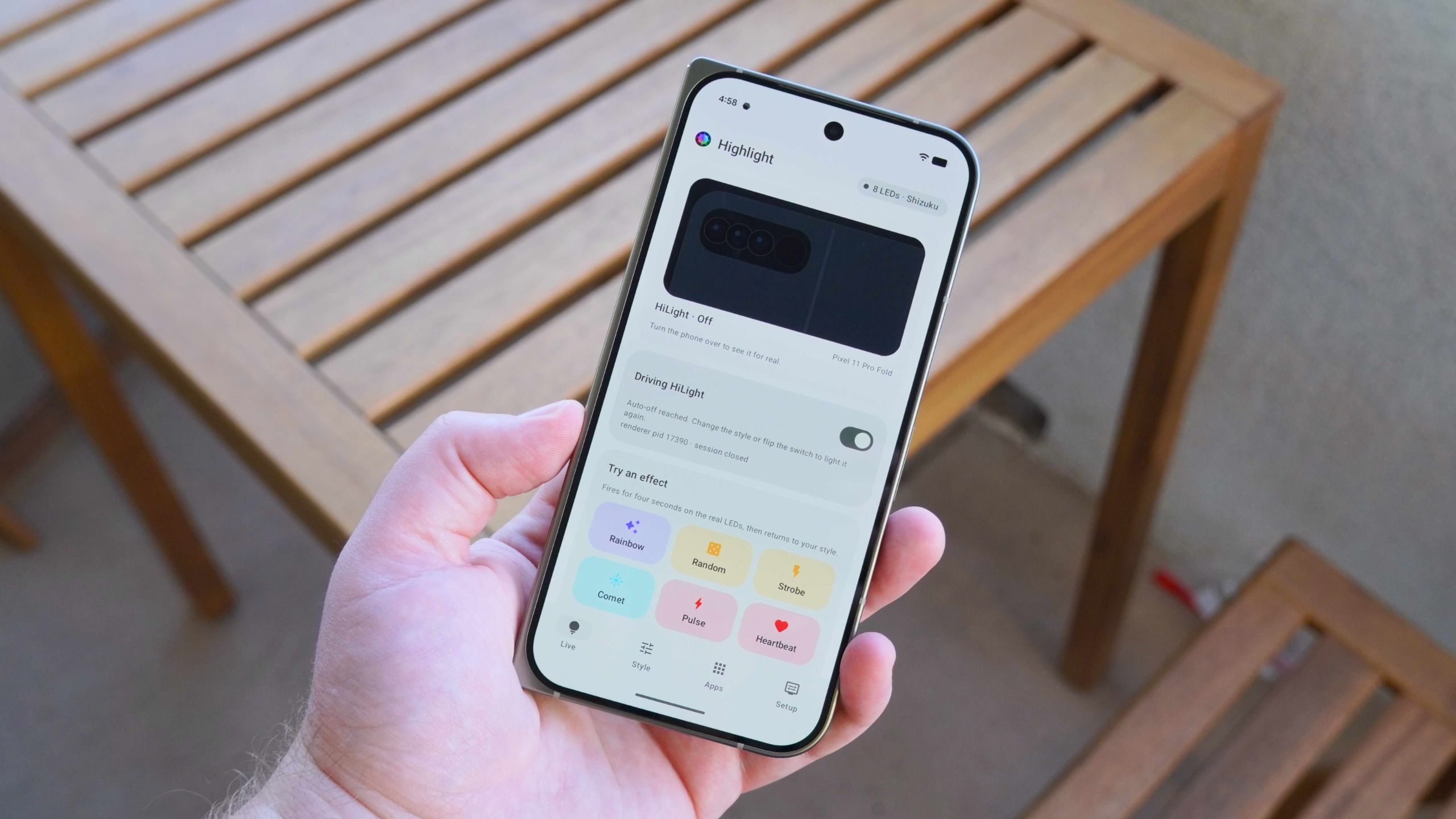
The Google Pixel 11 series introduces Hi Light, a collection of eight multicolor LEDs on the back of the Pixel 11 Pro, Pixel 11 Pro XL, and Pixel 11 Pro Fold. At launch, it's limited: it glows one of five colors for favorite contacts and when the Gemini voice assistant is active. You can set it up for just five people before colors get confusing.
Luckily, a free and open-source app called Hi Light Studio gives you more control over the lights. It handles solid colors and animated patterns, and you can control it from the app or a Quick Settings tile. The app is by Dhananjay Bhosale on GitHub and is now on the Google Play Store for open testing, so you can download it for free from a trusted source.
Hi Light Studio requires privileged access to the Android lights service. You can achieve this by rooting your phone, using Android Debug Bridge (ADB), or Shizuku, an app that allows privileged APIs without rooting. Setup is straightforward: install Shizuku from the Play Store, enable developer options by tapping the Build number seven times, pair via wireless debugging, then link Hi Light Studio to Shizuku by requesting access in the Setup page.
Once done, you've granted Hi Light Studio access to the Android lights service, unlocking full customization for your Pixel 11 Pro, Pixel 11 Pro XL, or Pixel 11 Pro Fold. This delivers what the phone should've offered out of the box.
Source: Android Central · Summarized by HeadlinesBriefing