
Upgrade to a new Apple Watch Series 12 or Ultra 4? They bring upgraded performance and new health sensing features, but can feel like the same watch in daily use unless you know where to look. A few setup changes can help you get more out of your upgrade.
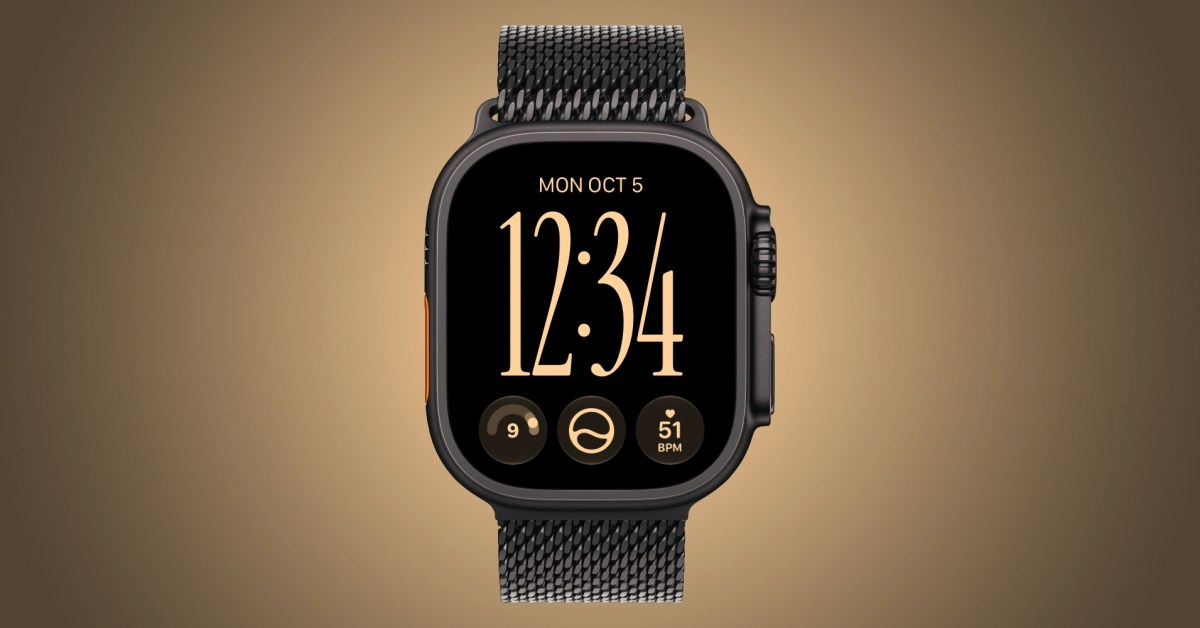
Refresh your watch face by adding exclusive new complications only supported on the new models. Series 12 and Ultra 4 can display live heart rate, steps count, and readiness score. Live heart rate data has been essential, step tracking motivates activity, and readiness score changes throughout the day. Enable quick switching between watch faces at Settings > Clock > Swipe to Switch Watch Face.
Turn on automatic Shazam to identify music without a request. Open Settings → Smart Stack and enable Music Detection. When you open the Smart Stack, Music Recognition shows the song title and artist. Try Siri Modular, available on every Apple Watch running watchOS 27, but with more complication options on Series 12 and Ultra 4. Style it with different colors, fonts, and layouts.
Give readiness time to work. Complete your Health Details, set up Activity and overnight vitals, enable Sleep, and wear your Watch for at least seven nights. Find a charging window during the day. Daytime vitals are now visible in the Vitals app, based on heart rate and recovery heart rate variability. Overnight vitals factor respiratory rate and wrist temperature. More features like Siri Recap and Live Rewind are coming.
Source: 9to5Mac · Summarized by HeadlinesBriefing