
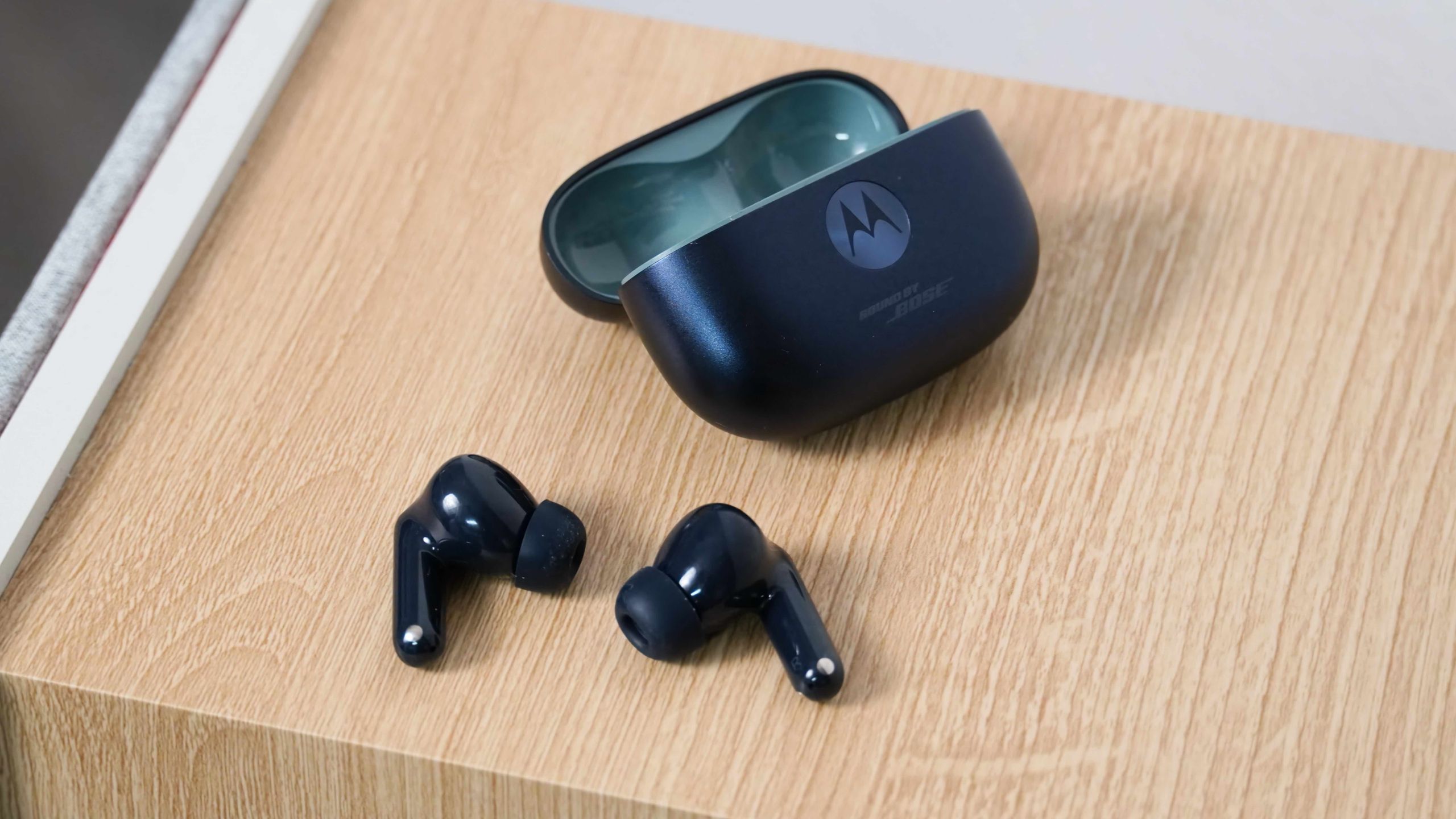
Motorola's Moto Buds 2 Plus arrive at $150 with hardware that punches above its weight: 11mm dynamic drivers paired with 6mm micro-planar magnetic drivers, tuned by Bose. But the earbuds ship with several performance features disabled by default. The most impactful toggle is Hi-Res Mode, which activates the LHDC codec for 24-bit/96kHz wireless streaming at up to 1,000kbps over Bluetooth 6. Find it in the Moto Buds app under Sound.
Gamers should enable Gaming Mode for low-latency playback, though it conflicts with Hi-Res Mode — you can't run both simultaneously. The app also includes a 10-band EQ with four presets (Brilliant Treble, Bass Boost, Vocal Boost, Flat) plus a fully customizable curve, letting listeners shape the signature to taste.
For calls, Crystal Talk uses AI noise cancellation to isolate voice from wind and background noise. Multitaskers benefit from Dual Connection, which maintains simultaneous links to two devices (one must be Android) and auto-switches when a call interrupts music on a laptop.
At this price, the Buds 2 Plus deliver a feature set usually reserved for pricier rivals. The catch: you have to dig into the app to unlock it. Motorola's decision to default these off feels like a missed opportunity — most buyers will never find them.
Source: Android Central · Summarized by HeadlinesBriefing