
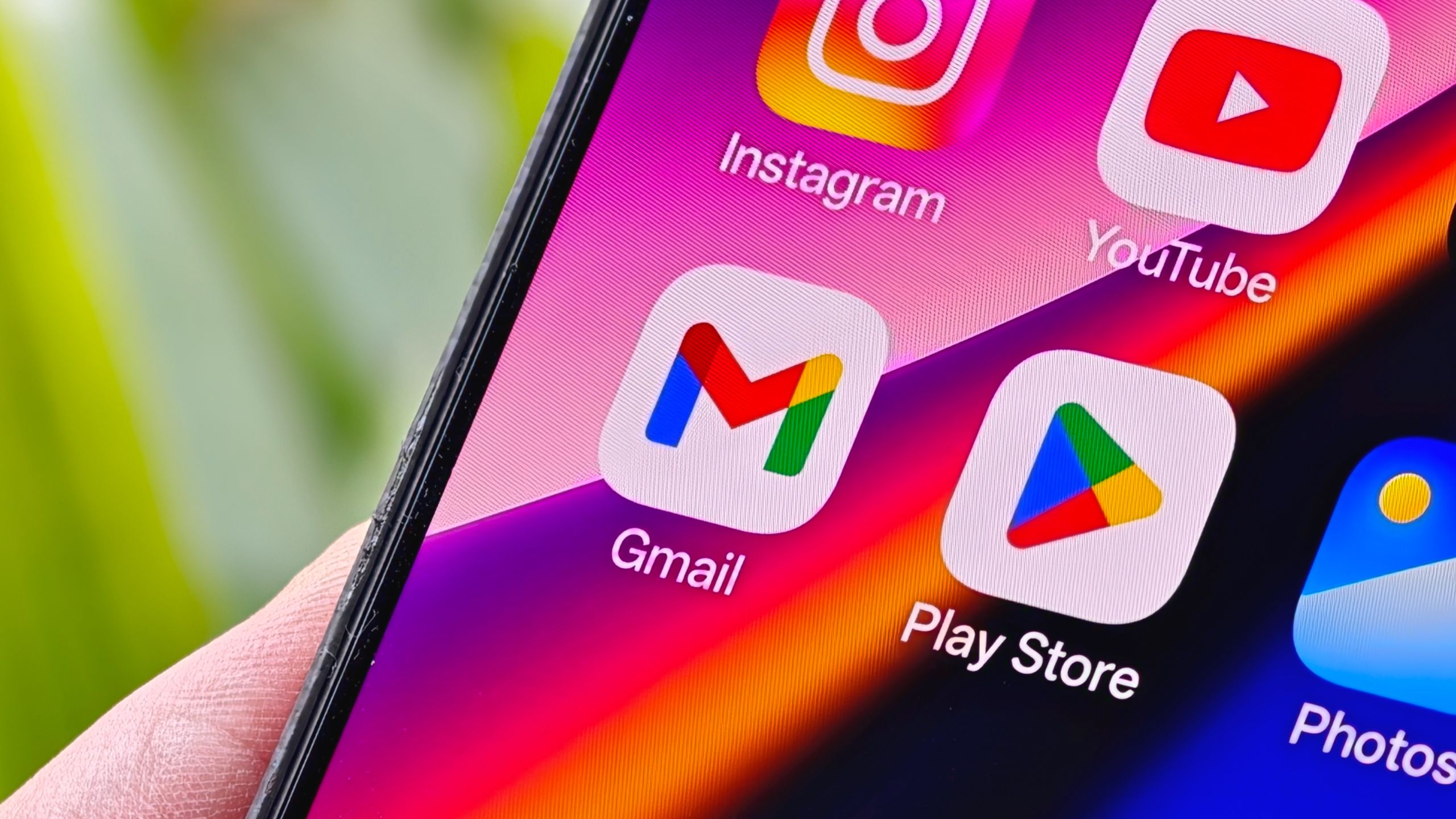
Google is rolling out a major icon redesign for its Workspace apps, including Gmail, Drive, and Calendar. The update shifts to gradient finishes and simplifies color palettes, dropping some of the four brand colors used previously. For example, Drive’s new icon removes red entirely, focusing on green, yellow, and blue. Calendar adopts a deeper blue theme, while Gmail retains its 'M' envelope shape but switches to gradients. These changes aim to modernize the visual language across productivity tools.
The redesign follows Google’s recent gradient updates for apps like Maps and Photos, signaling a cohesive design direction. Meet’s icon now emphasizes yellow tones, aligning with its video focus, though some apps like Keep and Tasks face criticism for inconsistent aesthetics. The changes haven’t rolled out yet, but early versions from 9to5Google suggest a broader effort to unify Workspace’s interface. This move could streamline user recognition while hinting at deeper AI integration, though Google hasn’t explicitly tied the updates to new features.
The icon refresh matters for user experience and brand consistency. By simplifying color usage and embracing gradients, Google may reduce visual clutter, making apps feel more intuitive. However, the success hinges on execution—some icons, like Meet’s, risk feeling jarring despite the gradient trend. For Workspace users, this could mean a more polished interface, but the lack of immediate rollout leaves questions about when or how these changes will impact daily workflows. The update reflects Google’s ongoing push to modernize its ecosystem, balancing nostalgia with contemporary design.