
HeadlinesBriefing favicon HeadlinesBriefing.com

LG monitors install software via Windows Update without consent

Hacker News •
×

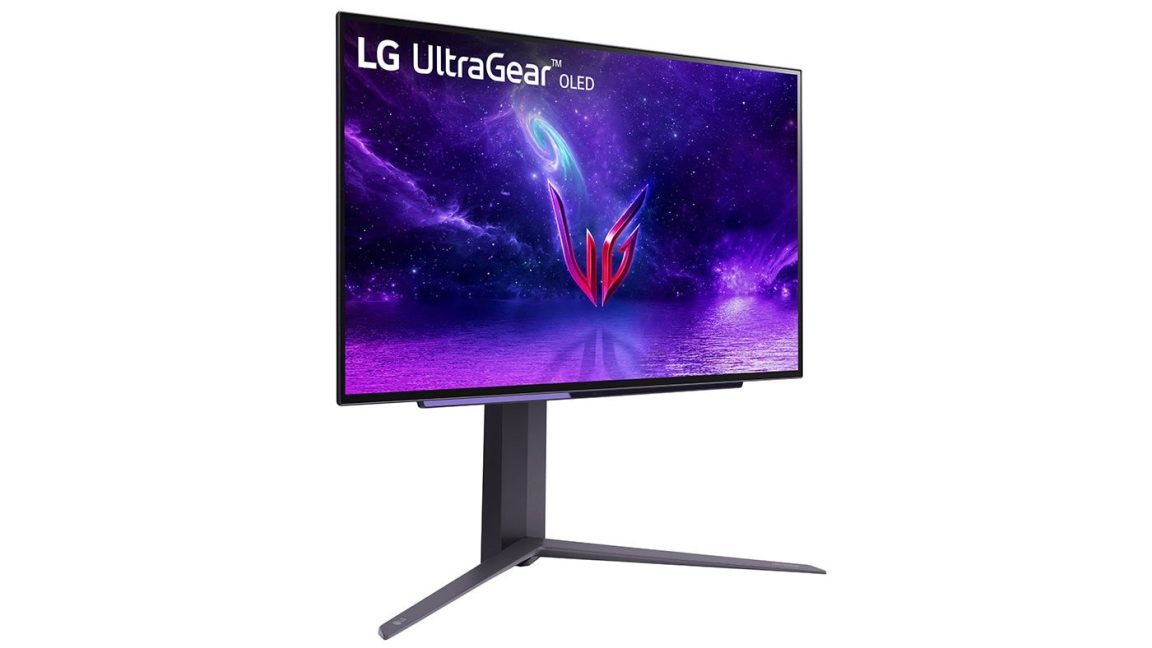
Published: Today, 13:08 GMT Why Cry LG monitors are ‘monitoring’ users© Gamers Nexus Connecting some LG monitors to a Windows PC may automatically install software that promotes Mc Afee subscriptions. Gamers Nexus reproduced the behavior with an LG Ultra Gear 34GX900A‑B after receiving reports from monitor owners. Windows Update first installed LG extension and software component packages.

Windows Reliability Monitor showed that LG Monitor App Installer appeared one minute later. The installation did not display a consent prompt or require the user to approve the download. Source: Gamers Nexus Gamers Nexus tested the application across 32 consecutive system boots.

It displayed a Mc Afee promotion during 31 of them. On the remaining boot, it promoted one of LG’s own monitor utilities. The Mc Afee popup offered a 30‑day trial that would convert into a paid subscription.

The software can appear on older monitors The behavior does not appear to be limited to newly purchased displays. Gamers Nexus also received the popup on an LG Ultra Fine 32UN880‑B purchased three years earlier. User complaints about LG Monitor App Installer date back to at least 2024, although the recent increase in reports suggests that more models may now be receiving it.

Source: Gamers Nexus The Microsoft Store lists access to the internet and all system resources among the application’s capabilities. Gamers Nexus also raised concerns about the broader categories covered by LG’s privacy documents. Dell uses a similar Windows installation method This type of automatic software installation is not limited to LG.

Dell also uses Windows Update to deliver Alienware Command Center when Windows detects a compatible Alienware monitor or peripheral. Our own new Alienware monitor repeatedly triggered an application installation after it was connected through Display Port. We had to use the same Windows Group Policy setting to block device-associated application downloads.

View on Threads Users can enable “Prevent automatic download of applications associated with device metadata” under Computer Configuration, Administrative Templates, System and Device Installation. This blocks Windows from automatically downloading applications linked to connected hardware. It may also prevent useful monitor or peripheral software from installing, requiring users to download it manually.

Source: Gamers Nexus: DO NOT BUY: LG’s Spyware TVs, Monitors, and Wiretapping Concerns 211,219 views.