
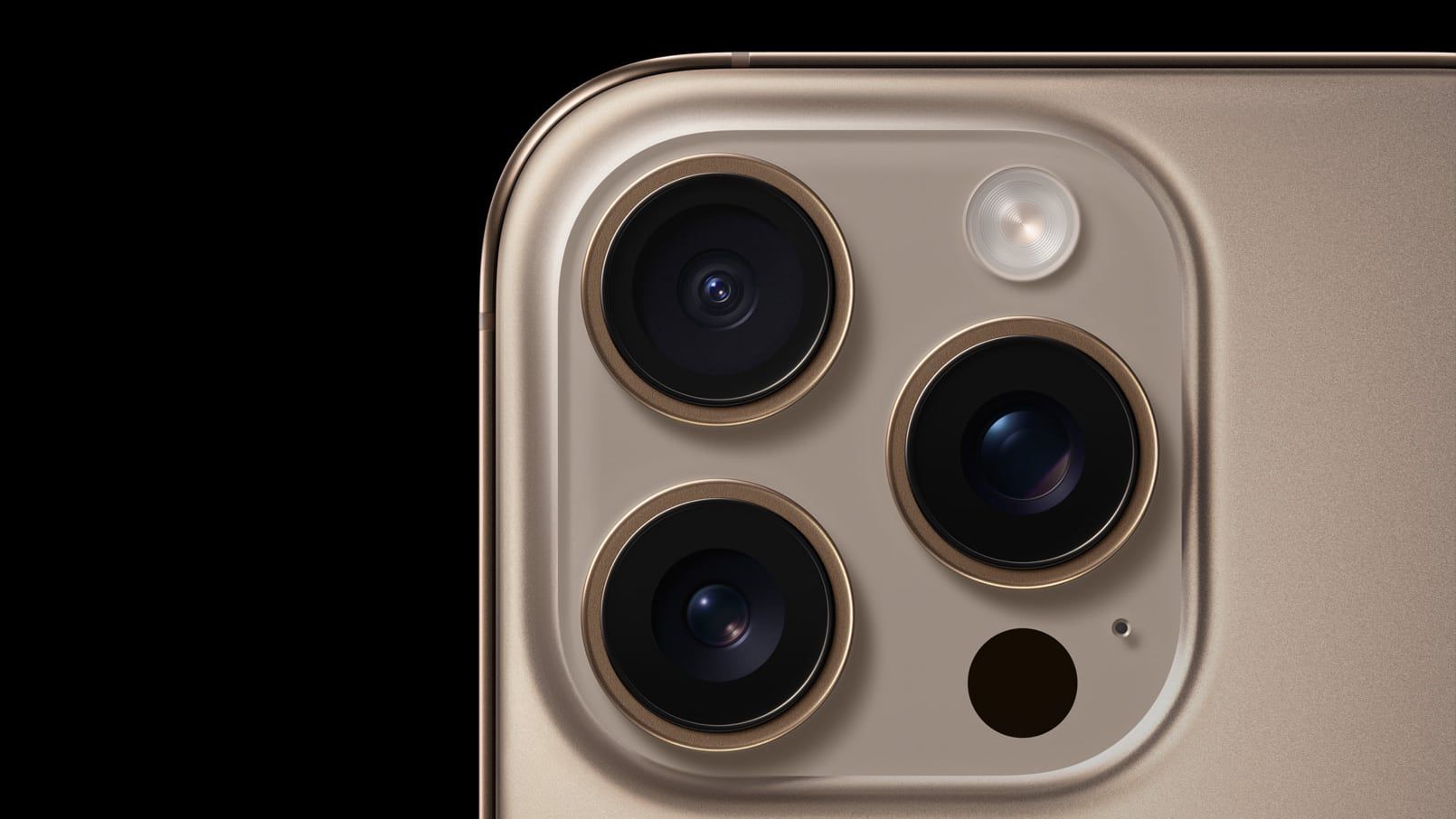
Apple’s new iOS 26.4 update gives users a fresh Audio Zoom toggle, letting them decide whether the phone’s microphones focus on the zoomed subject or capture the full scene. The feature, long praised for isolating sounds at concerts or sports events, had previously silenced ambient noise, leaving videos sounding flat.
When you zoom in on a speaker or a single instrument, Audio Zoom narrows the audio field, making that source crystal‑clear. But if you want the surrounding atmosphere—crowd cheers, stadium rumble, or street ambience—to stay audible, the default setting can feel restrictive. The new toggle lets you switch that behavior on or off.
To change the setting, open Settings, scroll to Camera, tap Record Sound, and toggle Audio Zoom. The option appears only when you choose Spatial Audio or Stereo; selecting Mono disables the switch, keeping the microphone array in a single channel mode.
If you shoot a lot of zoomed‑in footage and need the clearest audio of the subject, leave Audio Zoom enabled. For broader soundscapes, turn it off. The toggle gives creators control over context, ensuring videos sound natural whether focused or ambient.
Source: MacRumors · Summarized by HeadlinesBriefing