
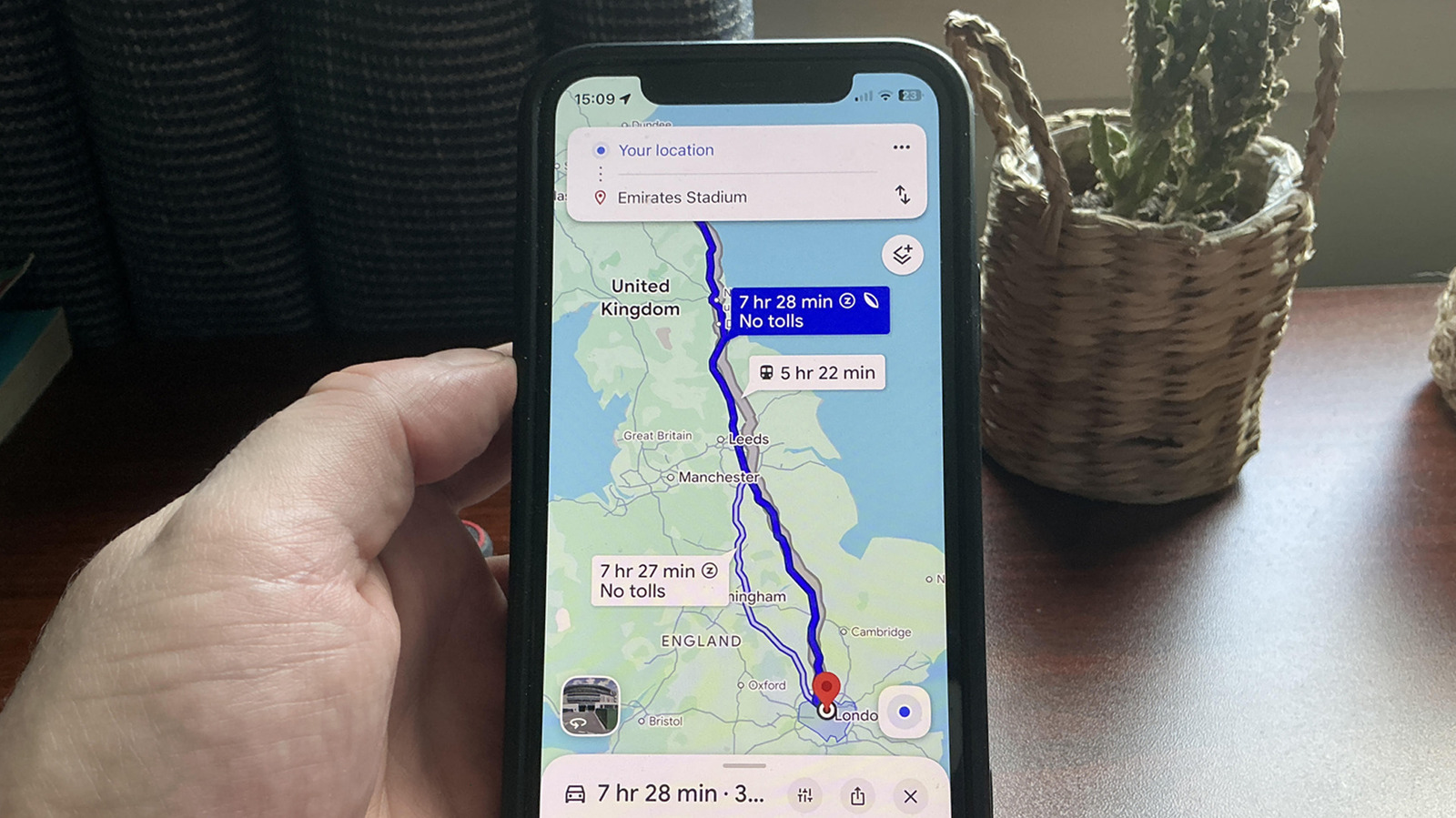
Google Maps’ little leaf icon signals a fuel‑efficient routes option. The feature is on by default, and when you plan a trip the map will offer a path that prioritises lower fuel or battery use over sheer speed. It can save money on petrol or charge on an EV, but it sometimes adds minutes trä to your journey because it avoids congested motorways or steeper climbs.
The algorithm pulls live traffic, road type, junction density and even topography to predict where congestion will form. Steadier speeds on freeways can be more efficient than stop‑sign‑heavy country roads, but the app balances these factors to find a route that uses less energy.
Users report that the fuel‑efficient routes option can be slower, may take you through narrow lanes, and ignores motorway suitability for some drivers. In bad weather or unfamiliar areas it may be wiser to switch the slider off in Settings > Navigation.
If you want the best results, set your vehicle type in Settings > Your vehicles. Choose petrol, diesel, hybrid or electric so the map can tailor its suggestions more accurately.
Source: Engadget · Summarized by HeadlinesBriefing