
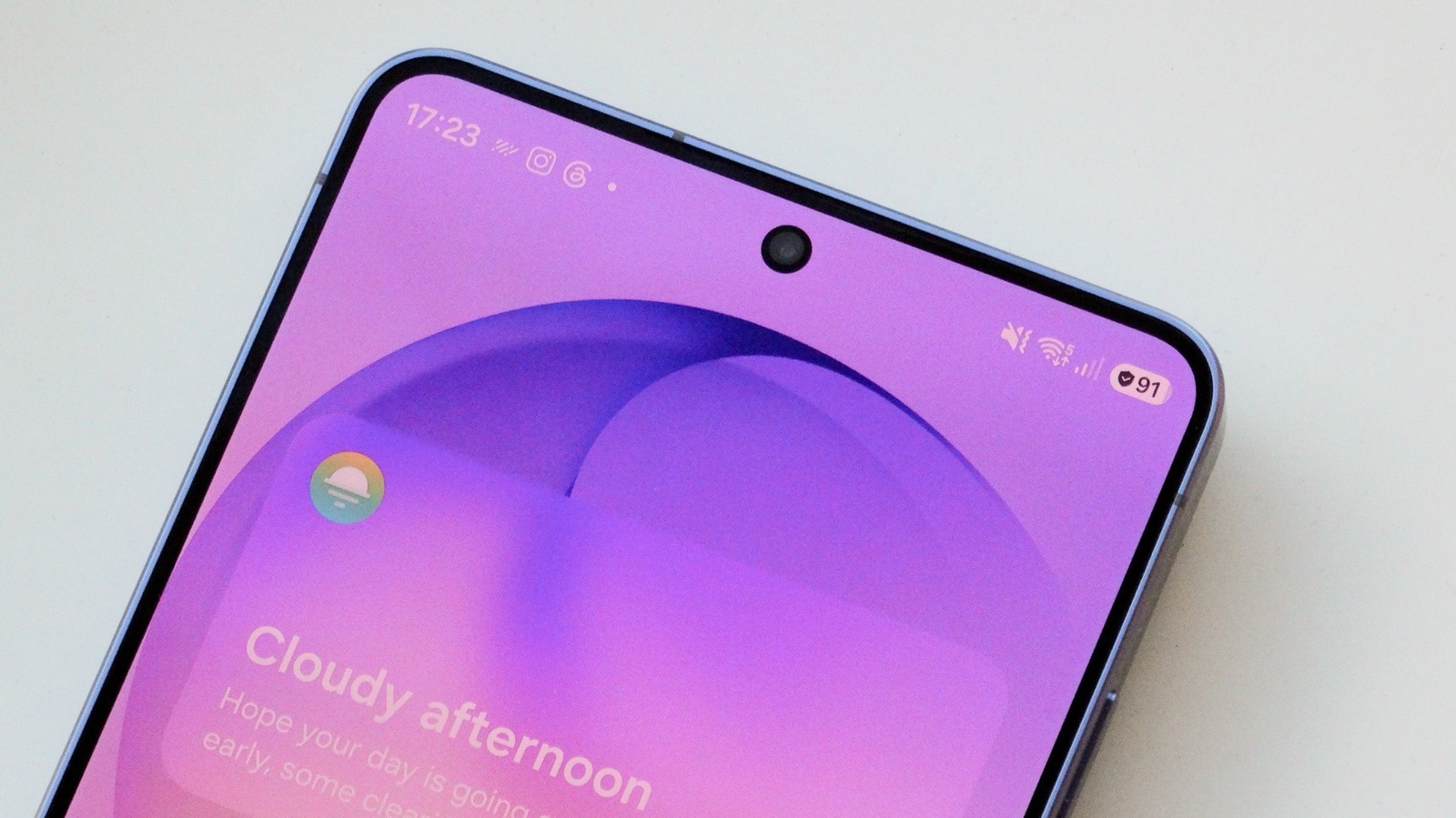
The shield icon next to the battery symbol on Samsung Galaxy phones indicates Battery Protection is active, a feature designed to extend battery lifespan rather than signal security threats. Modern lithium-ion batteries experience more stress when remaining at 100 percent charge for extended periods, leading to faster degradation. Samsung offers multiple protection modes: Basic stops charging at 100 percent and resumes at 95 percent, while Maximum allows users to set a custom charge limit between 80 and 95 percent.
A third option, Sleep Time Protection, learns usage habits to stop charging at 80 percent overnight and resumes before waking. Users should enable this feature if they frequently leave phones plugged in overnight; those with unpredictable charging routines may prefer keeping it off for maximum daily capacity. The setting is adjustable at any time via Settings > Battery > Battery protection, allowing users to switch modes based on travel or battery-intensive activities.
While users may not notice the feature in action, it helps maintain battery health over years of device ownership. Additional Android settings can further improve battery performance alongside this built-in protection.
Source: Engadget · Summarized by HeadlinesBriefing