
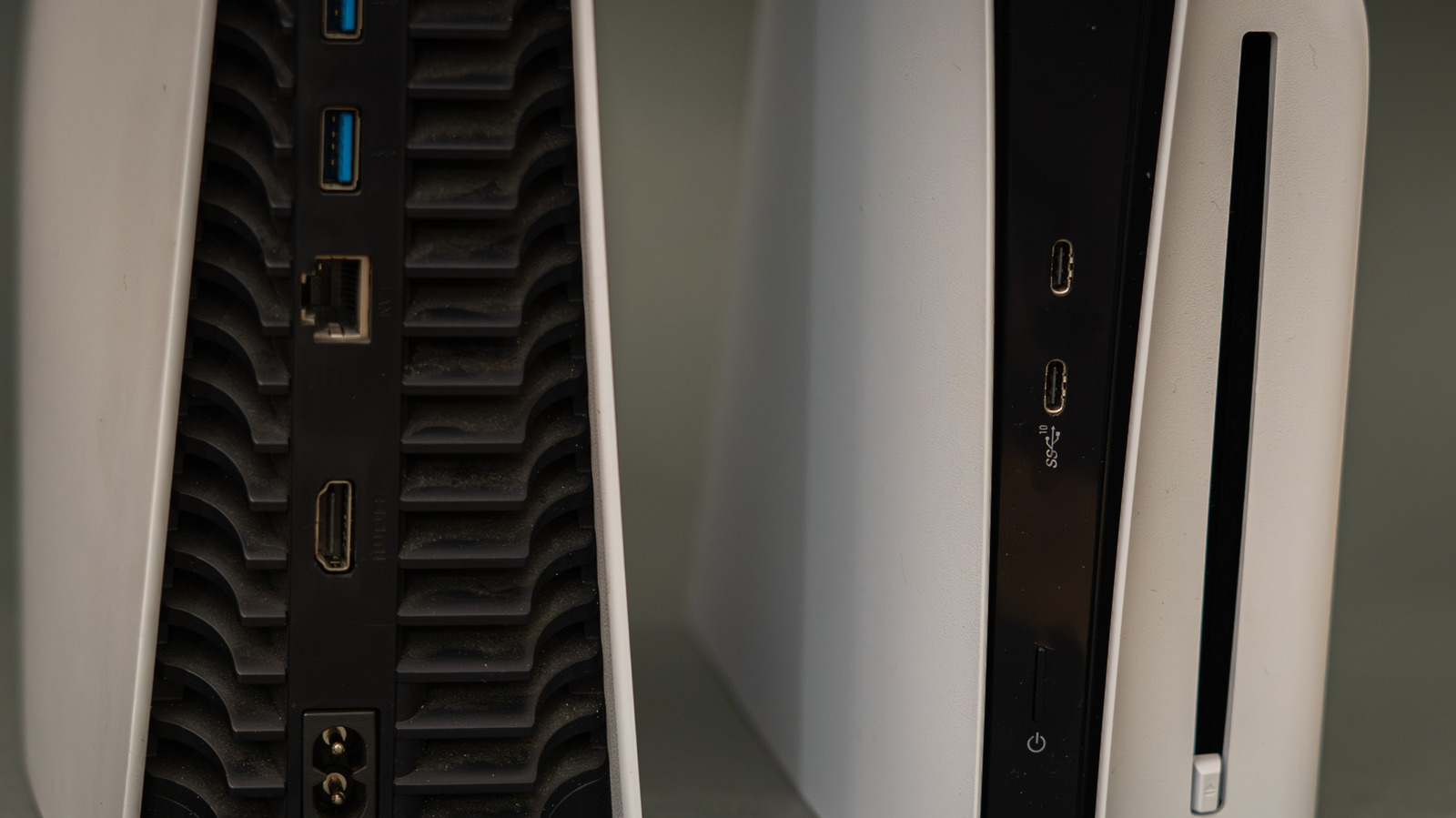
Many PS5 owners unknowingly plug their console into the wrong HDMI port, missing out on full capabilities like 4K at 120Hz. Most TVs have multiple HDMI ports with poor labeling, making it hard to identify which supports HDMI 2.1. The PS5 requires a compatible screen and the correct output settings to unlock advanced features. Always check your exact TV model’s specs and use the included or a certified Ultra High Speed HDMI cable. Direct connections without soundbars or intermediaries ensure peak performance. On the PS5, navigate to Settings > Screen and Video > Video Output and set resolution and 120Hz output to Automatic. Use the Information menu to verify connected device specs. Not all ports labeled HDMI 2.1 guarantee 4K 120Hz; manufacturer settings may need enabling. Few PS5 games support 4K 120Hz natively—most lower resolution for high frame rates. HDMI 2.0 can handle 1080p or 1440p at 120Hz, but only HDMI 2.1 supports 4K 120Hz. Additional features like Variable Refresh Rate (VRR) and Auto Low Latency Mode also depend on correct port and settings. Port numbers like HDMI 1 or 2 are just labels, not version indicators. Always verify your display’s HDMI capabilities individually.
Key entities include Sony, PlayStation 5, HDMI 2.1, and specific TV brands. Always consult your device manual for accurate port specifications.
Source: Engadget · Summarized by HeadlinesBriefing