
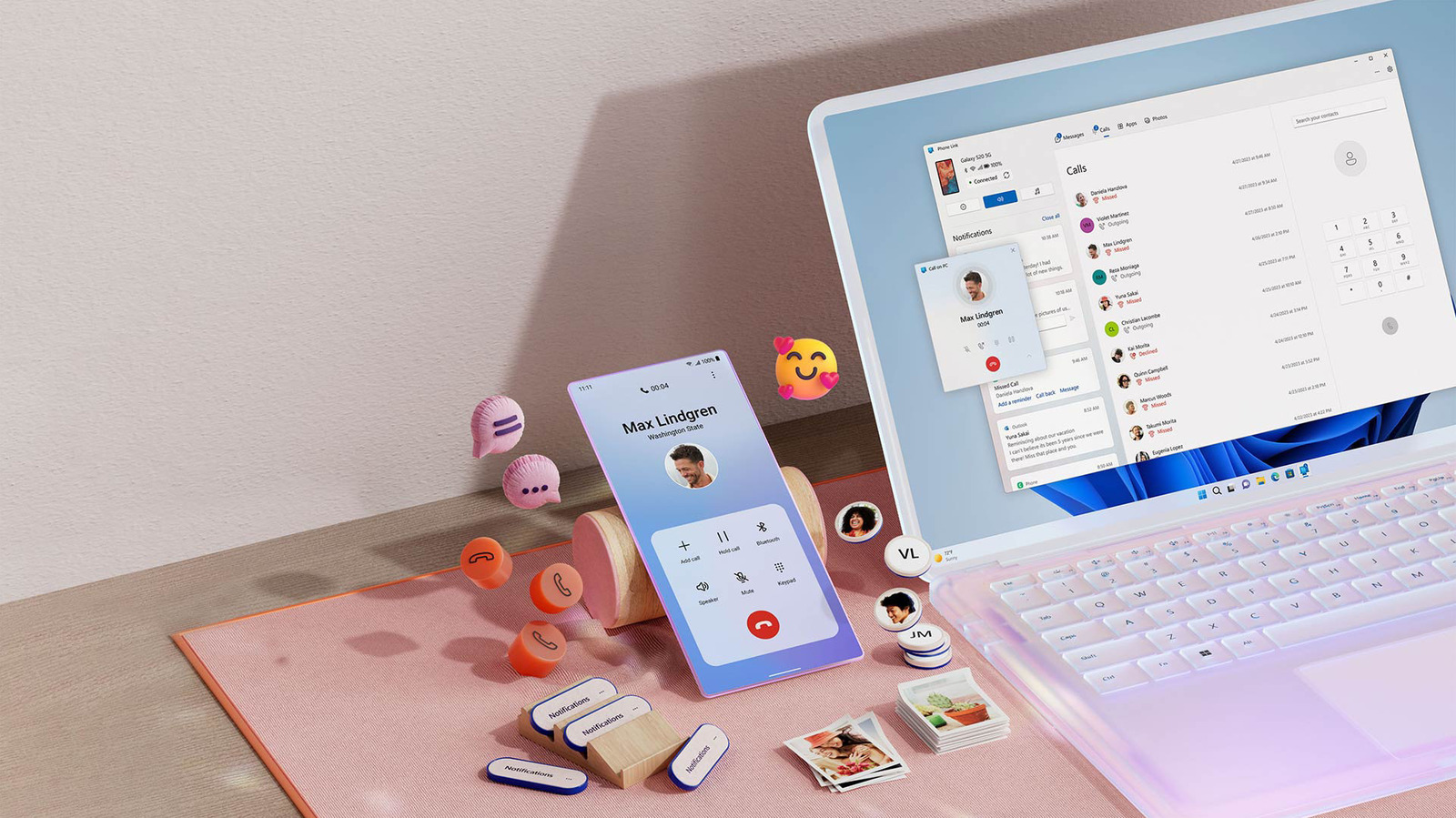
Windows 11 lets you make and receive phone calls directly from your PC using the Phone Link app. This is ideal for multitasking, especially if you wear headphones at your desk. Phone Link supports both iPhone and Android, though functionality is more limited on iOS. To set it up, update Phone Link from the Microsoft Store, then pair your phone via Bluetooth by scanning a QR code. On iPhone, you'll need to install the Link to Windows app and enable Bluetooth. Android users can pair over Wi-Fi or cellular but still need Bluetooth for calls. Once paired, use the Calls tab to dial contacts or use the dial pad. Incoming calls will ring on your computer, but keep your phone nearby for a clean signal. For frequent callers, a gaming headset with a mic is recommended.
iPhone users get basic calling, texting, and notification sync. Android users enjoy extra features like accessing the last 2,000 photos, Do Not Disturb controls, and music playback. While alternatives like WhatsApp or Google Voice exist, Phone Link is the best option for using your existing number. It's a powerful tool for reducing phone use and enhancing desktop productivity.
Source: Engadget · Summarized by HeadlinesBriefing