
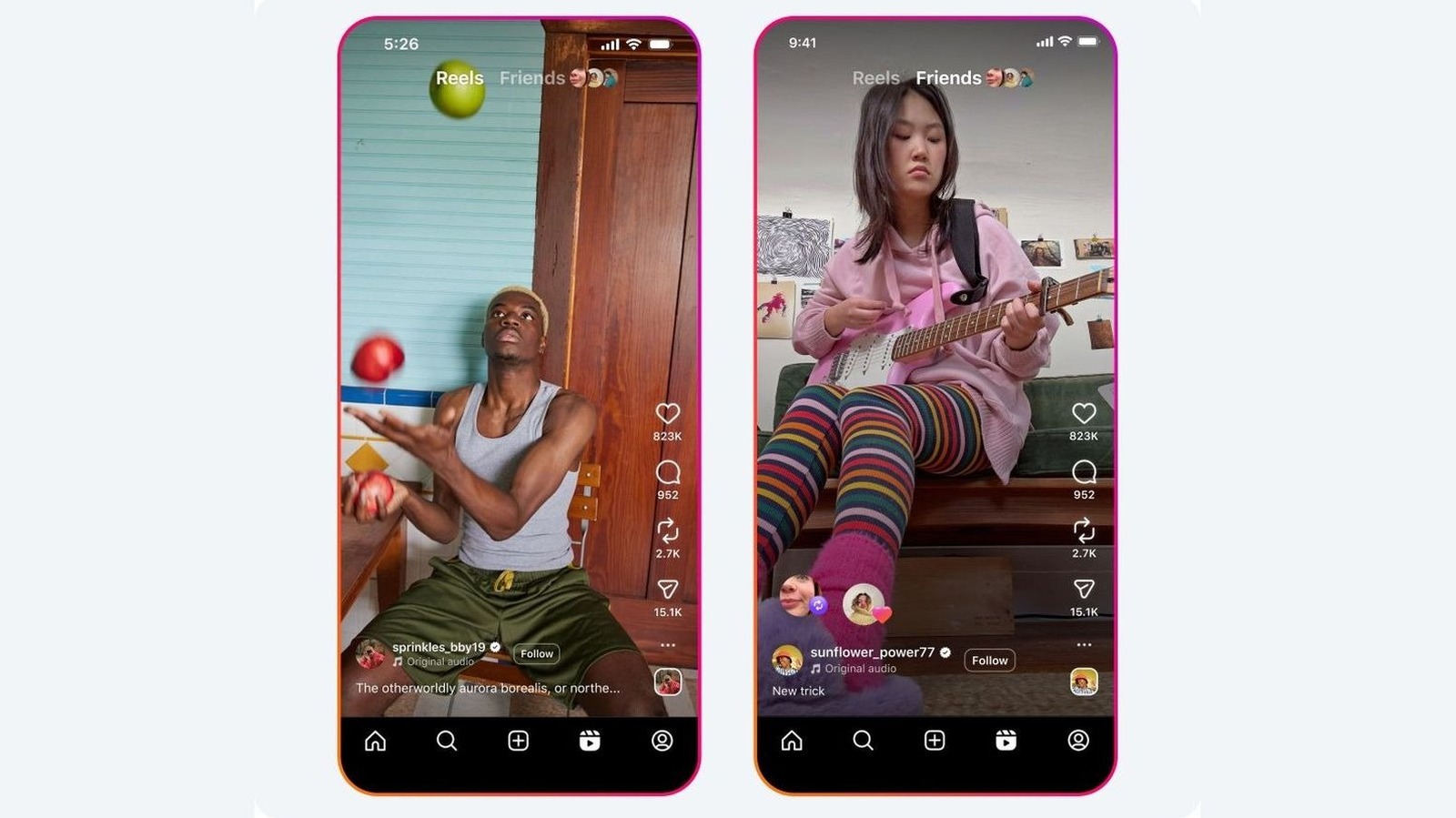
Instagram's repost feature allows users to reshare public posts and reels directly to their followers, crediting the original creator. A dedicated tab on the profile displays all reposts, keeping content accessible beyond the 24-hour Story limit. To enable the feature, users must toggle on 'Reposts on posts and reels' in Settings under Sharing and reuse.
Reposting is simple: find a public post, tap the two curved arrows icon, optionally add a note, and tap Save. Users can only repost content if the original creator has allowed it. Importantly, the original creator must also permit others to repost their content.
Accidental reposts can be undone by tapping the repost button again, long-pressing the post and selecting Delete repost, or removing them via Profile > Your activity > Reposts. This feature helps creators expand their reach while giving credit, allowing followers to curate content collections easily. The process is consistent across mobile and browser platforms.
Source: Engadget · Summarized by HeadlinesBriefing