
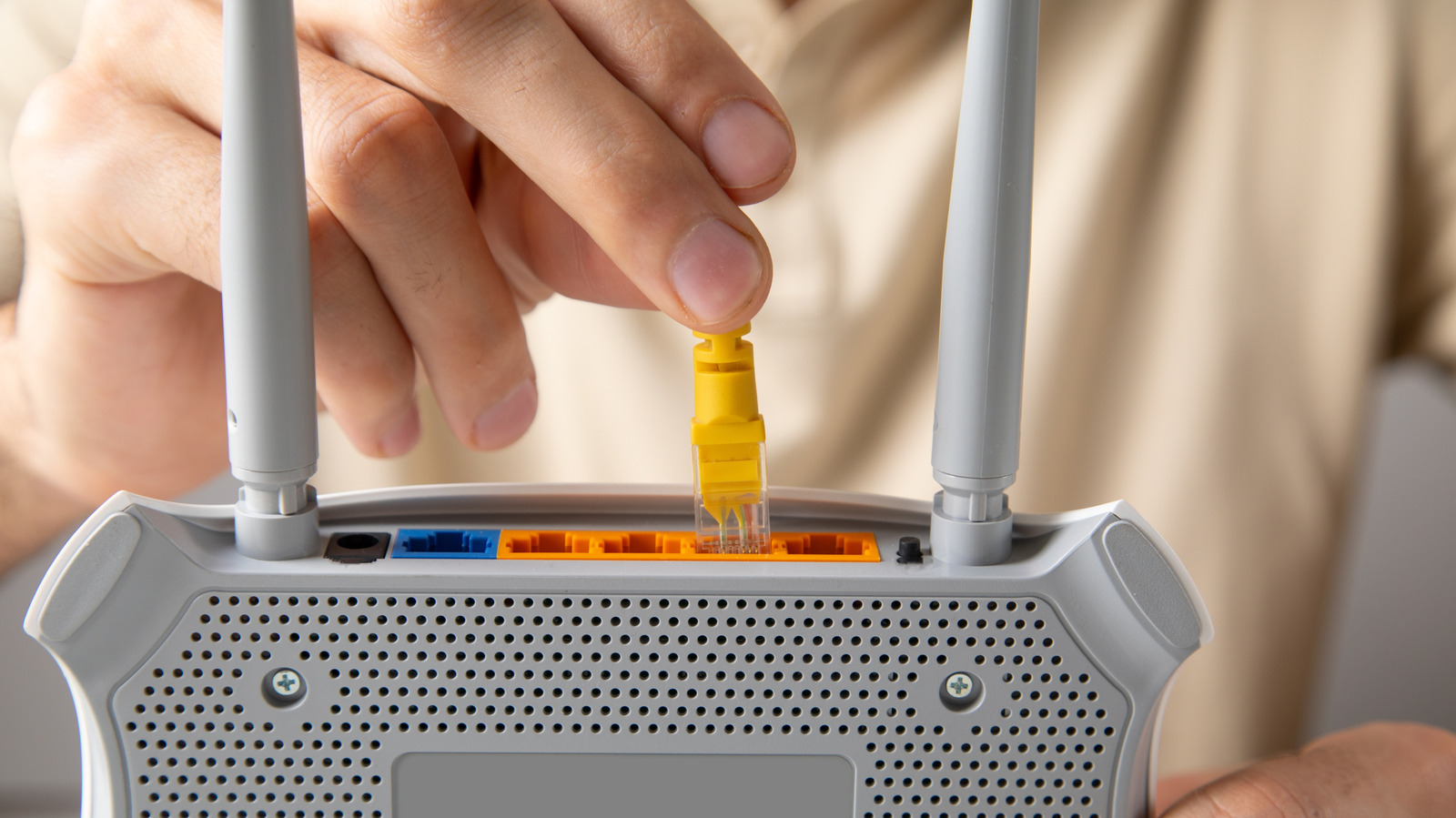
Ethernet cables offer superior network performance over Wi-Fi, eliminating range and interference issues. However, they can get stuck when the connector's plastic tab breaks or fails to release. Andranik Hakobyan/Shutterstock
To safely remove a stuck Ethernet cable, first turn off your device. Hold down the tab while gently bending the connector up and down as you pull. If this fails, press the connector further in before pulling while maintaining pressure on the tab. Cat6 or Cat7 cables are recommended for optimal performance.
As a last resort, use a flathead screwdriver or pen tip to keep the tab depressed, but avoid pliers which risk breaking the connector and damaging data pins. If all else fails, leave the cable in place and contact tech support or visit a repair shop. The risk of a stuck Ethernet cable is minimal since they're designed for easy removal.
Source: Engadget · Summarized by HeadlinesBriefing