
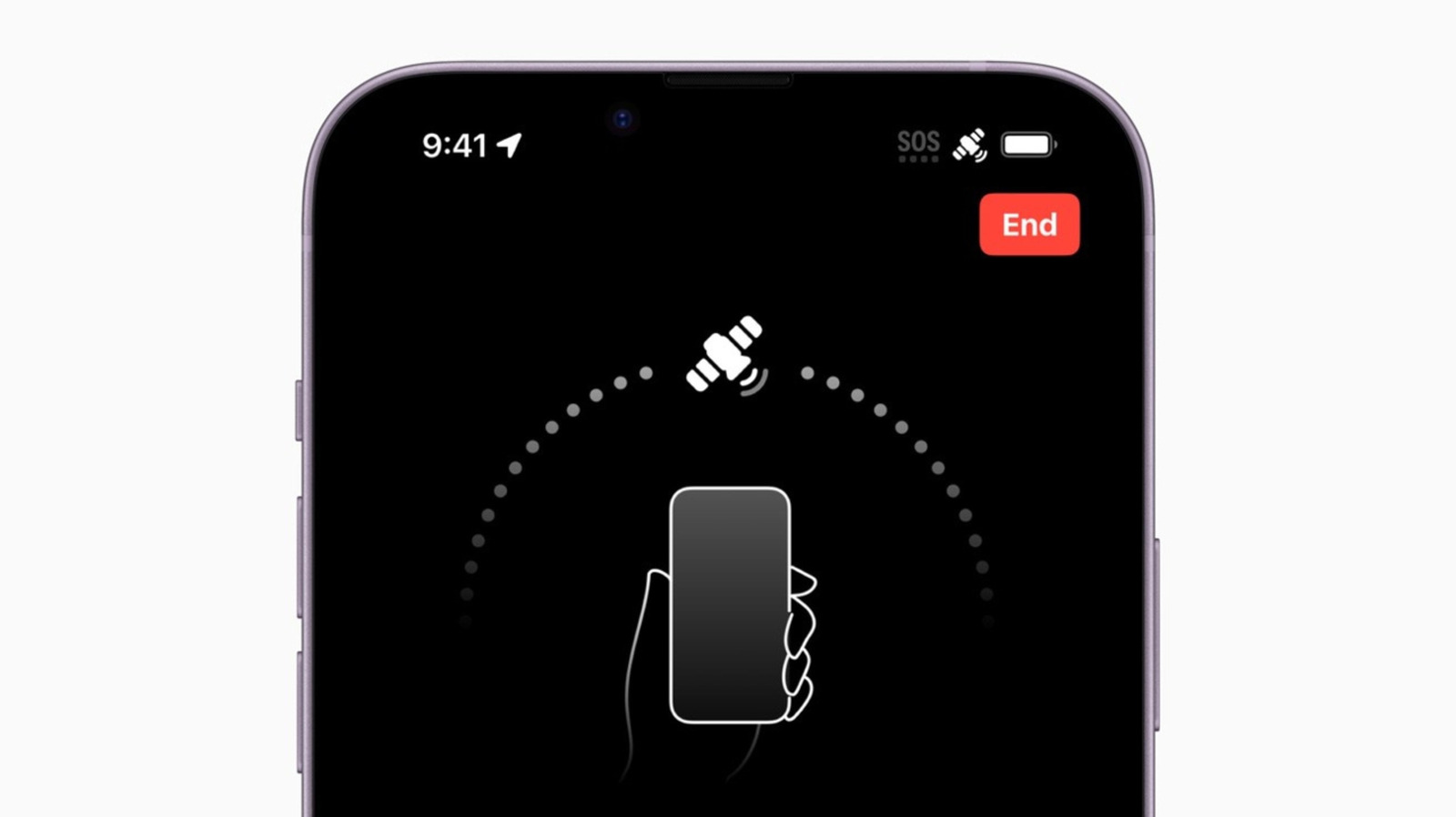
If your iPhone displays an "SOS" or "SOS Only" symbol, it doesn't mean your phone is useless. You can still contact emergency services via other available cellular networks, and iPhone 14 and later models can use Apple's satellite network for emergency calls and texts in 18 countries. This feature is crucial for those off the grid, allowing location sharing, medical ID transmission, and roadside assistance requests.
If you encounter the SOS icon outside of emergency situations, try toggling Airplane Mode for 15 seconds, or simply restart your iPhone. If the issue persists, ensure your iOS is updated by going to Settings > General > Software Update. Check your SIM cards and eSIMs in Settings > Cellular; remove and reinsert physical SIMs if necessary. You can also manually check for carrier settings updates under General > About.
If problems continue, contact your carrier directly. For international travel, ensure Data Roaming is enabled in Cellular Data Options, but be aware of potential extra fees. Using an international eSIM might require turning off your other carrier or enabling data switching for better coverage, again with potential for additional charges.
Source: Engadget · Summarized by HeadlinesBriefing