
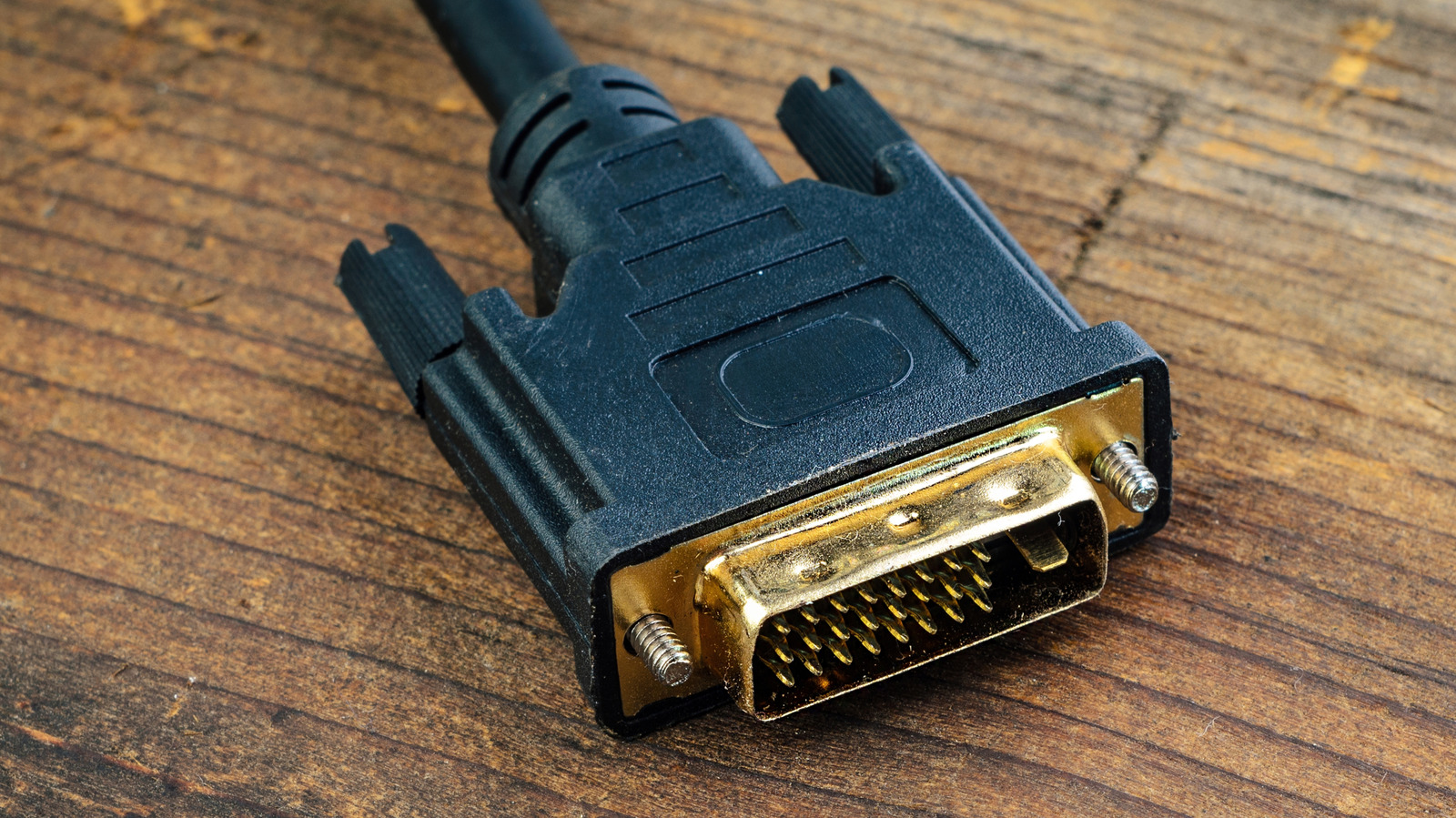
DVI to HDMI adapters let you connect older devices like legacy PCs or projectors to modern displays. DVI ports, introduced with Apple’s Cinema Display in 1999, use a three‑row pin grid and require large screws, making them bulkier than today’s HDMI or DisplayPort. The adapter works because DVI‑D and DVI‑I share the same digital video protocol, so no conversion chip is needed. DVI‑A, an analog variant, is rare and requires active conversion. While DVI can handle resolutions up to 2,560 × 1,600 (dual‑link) at 60 Hz, it lacks audio support and is less convenient than HDMI or DisplayPort, which now dominate TVs and monitors with higher bandwidth, HDR, and daisy‑chain capabilities. For most users, a direct HDMI or DisplayPort connection is preferable, but a simple DVI‑to‑HDMI adapter remains a cheap, functional fallback for legacy gear.
Key limitations: no built‑in audio, lower max resolutions, cumbersome screw‑based connector, and no support for modern features like HDR or high refresh rates. Most external displays now use HDMI 2.2 (up to 16K) or DisplayPort 2.1b, which also enable daisy‑chaining for multi‑monitor setups. If you must use DVI, an adapter is the easiest route, though you’ll still need separate audio and may sacrifice performance.
Common use cases: older office projectors, retail kiosk displays, and legacy PC monitors that still rely on DVI. The adapter simply reroutes pins without power, making it a straightforward, inexpensive solution for bridging old and new hardware.
Source: Engadget · Summarized by HeadlinesBriefing