
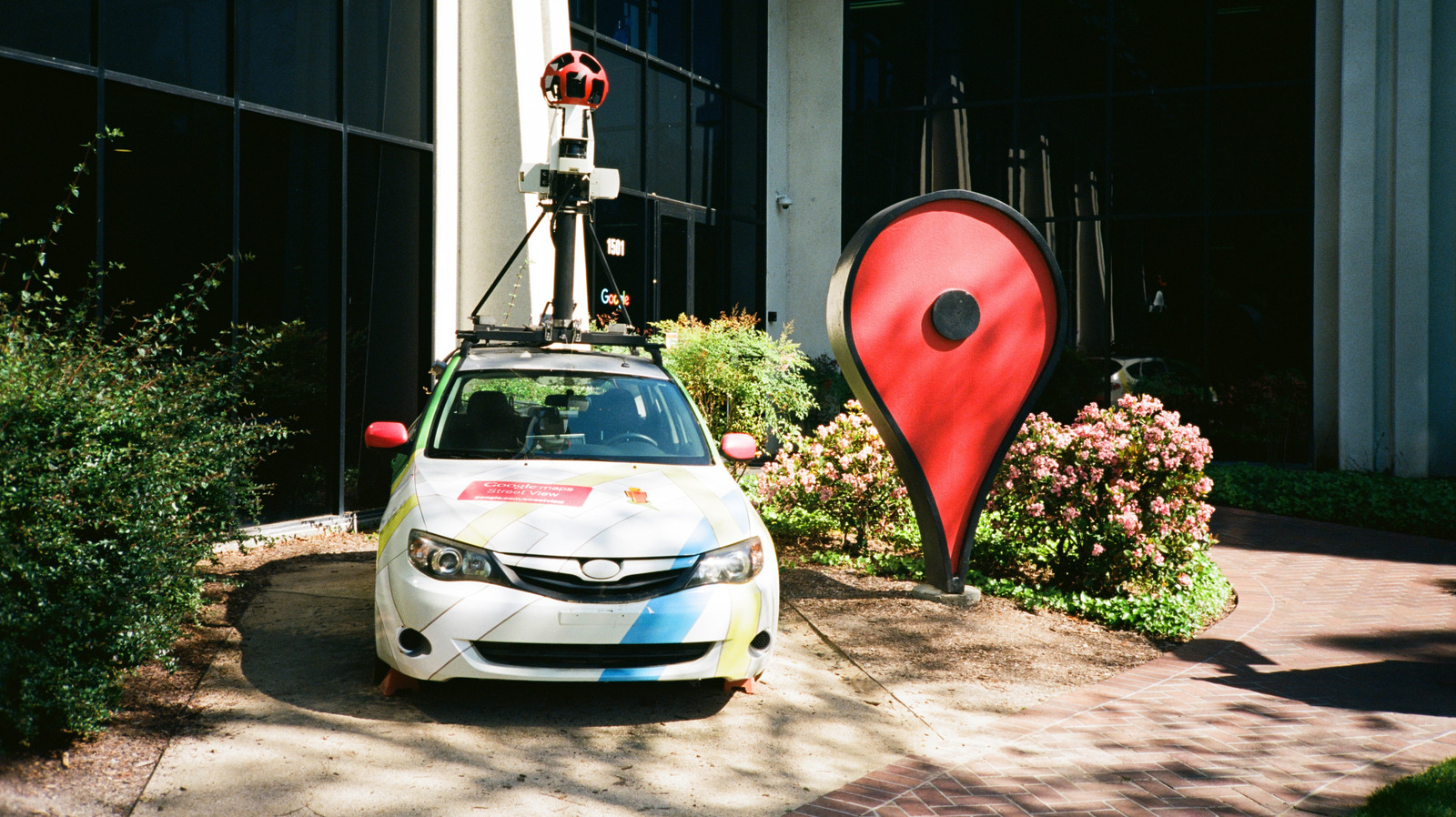
Google Maps lets you pin any location, even if it’s not a formal address. On mobile, open the app, press and hold the desired spot, and optionally add a label. Save, label, or share the pin.
On desktop, click the area, copy coordinates, or right‑click for options. You can also live‑share your location for a set time. For advanced organization, use My Maps to create custom maps with up to 10,000 layers, lines, shapes, or places, viewable on mobile and desktop.
These tools make it easy to mark meeting points, scenic views, or bike parking, and to share exact coordinates with others.
Source: Engadget · Summarized by HeadlinesBriefing