
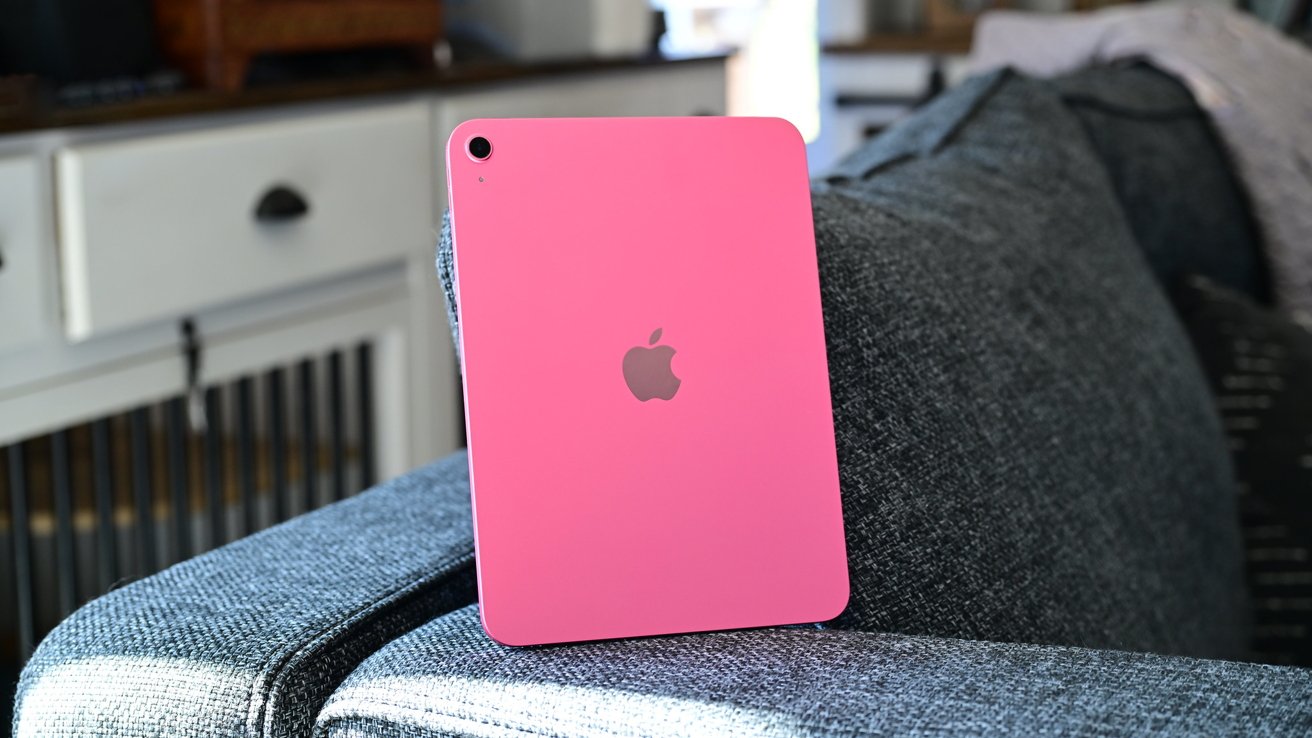
AppleInsider's guide reveals critical strategies for extending older iPad lifespans. Hardware aging doesn't mean obsolescence - with proper care, tablets can remain functional for years. The article emphasizes proactive maintenance over hasty upgrades, focusing on practical solutions for common degradation issues.
Screen protection emerges as a top priority. Using $4.99 glass screen protectors (like Insignia models) or premium options like $49.99 Paperlike protectors prevents scratches that compromise touch sensitivity. The guide warns against household cleaners damaging oleophobic coatings, recommending 70% isopropyl alcohol applied via microfiber cloths instead.
Battery health takes center stage in safety discussions. Swollen lithium-ion cells pose fire risks, requiring immediate professional handling. Users are advised to stop charging swollen devices and seek Apple-authorized service - DIY repairs risk further damage. Battery degradation statistics aren't provided, but the piece stresses visual inspection over performance metrics.
Software adaptability proves vital for usability. Apple's legacy app downloads allow reinstallation of older app versions on unsupported devices. For $79 Smart Folio cases or rugged Speck alternatives, physical protection becomes non-negotiable as devices age. Repurposing suggestions include smart home hubs and media centers, leveraging iPads' touch interfaces for consistent, low-demand tasks.
By prioritizing hardware preservation and software flexibility, users can delay costly replacements. The guide concludes that maintaining older iPads isn't just economical - it's environmentally responsible, reducing e-waste through extended device utility.
Source: AppleInsider · Summarized by HeadlinesBriefing