
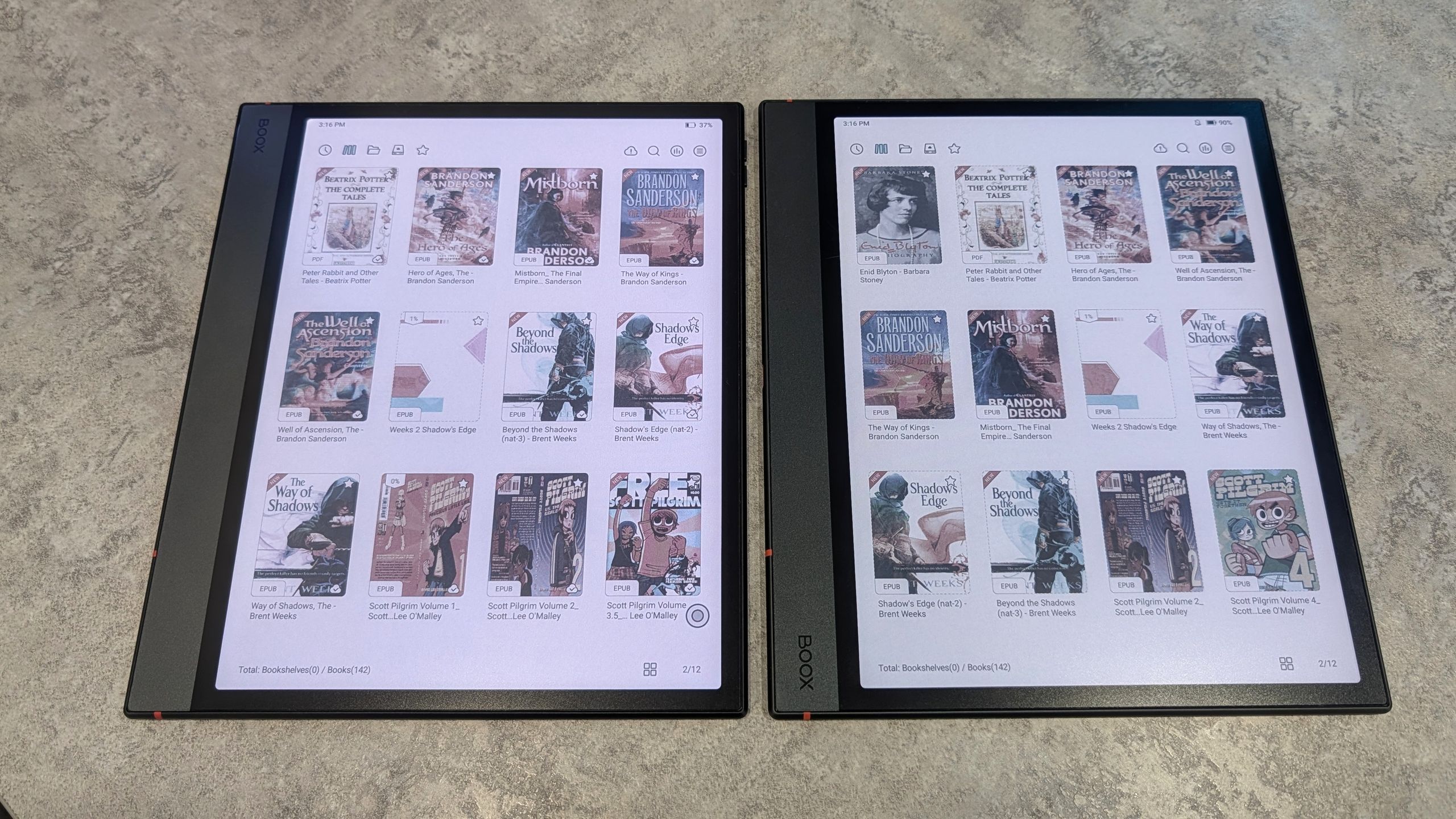
Upgrading to a new Onyx Boox E Ink tablet presents a unique problem: these Android-based devices lack the standard Wi-Fi Direct or Bluetooth data migration found on typical phones and tablets. This omission forces users to manually re-download or transfer their entire library, a tedious process. Fortunately, a simple hardware hack bypasses this limitation entirely.
The solution leverages the tablets' built-in USB OTG (On-The-Go) support. Instead of connecting a flash drive, you use a standard USB-C to USB-C cable to link the two tablets directly. This method requires no extra purchases if you already own a data-capable cable, turning the old device into a makeshift external drive for the new one.
Connect the tablets, and the Boox file manager opens automatically, allowing you to browse, select, and copy e-books or documents between devices. For a seamless transition, sync your reading progress to your Onyx account first. While this direct cable transfer is efficient, the article also suggests the open-source Calibre software for long-term library management on a PC.
Source: Latest from Android Central · Summarized by HeadlinesBriefing