
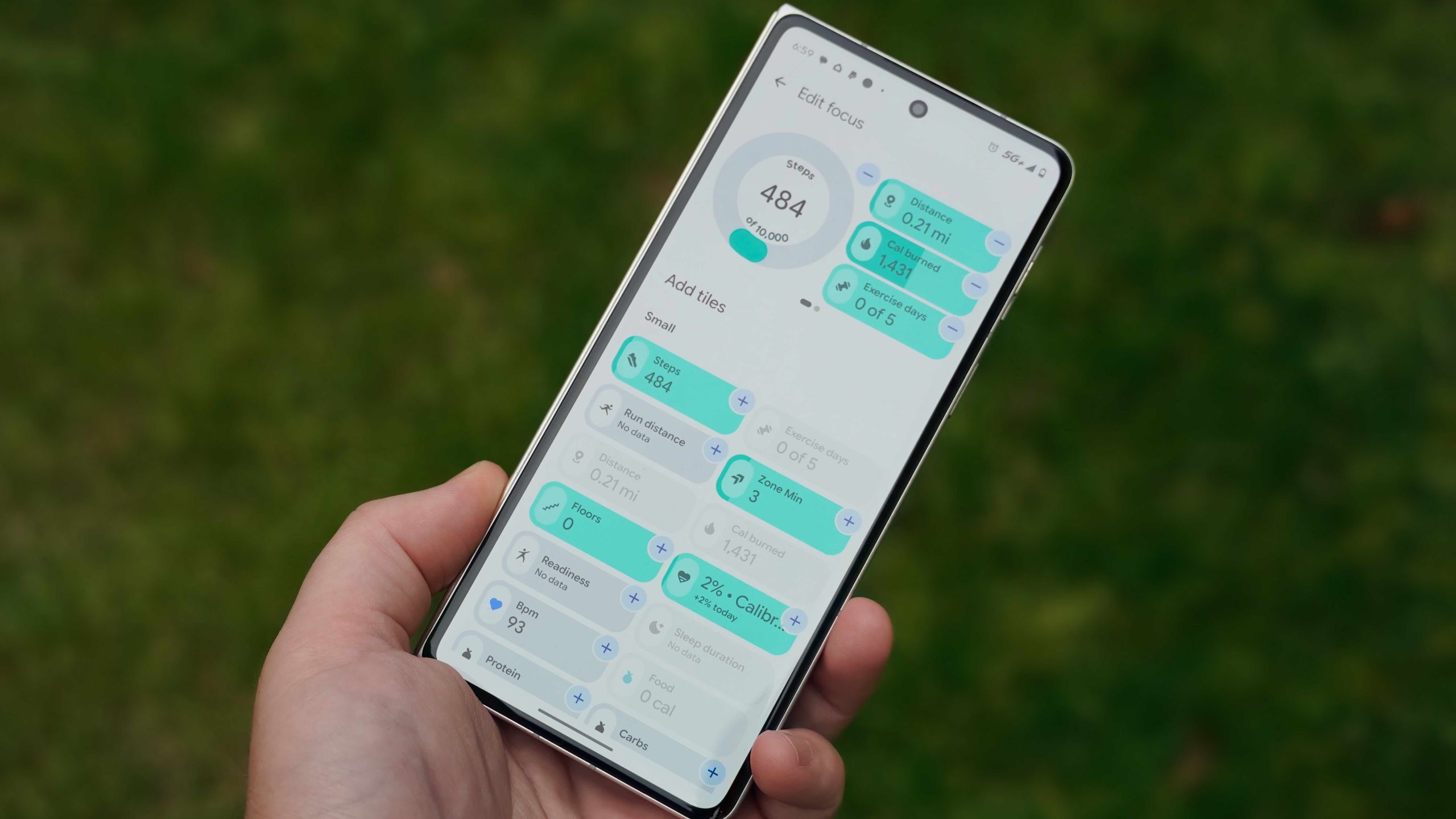
Google's controversial Health app rebrand from Fitbit has drawn criticism from longtime users, prompting the company to publish a support document acknowledging bugs and promising continued updates. While negative reviews pile up on app stores, the redesign introduces customizable focus tiles and expanded metric tracking for those willing to adapt.
Users can rearrange homepage focus tiles through an edit interface, choosing between six small tiles or two large tiles per page. The default layout reserves space for premium features, but the customization options let you prioritize the data points you actually use rather than what Google pushes. However, reordering requires removing and re-adding tiles in the desired sequence.
The Health tab offers deeper customization through key metrics selection, covering everything from heart rate to sleep duration. You can add or remove metrics using plus and minus buttons, though the same reordering limitation applies. Third-party app syncing works through Health Connect API, letting you integrate data from other fitness services.
For premium subscribers at $9.99 monthly, Google Health Coach provides AI-powered guidance using Gemini technology. The companion Fitbit Air wearable at $99 tracks health metrics for up to seven days. Despite the backlash, these customization tools help users adapt the app to their specific fitness tracking needs.
Source: Android Central · Summarized by HeadlinesBriefing