
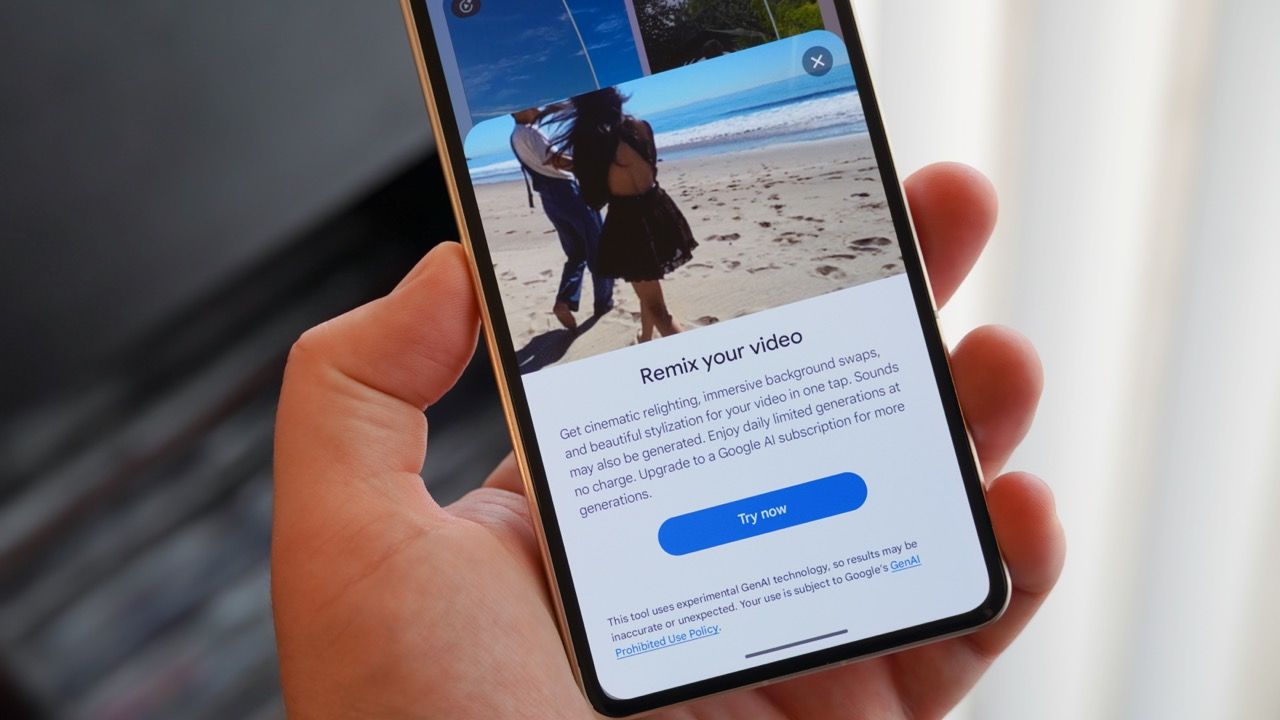
Google Photos has introduced a new Video Remix feature, powered by the Gemini Omni AI model. This tool allows users to transform short video clips into new creations directly within the Google Photos app's Create tab. Users select a 10-second segment of a video and choose from various prompt templates, such as "Add doodles to my video" or "Give my video an orange sunset glow," to reimagine their clips.
While not a replacement for the full Gemini app experience, Video Remix offers a fun and accessible way to enhance existing videos. The results can be impressive, with templates ranging from subtle lighting adjustments to complete artistic style changes. The feature is currently rolling out to paid Google AI subscribers in select countries, including the US, Argentina, and India.
To use Video Remix, open Google Photos, tap Create, select Video Remix, choose a template, and then select your video clip. If the video exceeds 10 seconds, you can trim it to the desired portion before generating the remix. The process can take up to two minutes, and the final output can be saved to your library. Google advises that stable videos work best and notes that the feature may sometimes restrict generation if it detects faces, particularly those of minors, for safety reasons.
Source: Android Central · Summarized by HeadlinesBriefing