
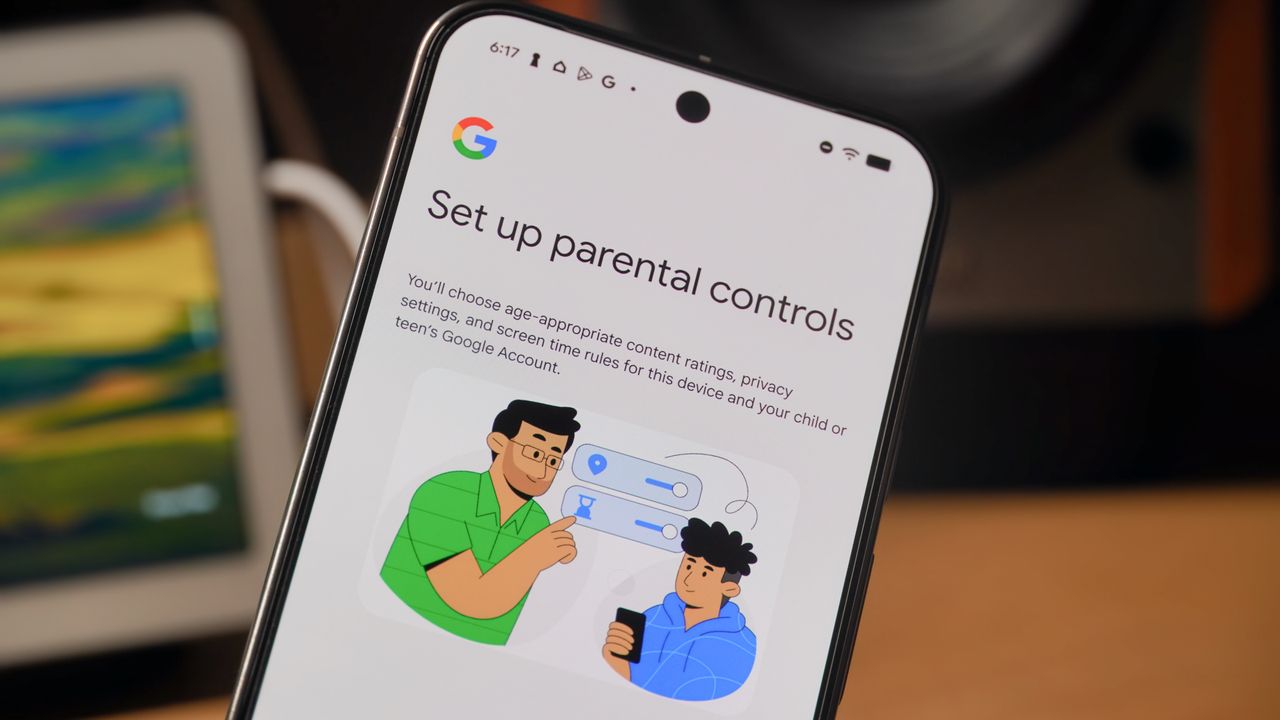
Google is making it easier for parents to manage their children's screen time on Android devices. A recent update for Google Pixel phones and tablets now allows parents to configure parental controls directly within the main Settings app, removing the previous requirement to download the separate Family Link application for initial setup. This streamlined process, introduced with the December 2025 Pixel Drop, integrates device limits and supervision tools into one accessible location.
While the dedicated Family Link app remains the standard for controlling non-Pixel Android devices, this new native option offers a more immediate and simplified experience for Pixel owners. Parents can now set app limits, content filters, and screen time schedules directly on the child's device with just a few taps. This move highlights Google's strategy of using its own hardware to showcase new software features, creating a better user experience for those invested in the Pixel ecosystem.
For families using other Android brands, the established process via the Family Link app remains unchanged.
Source: Latest from Android Central · Summarized by HeadlinesBriefing