
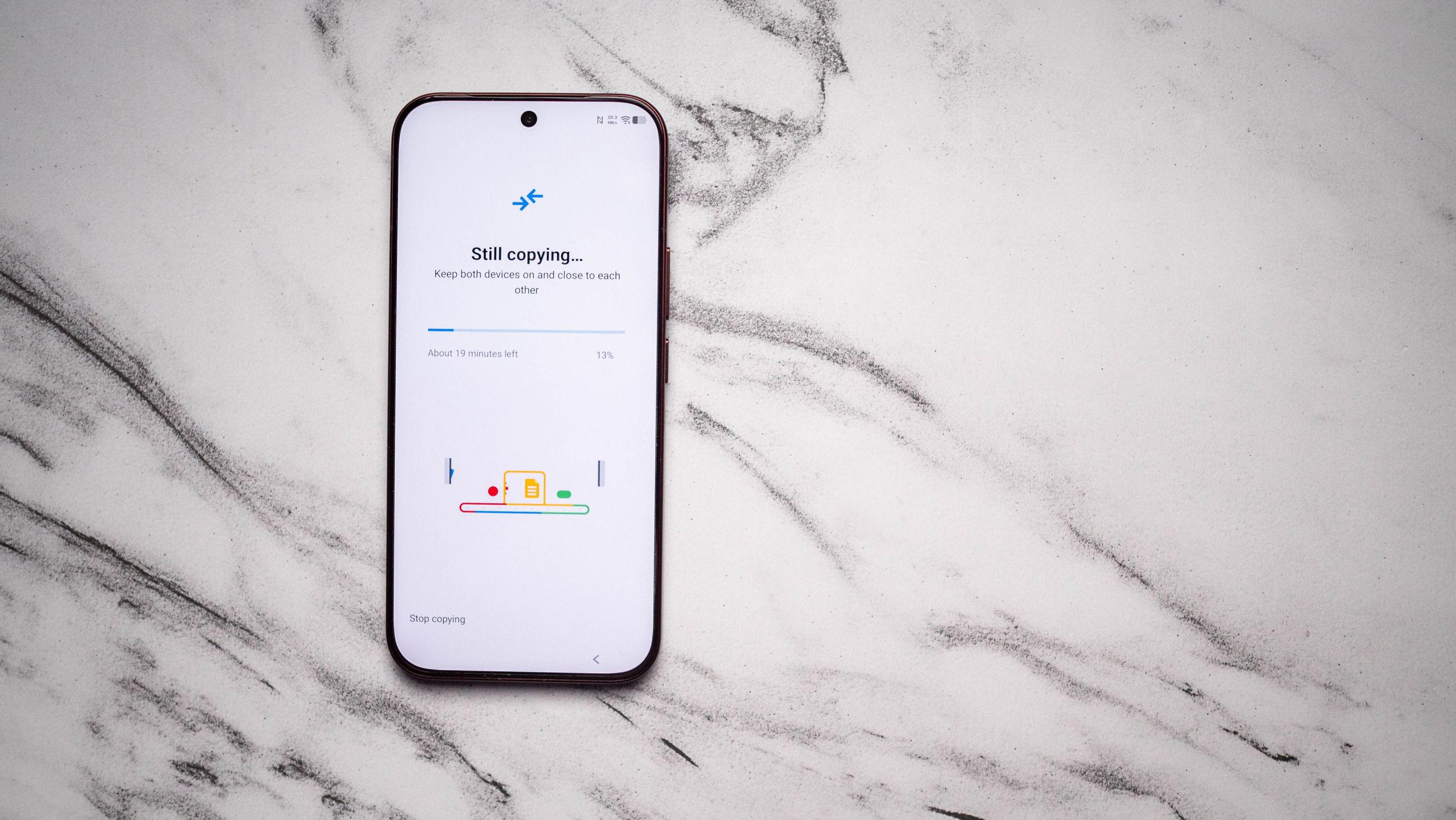
Android’s data transfer feature received a key upgrade, making setup smoother for users. Google introduced a QR code to simplify sharing home network details during device migration. More notably, a percentage indicator now displays real-time progress during transfers—a small but impactful change. Previously, users faced uncertainty about transfer status, but this update provides clarity, ensuring users know exactly how much data has moved. For example, one tester left devices unattended after a 20-minute estimated transfer, only to find the progress stalled at 54%, confirming ongoing activity without manual checks.
The update also addresses past reliability issues. Transfers no longer stall mid-process, even when switching between Android versions. While a USB-C cable remains the fastest method, wireless transfers have improved significantly. Though slower, they now complete without interruptions, offering flexibility for users without physical connectors. This enhancement matters for those prioritizing convenience over speed, especially with multi-device ecosystems.
Critics note Android’s tool still lags behind Chinese brands like OPPO and Vivo, which offer faster proprietary solutions. However, these are limited to China-exclusive models. Global devices, such as the Xiaomi 17 Ultra and Vivo X300 Pro, rely on Android’s native system, ensuring consistency. This standardization benefits users switching between non-Chinese brands, avoiding fragmented experiences.
Android data transfer feature improvements highlight Google’s focus on user-centric design. By prioritizing transparency and reliability, the update reduces friction in device migration—a critical step as Android adoption grows. For now, it’s a solid, if not groundbreaking, enhancement to an essential tool.
Source: Android Central · Summarized by HeadlinesBriefing