
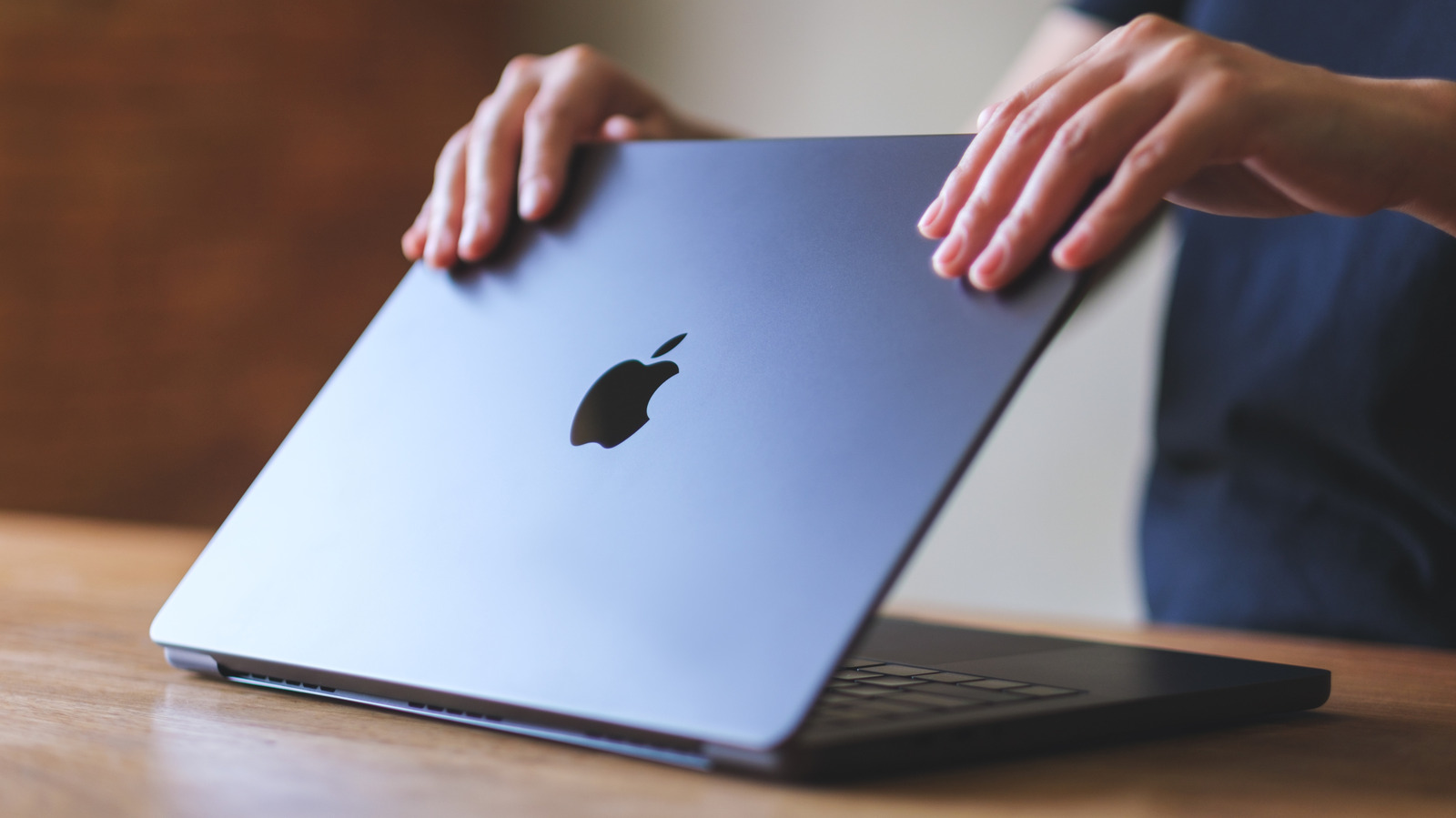
Putting a screen protector on expensive electronics is second nature for technology users, but on a MacBook it can do more harm than good. A laptop is different from a phone—it's closed when transported and used on sturdy surfaces, making screen protection unnecessary. The cons outweigh the benefits significantly.
From an aesthetic perspective, screen protectors can visibly dampen your display, scatter light, and reduce clarity. With a large surface area, air bubbles are likely. The bigger threat is damage to the screen's anti-reflective coating. When removing protectors, adhesive can crack or peel the coating. Thick protectors can prevent proper laptop closure or cause deeper screen damage by bridging the gap between screen and keyboard.
If you must use protection, opt for the Ultra Thin Magnetic Privacy Screen Filter from Kensington, sold on Apple's official website. Its magnetism avoids adhesive dangers, and thinness prevents force-based damage. Other harmful accessories include heavy hardshell cases that wear out hinges, trap heat, or prevent full closure. Apple warns accessories disrupting the 'tight tolerance' between screen and base risk screen damage. Keyboard covers can leave permanent marks, and webcam covers can damage screens and disable ambient light sensors. Apple recommends removing keyboard covers before closing and using webcam covers thinner than printer paper.
المصدر: Engadget · لخّصه HeadlinesBriefing