
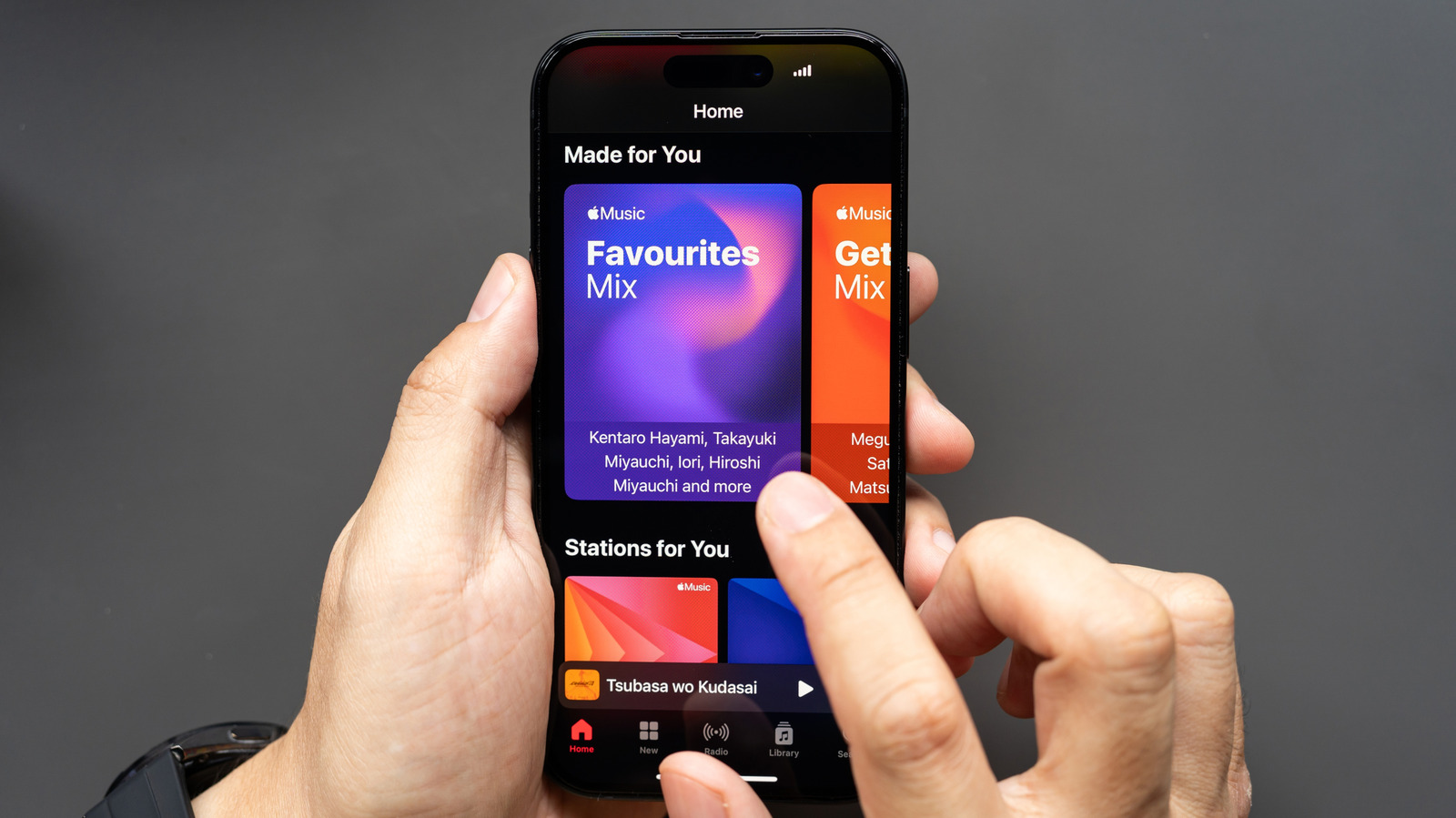
Apple Music offers lossless streaming and EQ features across iOS, Android, Mac, and Windows. The service includes two lossless tiers: CD quality (24-bit/48kHz) and Hi-Res Lossless (24-bit/192kHz). Lossless is not enabled by default due to higher data usage. To enable it on iOS, go to Settings > Apps > Music > Audio Quality and toggle Lossless Audio. On Android, open Apple Music, tap the three-dot menu, select Settings > Audio Quality, and enable Lossless. iOS lacks an in-app equalizer, while Android redirects to device settings. Note that iOS does not support high-resolution Bluetooth codecs, so wired connections or adapters are needed for full lossless quality. On Mac, open Apple Music, click Music in the menu bar, go to Settings > Audio Quality, and select your preferred tier. Windows 11 users can adjust settings similarly through the Apple Music app. Always ensure your playback equipment supports the chosen quality for optimal results.
Apple Music provides robust cross-platform support with minimal feature differences. While Android users get lossless streaming, iOS users miss the karaoke feature but gain an equalizer. Both platforms allow fine-tuning of audio quality for Wi-Fi, cellular, and local downloads. Whether you're on a phone, computer, or smart device, adjusting these settings ensures you get the best sound possible from Apple Music's extensive library.
المصدر: Engadget · لخّصه HeadlinesBriefing