
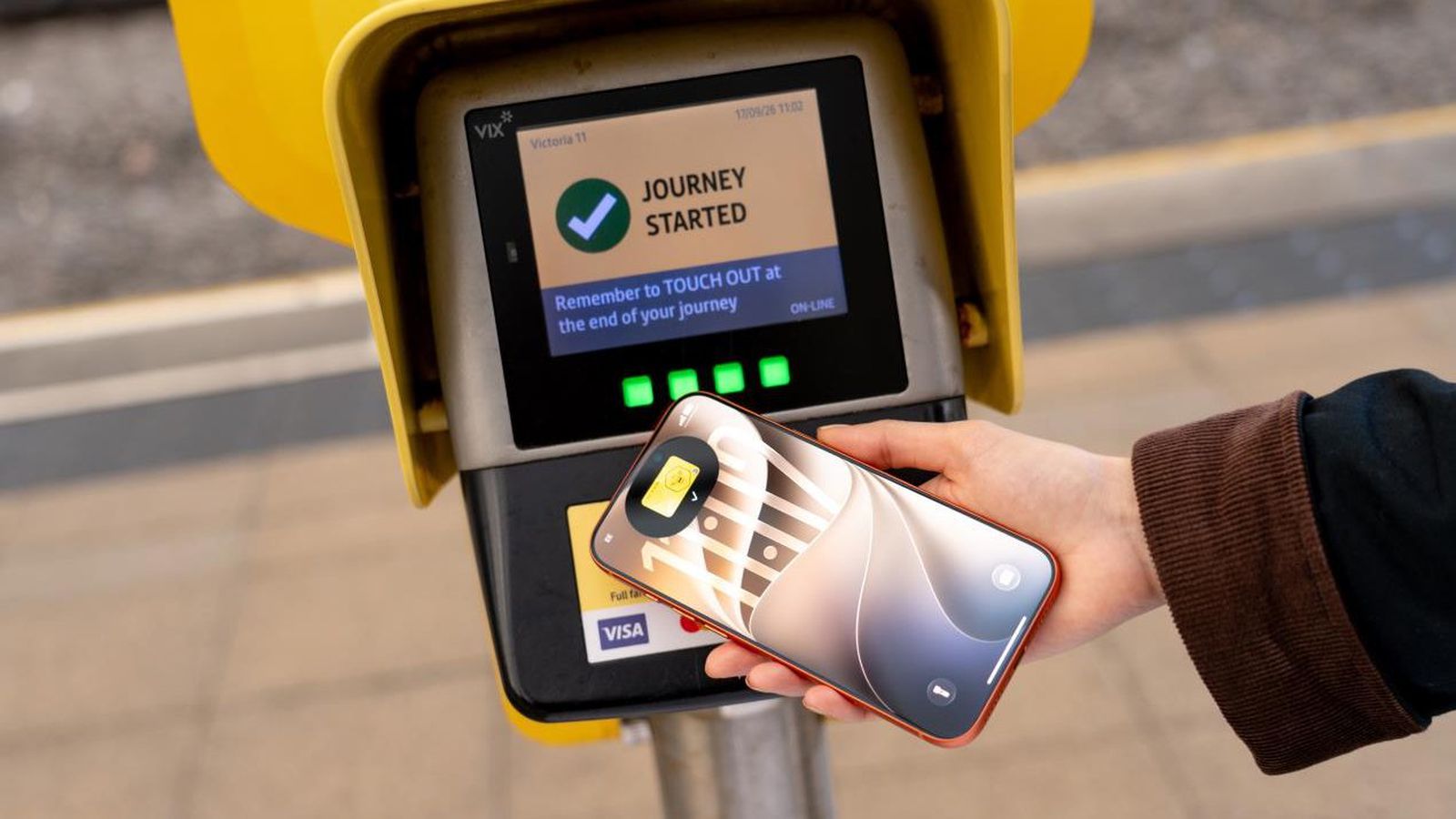
In August, Transport for Greater Manchester announced that the Bee Card could be added to the Apple Wallet app on the iPhone and Apple Watch, but it was limited to younger riders using free or discounted "Our Pass" tickets. As of this Tuesday, though, the Bee Card is now fully supported in Apple Wallet for all types of Bee Network tickets.
To add the card to Apple Wallet, open the app, tap on the plus sign in the top-right corner, select "Travel Card" (may appear as "Transit Card" for some users), scroll down to the United Kingdom section, and choose Bee Network.
Once the card has been added, you can buy bus and tram tickets directly in Apple Wallet and store them on the virtual Bee Card. When traveling on the Bee Network in Greater Manchester, you can simply tap your iPhone or Apple Watch on a card reader to pay. If you enable Express Mode, there is no need to wake or unlock the device. iOS 27 is required to add the Bee Card to Apple Wallet.
Source: MacRumors · Summarized by HeadlinesBriefing