
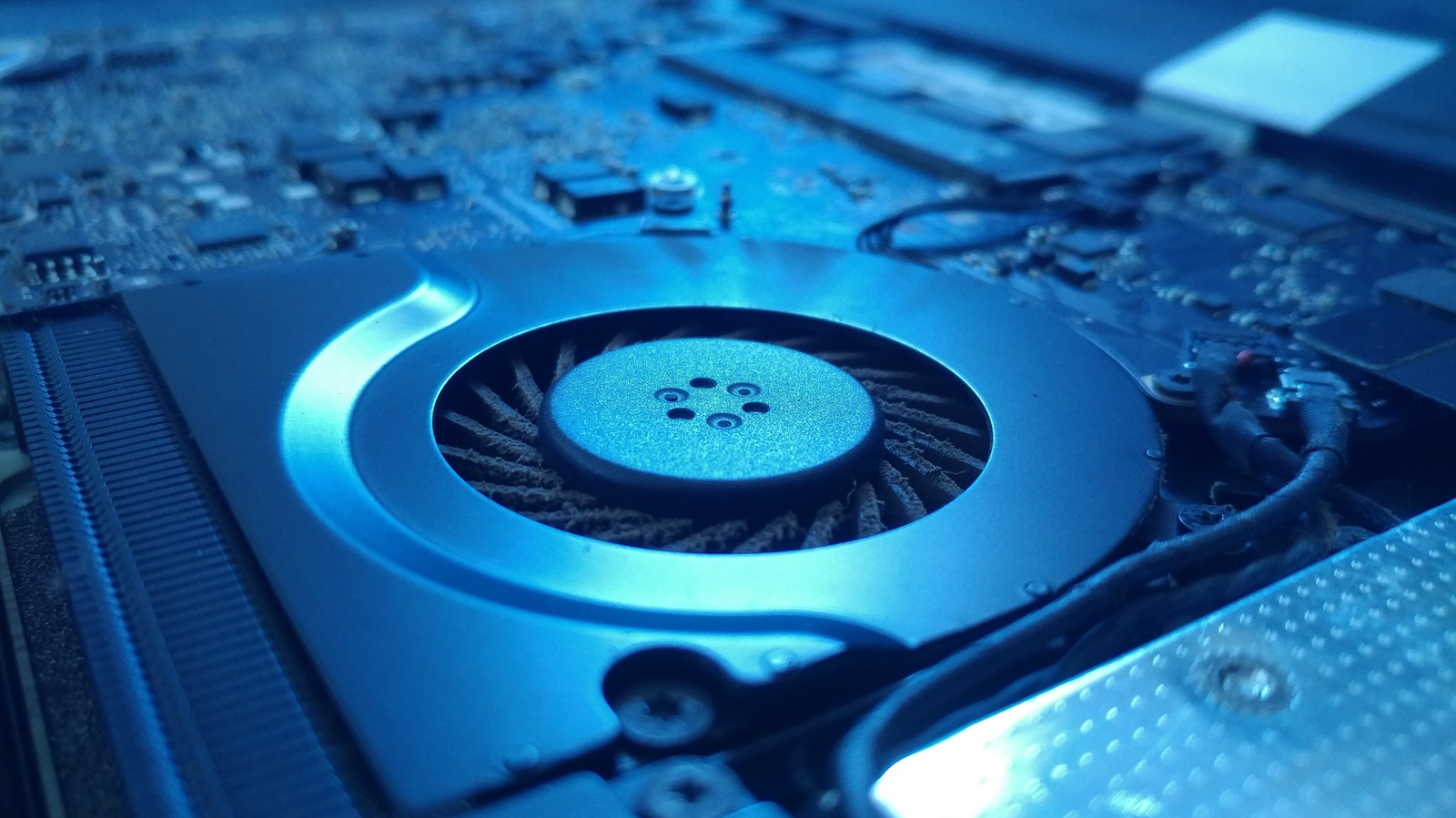
Your laptop shouldn't sound like a jet engine during light work. Sudden fan noise is often caused by dust blocking vents or hidden background processes overloading the CPU. Start by using your laptop on a hard, flat surface to ensure proper airflow.
If the issue persists, clean the vents with compressed air and a microfiber cloth. For deeper cleaning, consider professional help to avoid voiding your warranty. On Windows, open Task Manager (Ctrl+Shift+Esc) and sort by CPU usage to spot resource hogs.
Disable unnecessary startup apps. Mac users should open Activity Monitor, sort by % CPU, and quit non-essential background processes. Regular maintenance can prevent unexpected fan surges and extend your device's lifespan.
Source: Engadget · Summarized by HeadlinesBriefing