
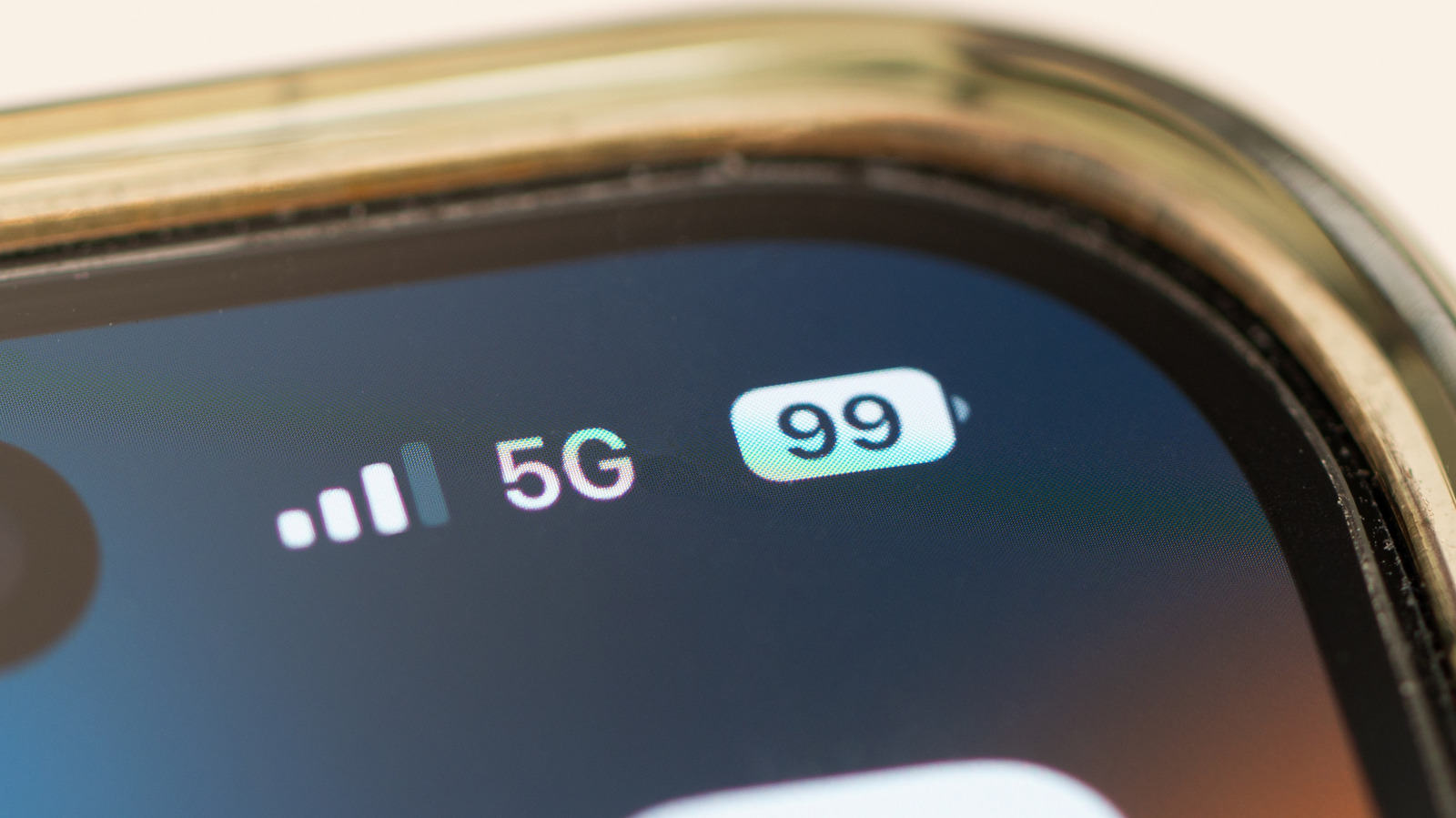
Your phone switches to mobile data to maintain connectivity, but this can drain your data plan. Smartphones are designed to stay connected, constantly measuring signal strength, data speed, network latency, and packet delivery to decide when to switch between Wi-Fi and mobile data. This seamless handover spares you from dropped connections and buffering, but automatic switching can quietly consume data or interrupt Wi-Fi-only processes.
Triggers include a weak Wi-Fi signal, a network with no internet access, and phone settings designed to prioritize connection stability. When the Wi-Fi signal becomes too weak -- often due to distance or interference -- or when the network lacks internet connectivity due to ISP issues or router malfunction, the device will switch. You can stop your phone from switching to mobile data by adjusting settings.
On iPhones, turn off Wi-Fi Assist (iOS 26 and earlier) or Connectivity Assist (iOS 27) via Settings > Wi-Fi. For Samsung Galaxy devices, disable Intelligent Wi-Fi through Connections > Wi-Fi settings. However, disabling these features may result in a worse overall experience, such as more frequent buffering or dropped calls, as the phone loses its ability to seamlessly handover between networks to maintain stability.
Source: Engadget · Summarized by HeadlinesBriefing