
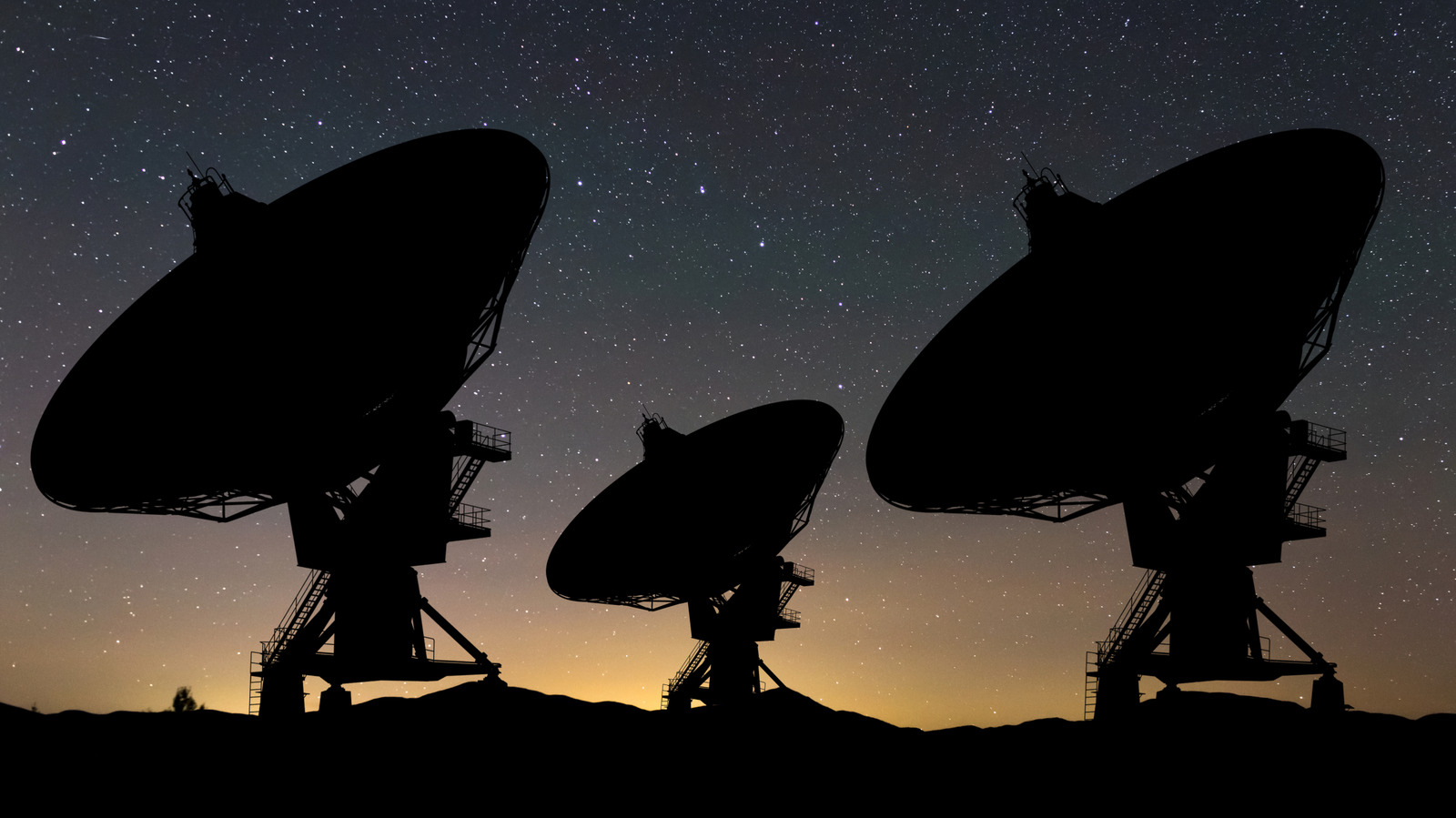
Internet routers around the world automatically switch Wi-Fi channels to make way for certain types of radar. This Dynamic Frequency Selection (DFS) ensures military, satellite, and weather radar maintain priority on large parts of the 5 GHz band. In the United States, Federal Communications Commission (FCC) rules require routers to listen for radar on shared channels for 60 seconds before transmitting. The radar most likely to interfere with a home network is not military, but airport systems. The Federal Aviation Administration (FAA) runs 45 Terminal Doppler Weather Radar systems protecting 46 of the country's busiest airports, from JFK and O'Hare to Dallas and Denver. These systems transmit between 5600 and 5650 MHz. Per the FAA, no wind shear accident has occurred at a TDWR-protected airport since 1994.
Early 2009 saw the FAA detect interference to those radars from unlicensed 5 GHz equipment. Following a joint investigation with the National Telecommunications and Information Administration (NTIA), the FCC proposed $25,000 fines against three wireless ISPs — Boom Solutions, Integra Wireless and Win PR — in August 2019, after their equipment interfered with weather radar at San Juan International Airport. Enforcement followed, with Win PR's penalty confirmed that November and Boom Solutions' in early 2020. DFS remains enabled by default and required in shared bands. When a router detects radar mid-session, it triggers a 10-second exit and 30-minute lockout. ASUS notes a radar hit on a 160 MHz channel can push the router down to 80 MHz, while only channels 36 to 48 and 149 to 165 are radar-free in the United States.
Source: Engadget · Summarized by HeadlinesBriefing