
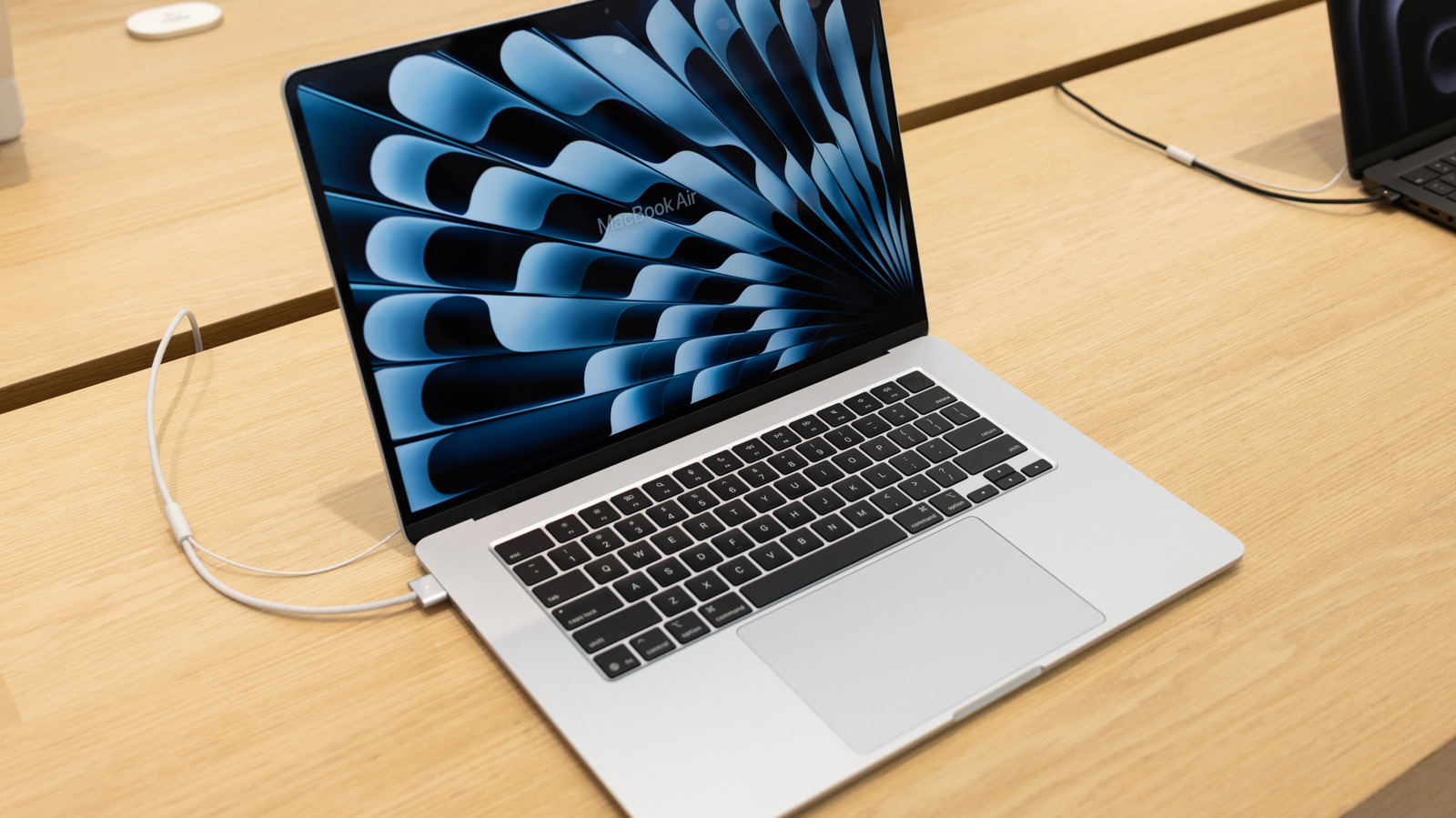
Modern MacBooks manage battery health intelligently, making it generally safe to keep them plugged in. Smart charging software and lithium batteries adjust to usage, temperature, and charge cycles. Battery Health Management is enabled by default on macOS Catalina 10.15.5 and later, optimizing charge timing and reducing wear. While continuous charging is fine, heat remains a key concern: operating temperatures range from 50°‑95° F, and overheating can degrade battery life. Apple recommends storing devices at ~50 % charge for long periods and suggests monitoring health in System Settings. Simple steps—keeping fans clear, avoiding hot environments, and occasional unplugging—help maintain longevity.
Battery Health Management is activated by default on macOS Catalina 10.15.5+. If turned off, enable it via Apple menu → System Settings → Battery → Battery Health → manage battery longevity. The system pauses charging at optimal times, preventing overcharging. For long‑term storage, charge to about 50 % to preserve capacity. Heat is the biggest enemy: operating temps are 50°‑95° F, and accessories or cases can cause overheating. Keep vents unblocked and consider unplugging in warm settings.
Source: Engadget · Summarized by HeadlinesBriefing