
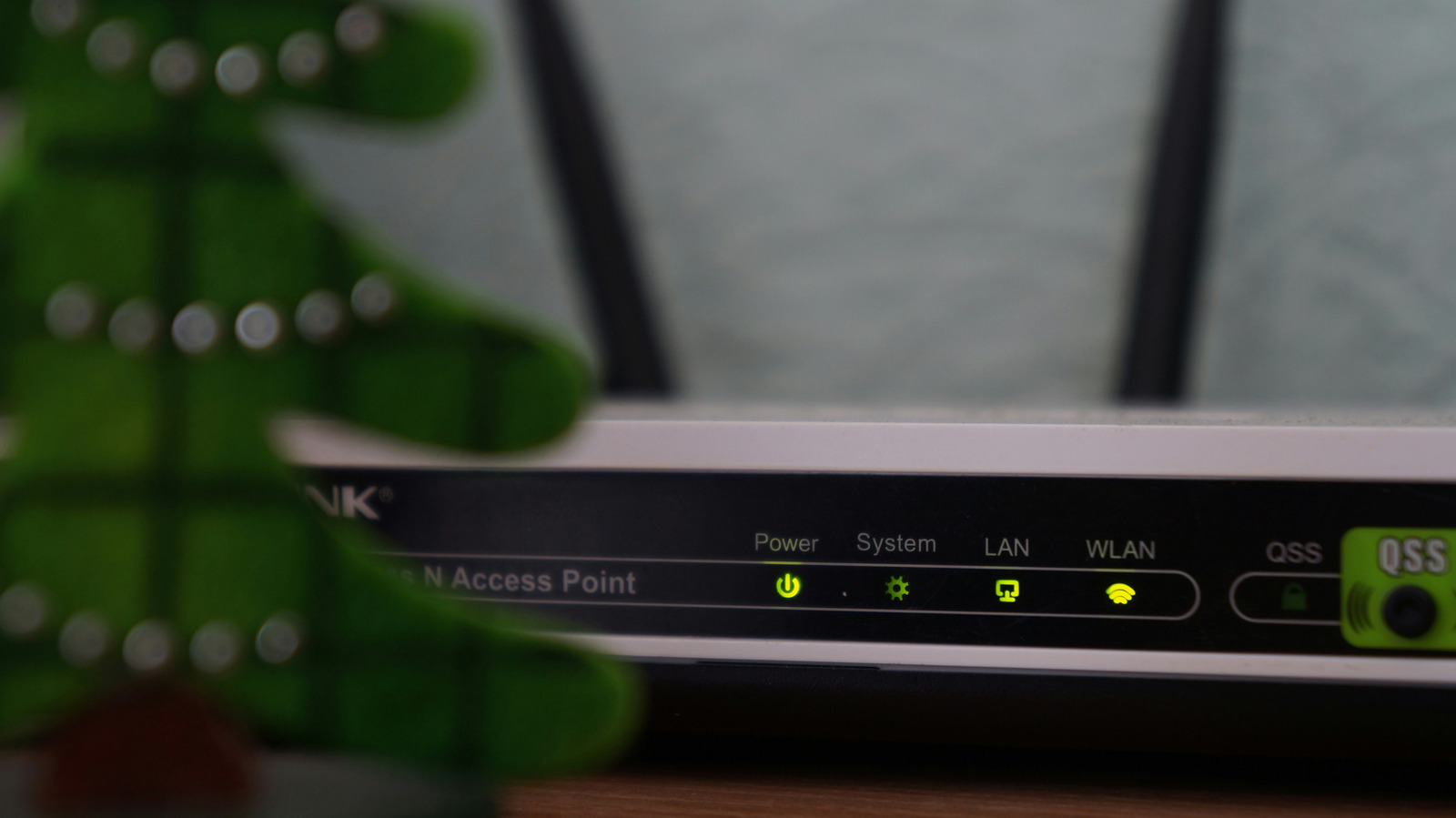
When the power goes out, your laptop battery keeps it running, but networking gear like routers and mesh systems goes dead silent. This can disrupt important video calls or mid-game victories. The first step is understanding your networking chain: cable internet requires a modem and router, while fiber uses a router and an Optical Network Terminal (ONT).
Some providers install battery backups on the ONT, but these usually prioritize phone lines. If the ONT and router are in separate rooms, you will need two separate backup power units. Investing in an uninterruptible power supply (UPS) is the best way to keep your internet up and running.
These devices sit between the power outlet and your networking gear, automatically switching to battery when power fails. A modest UPS that can keep a router running for an hour or longer costs well under $100. More expensive models can last longer and handle power-hungry devices like a PC.
It is worth doing a quick test run by unplugging the UPS when no one is using the internet to ensure everything stays online. Alternatively, if you own removable batteries for power tools and cordless vacuums, you can buy small inverters compatible with brands like DeWalt, Milwaukee, or Ryobi. Unlike a UPS, inverters do not switch over automatically; you must plug in the networking gear when the power goes out and wait for equipment to restart.
However, inverters let you swap batteries if you are stuck in a longer outage, and models can be found for as little as $30. With any backup power source, only plug in your networking equipment; this is not the place for your TV or game console. For a complete internet outage, your best option is your phone's mobile hotspot or a dedicated mobile hotspot device.
Source: Engadget · Summarized by HeadlinesBriefing