
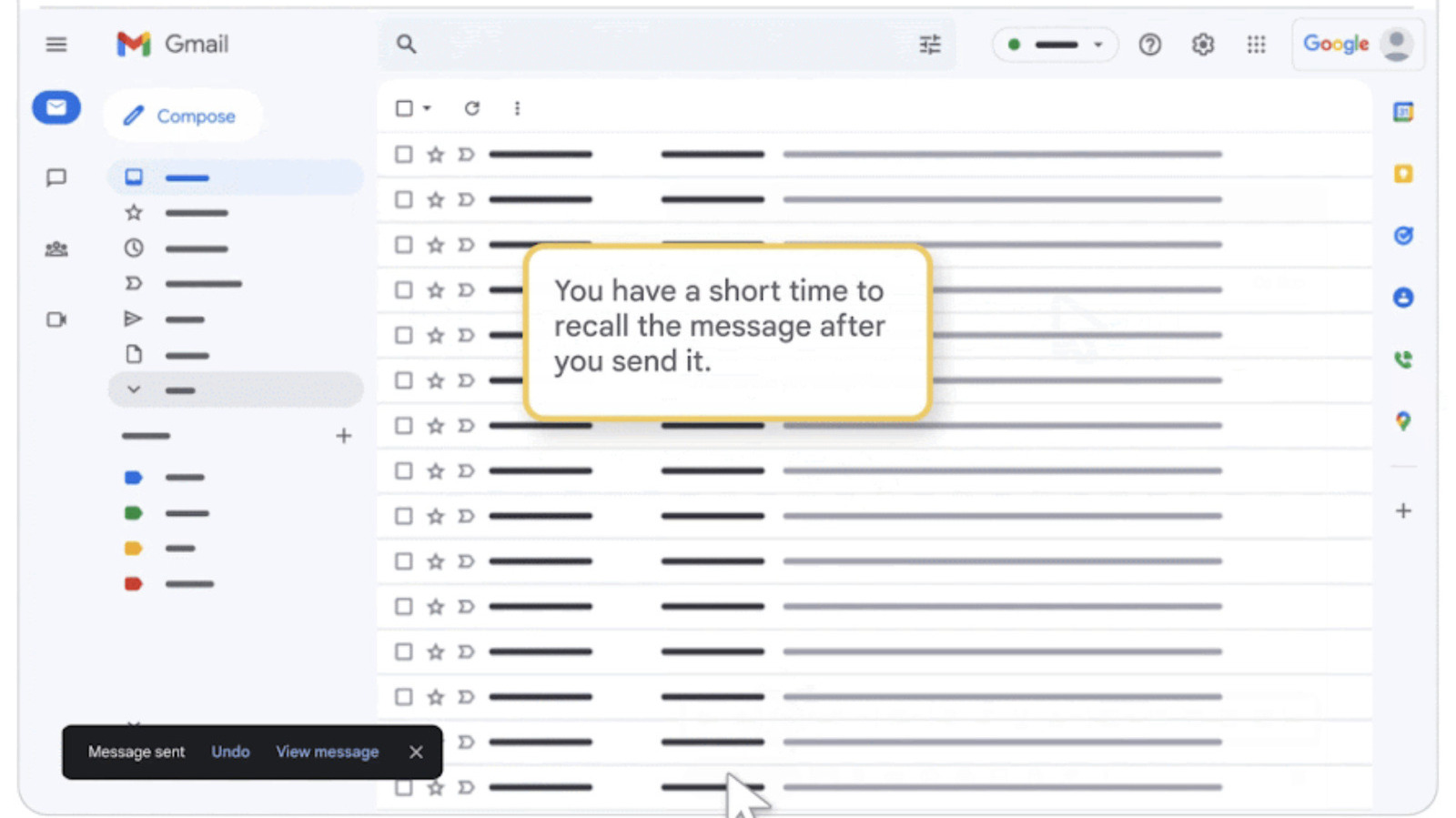
Gmail users can unsend messages, but only for a very short window after hitting send. A small box pops up in the bottom left corner offering "Undo" and "View message" options. If a typo is spotted or information forgotten, the user must hit Undo very quickly.
The feature does not actually unsend an email already dispatched; it merely delays dispatch to give a chance to stop it. Once an email is out, it cannot be reclaimed from the recipient's inbox. The default cancellation period is five seconds, but users can extend this to 10, 20, or 30 seconds via settings.
To extend the time, go to Gmail on desktop, click the Gear icon, select See all settings, navigate to the General settings page, and adjust the Undo Send section. Remember to save changes for the new period to take effect. While 30 seconds is the maximum delay, it may be sufficient to prevent errors on important messages.
This feature is useful for catching mistakes before an email officially reaches the recipient, who remains unaware of the attempted unsend.
Source: Engadget · Summarized by HeadlinesBriefing