
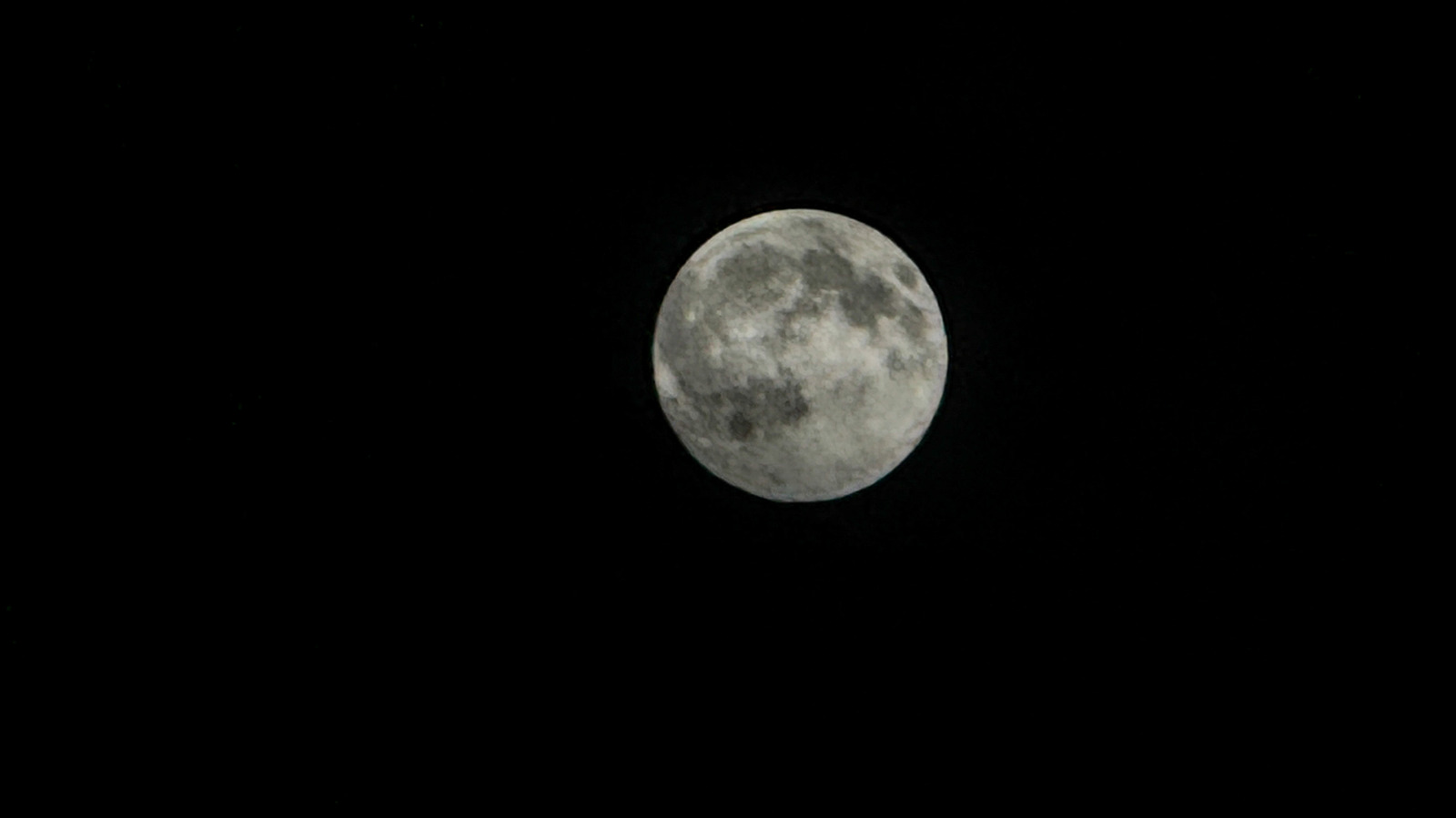
Snapping the Moon with an iPhone often yields a featureless blob or blurry mess because the camera averages exposure for the dark sky, overexposing the bright lunar surface. Handheld shots suffer from slow shutter speeds (as low as 1/30s), and even 5x optical zoom on iPhone 15 Pro or 16 Pro models may leave the Moon too small.
Steve Dent recommends a tripod — any cheap model works, but a $20 Amazon Basics 50-inch tripod with a smartphone holder adds stability for long exposures, panoramas, and video calls. If you skip the tripod, prop the phone on a book and use the three-second timer.
On recent models like the iPhone 16 Pro Max, open the six-dot menu, set Exposure to -2EV, then tap and hold the Moon to lock focus and exposure. Drag the brightness slider (sun icon) down until craters appear sharp — even if the image looks dark; you can brighten it later. Press the shutter for a detailed lunar shot.
Source: Engadget · Summarized by HeadlinesBriefing