
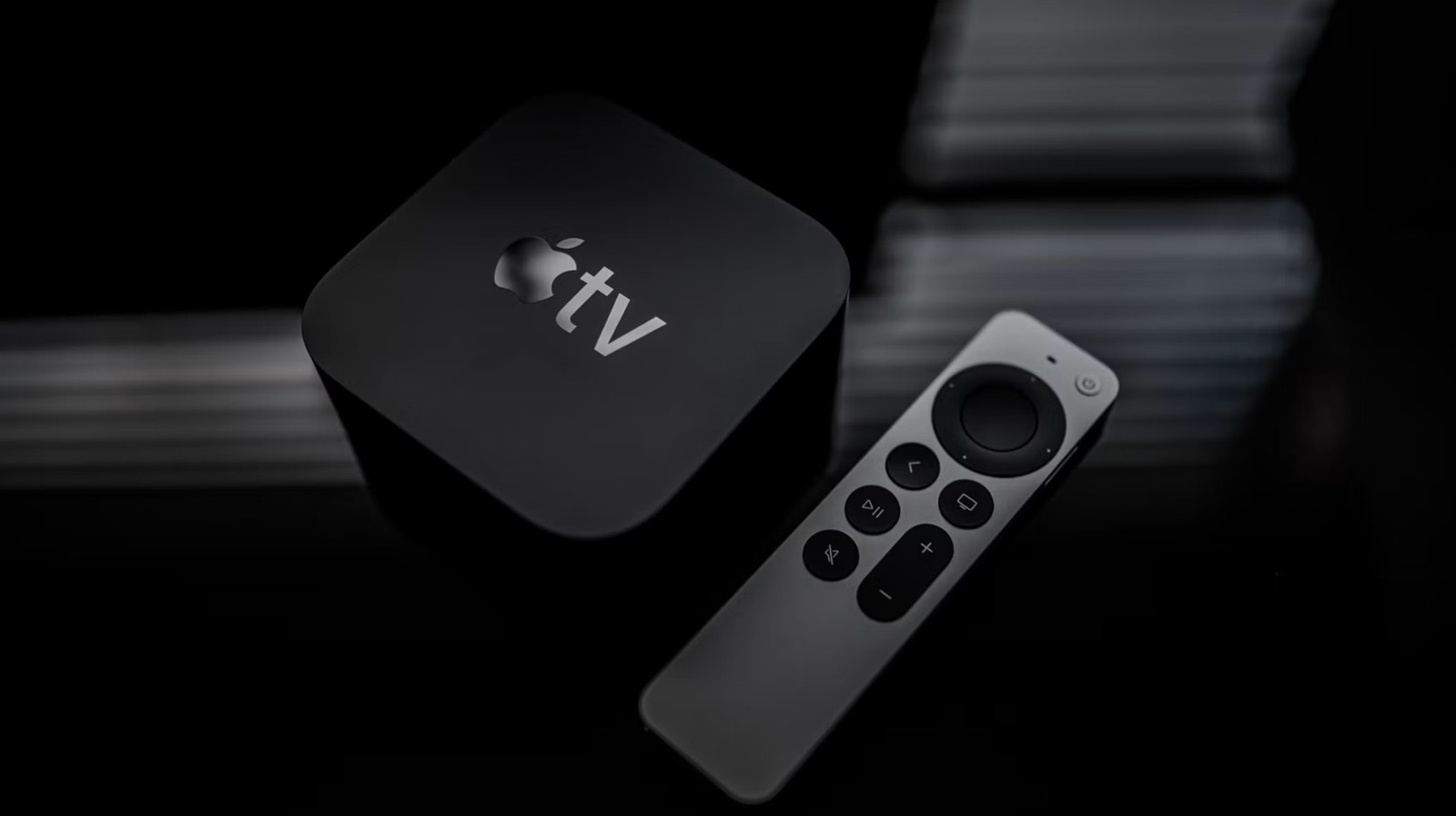
The Apple TV remote offers powerful shortcuts beyond basic navigation. Double-press the Home/Control Center button to force-quit apps by swiping upward on the clickpad—useful when apps freeze or need to free up computational power. Hold the Home/Control Center button to quickly access Control Center for audio source switching and other settings. The clickpad doubles as a timeline controller for scrubbing through videos by sliding your finger or drawing circles.
Voice Over provides audio menu descriptions for accessibility, and the Play/Pause button toggles between lowercase and uppercase text during password entry. Double-press the back/menu button to instantly access screen saver images, including personal photos from the cloud.
Source: Engadget · Summarized by HeadlinesBriefing