
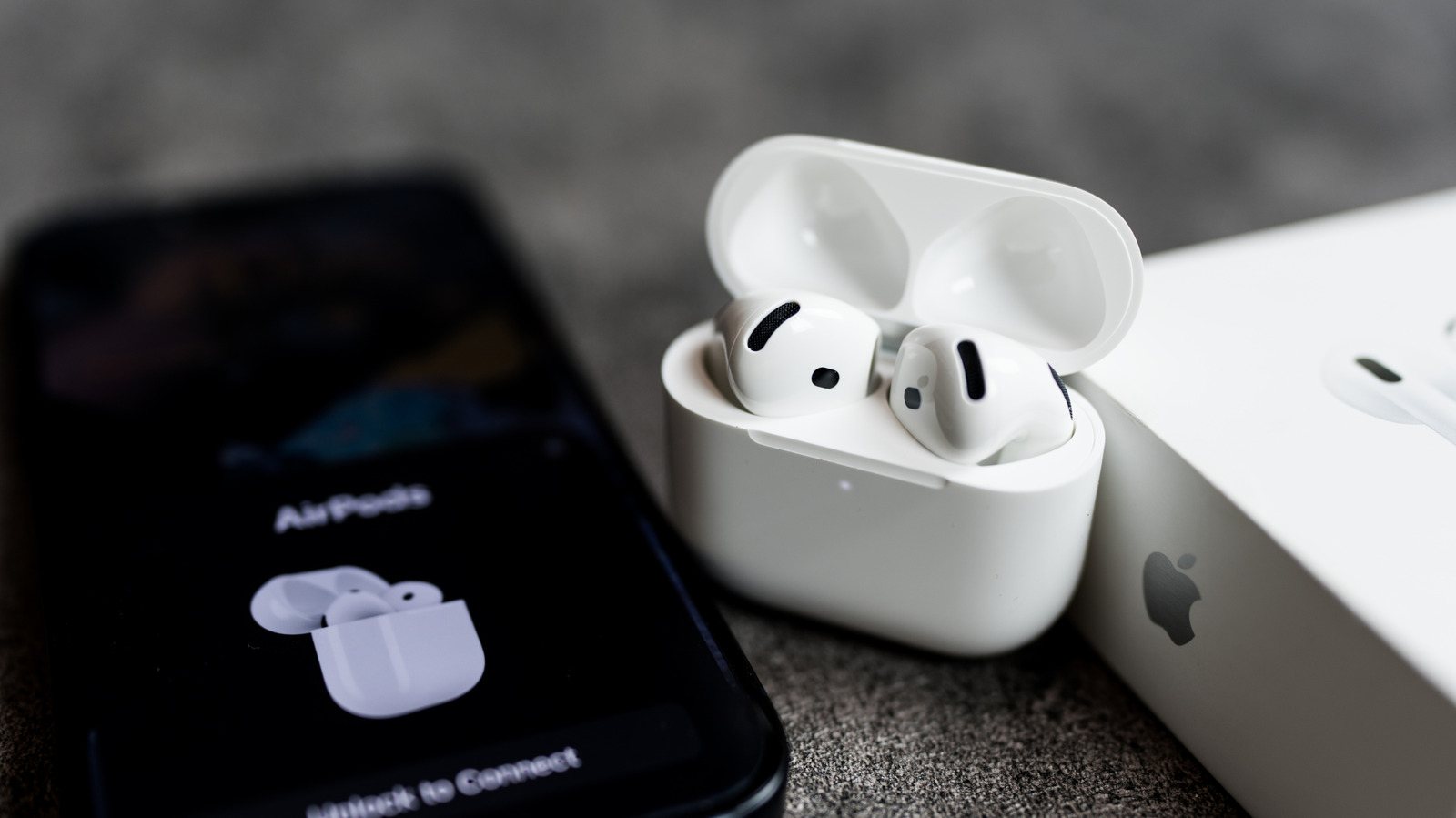
Apple AirPods usually pair easily with iPhone, but connection issues are common. The main culprits include drained batteries, dirty charging contacts, automatic switching to another Apple device, outdated firmware or iOS, and Bluetooth being off. First, charge the case for a few minutes and clean contacts with a cotton swab.
Check that Bluetooth is on in Settings, then look for AirPods in the Bluetooth list and Control Center audio output. Automatic switching can pull AirPods to a Mac or iPad; tapping play on the iPhone often restores the connection. Update iOS via Settings > General > Software Update and verify AirPods firmware in the AirPods settings menu against Apple's latest version.
If problems persist, reset the AirPods: for AirPods 4, 5, and Pro 3, double-tap the case front until the light flashes white, then double-tap twice more; for older models, hold the case back button 15 seconds; for AirPods Max, hold Digital Crown and ANC button 15 seconds. Re-pair via the on-screen prompt. If none of these steps work, contact Apple Support for a possible hardware replacement.
Source: Engadget · Summarized by HeadlinesBriefing