
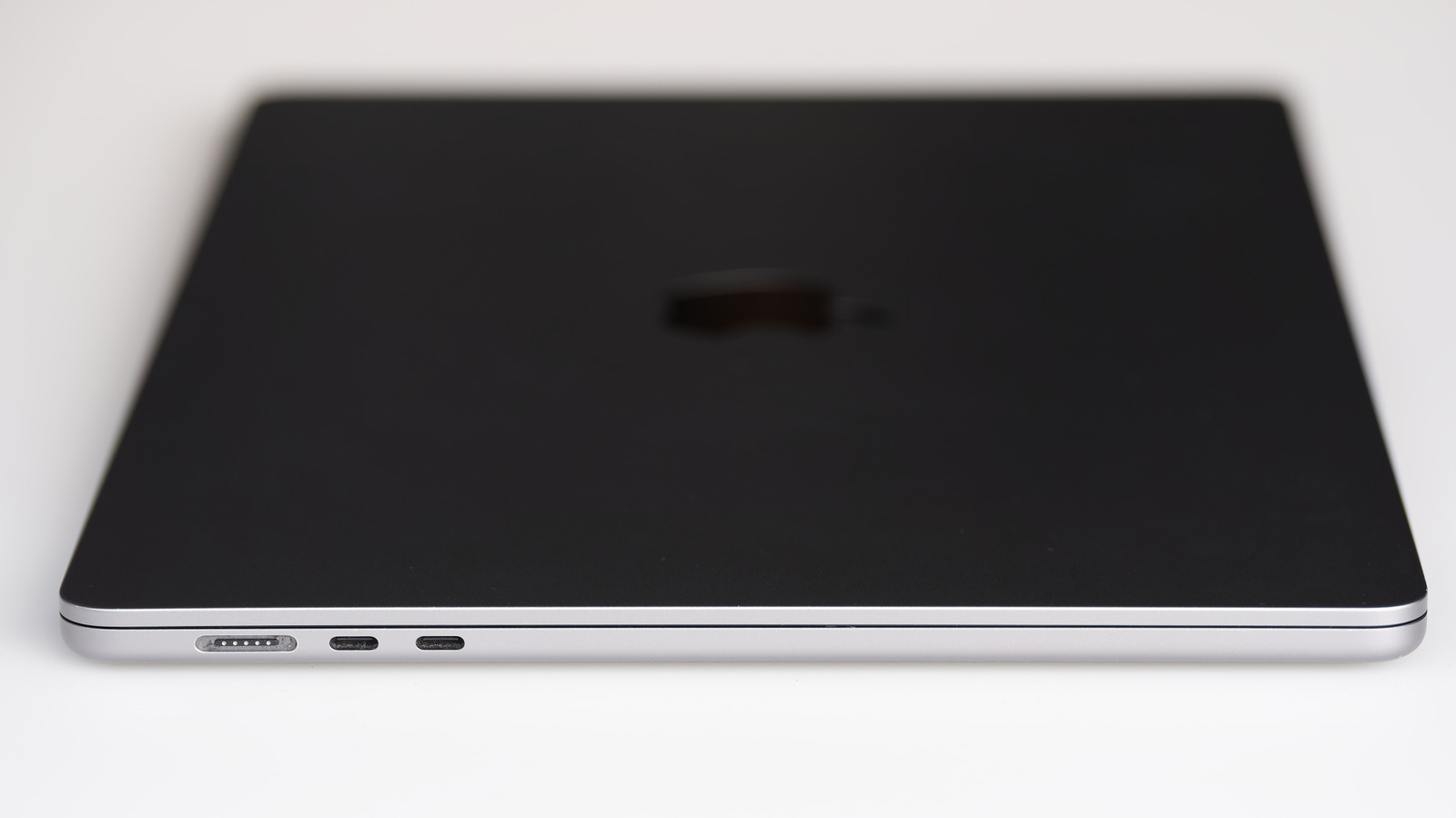
Not every USB-C port is Thunderbolt, and features can vary wildly. USB-C isn't a charging standard or speed; it simply describes the shape of the port and connector. Thunderbolt is a standard that uses the USB-C connector for its modern iterations. So on a modern Mac, every Thunderbolt port is USB-C, but not every USB-C port supports Thunderbolt.
Picture USB-C as a door. On a modern Mac, every door looks the same, but what's behind each can be quite different. On a Mac Book Neo, for example, there are two doors. One is a narrow path with enough space for just one person at a time: that's its USB 2 port, which tops out at 480 Mbps. Behind the other door is a road with enough space for cars to pass. That's its 10 Gbps USB 3 port, which can also power a display.
The major difference between Thunderbolt ports and regular USB-C is speed. Standard USB-C ports support speeds anywhere from 480 Mbps on USB 2 to 80 Gbps on USB4 Version 2.0. On the other hand, Thunderbolt 4 and 5 top at 40 Gbps and 80 Gbps (up to 120 Gbps in one direction) respectively. Thunderbolt ports and cables cost more than USB-C. Thunderbolt is a standard co-developed by Intel and Apple, not the USB Implementers Forum.
Thunderbolt standards use the USB-C connector, and you can plug almost any USB-C device into a USB-C port. But how well it will work depends on the port, cable and device you're plugging in. The cable you use matters too. Use a Thunderbolt cable and you'll have no issues with a Thunderbolt device on a Mac Book Pro M4 Pro.
Source: Engadget · Summarized by HeadlinesBriefing