
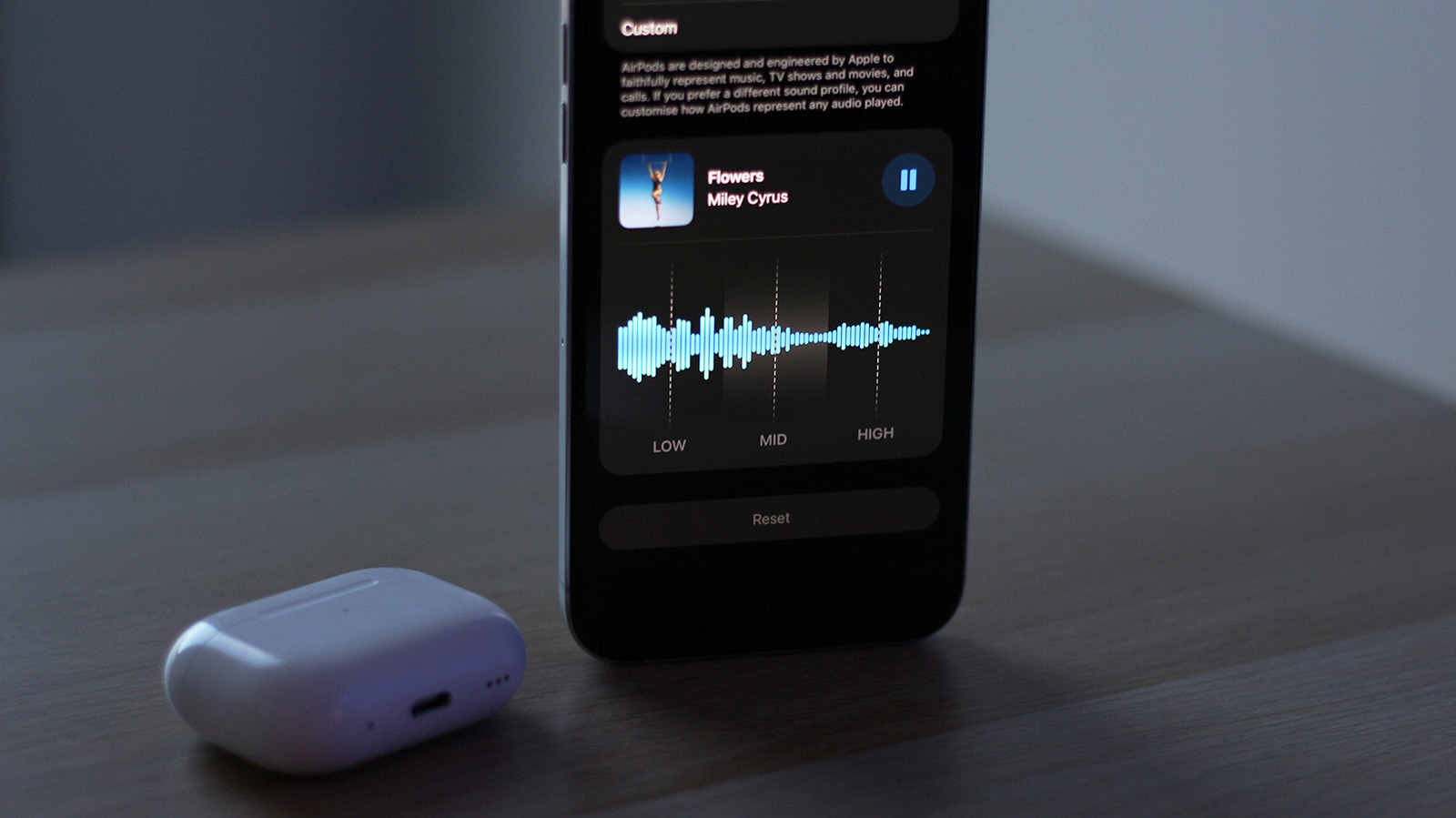
Apple's iOS 27 introduces a custom EQ feature for AirPods, giving users more control over their audio. To access it, connect your AirPods to your iPhone, iPad, or Mac, then go to Settings > your AirPods > Audio & Routing > Equalizer. If you don't see it, ensure your AirPods have the latest firmware by placing them in their charging case near your device.
The EQ offers three bands—lows, mids, and highs—allowing you to boost bass, clarify vocals, or adjust treble. A Reset button returns all bands to flat. This feature is available on newer AirPods models with Apple's H2 chip, including AirPods Pro 2, Pro 3, AirPods 4, and AirPods Max 2.
While it's not a full multi-band EQ, it's designed for casual listeners who want a quick sound adjustment. Apple hasn't officially confirmed all compatible models, but reports suggest these are the ones. The simplicity is intentional, making it easy for anyone to tweak their sound without technical knowledge.
Source: Engadget · Summarized by HeadlinesBriefing